Major update!
Brief announcement:
Background mode for the module has been implemented (Beta version)
Module security has been improved
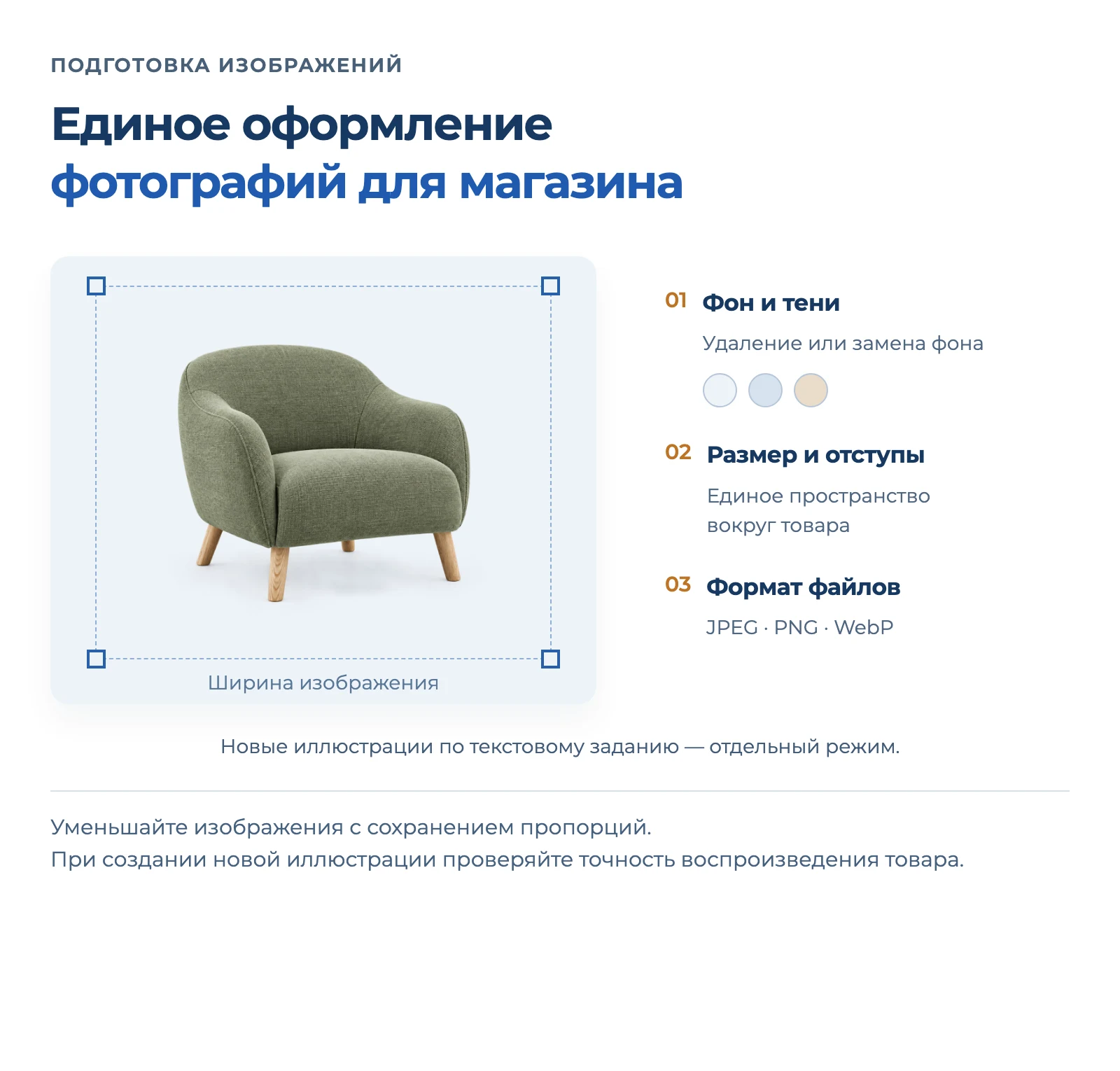
Image generation via neural networks has been improved (multi-layer image search)
__
New working mode — "background generation"
The module can now operate fully autonomously. Generation is launched in the background, results are saved to the database and are available for review at any time.
This is convenient when:
- generation takes a long time
- a large volume of products needs to be processed securely
- subsequent moderation before publication is important
What this provides:
- results are not lost even when the page is reloaded or when exiting the admin panel;
- results are not lost when errors occur;
- you can view the history, edit and approve results;
- a convenient moderation system directly in the interface.
What background generation can do:
Autonomous operation without browser dependency
Generation continues even if you close the page or exit the admin panel.
Saving results to the database
All responses are saved in the system; they can be opened and checked at any time.
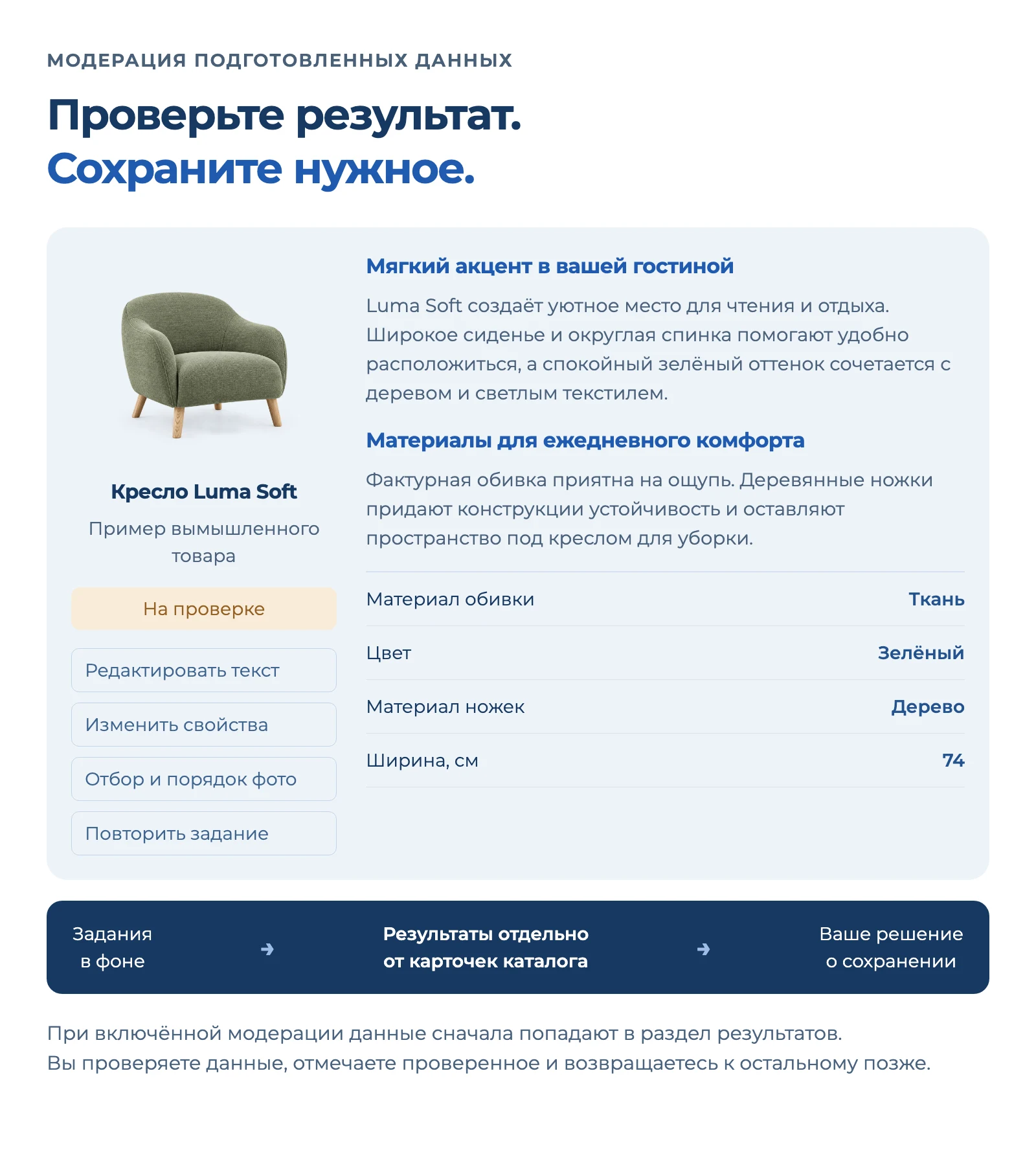
Moderation and editing before application
Received texts and images can be corrected manually and only then saved to the product.
Separate tasks for text and images
If both options are selected, independent tasks are created — you can control each result separately.
Convenient list of all background tasks
Statuses, errors, date, results — everything is available in one interface.
Restarting tasks
Any task can be restarted without a full rebuild.
Automatic pause when errors occur
If any error occurs, the process stops for correction; the launch can be repeated after making changes.
Manual pause
The process can be stopped at any time and resumed later.
Clear progress control
The number of created and completed tasks is displayed.
Convenient filter for working with specific products
Filter results on the page by name, section, generation date, status, or generation type (text/images)
A task status system has been implemented
All, in queue, in progress, paused, ready, saved, moderated, error
A convenient data moderation system
Edit text or change images; data is automatically saved to the database
The result of each task can be quickly set to the "Moderated" status to view already processed tasks
Additional tools for working with tasks
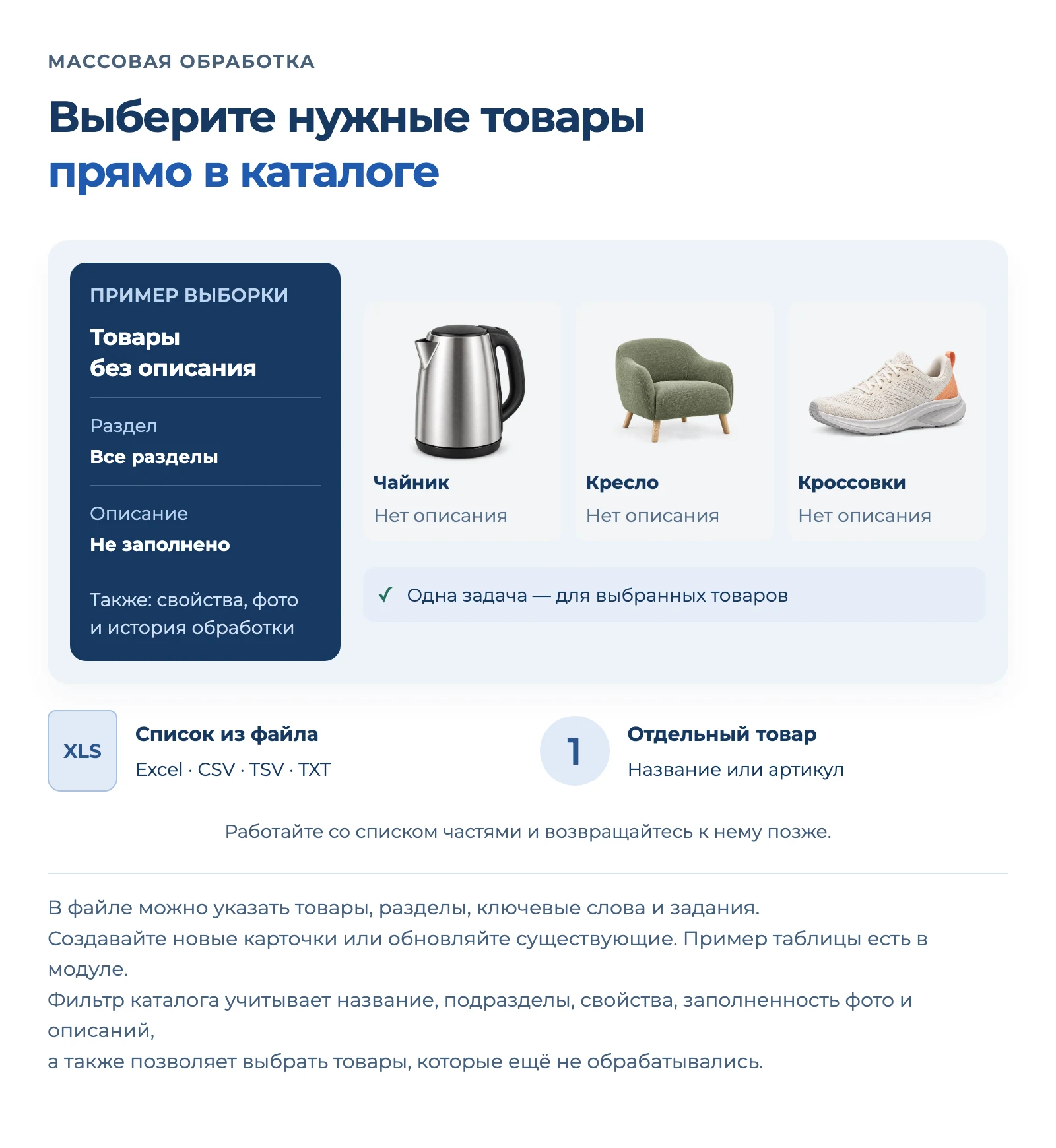
You can select specific tasks in bulk and restart generation or delete them from the database
Bulk data saving
After moderation, you can run bulk saving of text or images on the page (for multiple items at once)
__
Module security has been improved
Key protection measures have been implemented:
Internal token (internal_token)
Automatically created and used for all internal requests, protecting service calls.
Callback endpoint protection
Public endpoints are no longer accessible without a token or user rights — protected from external access.
SSRF protection during image upload
localhost and private/reserved IP addresses are blocked to prevent access to internal server resources.
Strict SSL verification
Disabling TLS validation in admin checks has been removed — data transmission is now strictly over a secure connection.
Secure data processing
Risks of injecting malicious objects during processing of saved settings and properties have been eliminated.
__
Image generation via neural networks has been improved
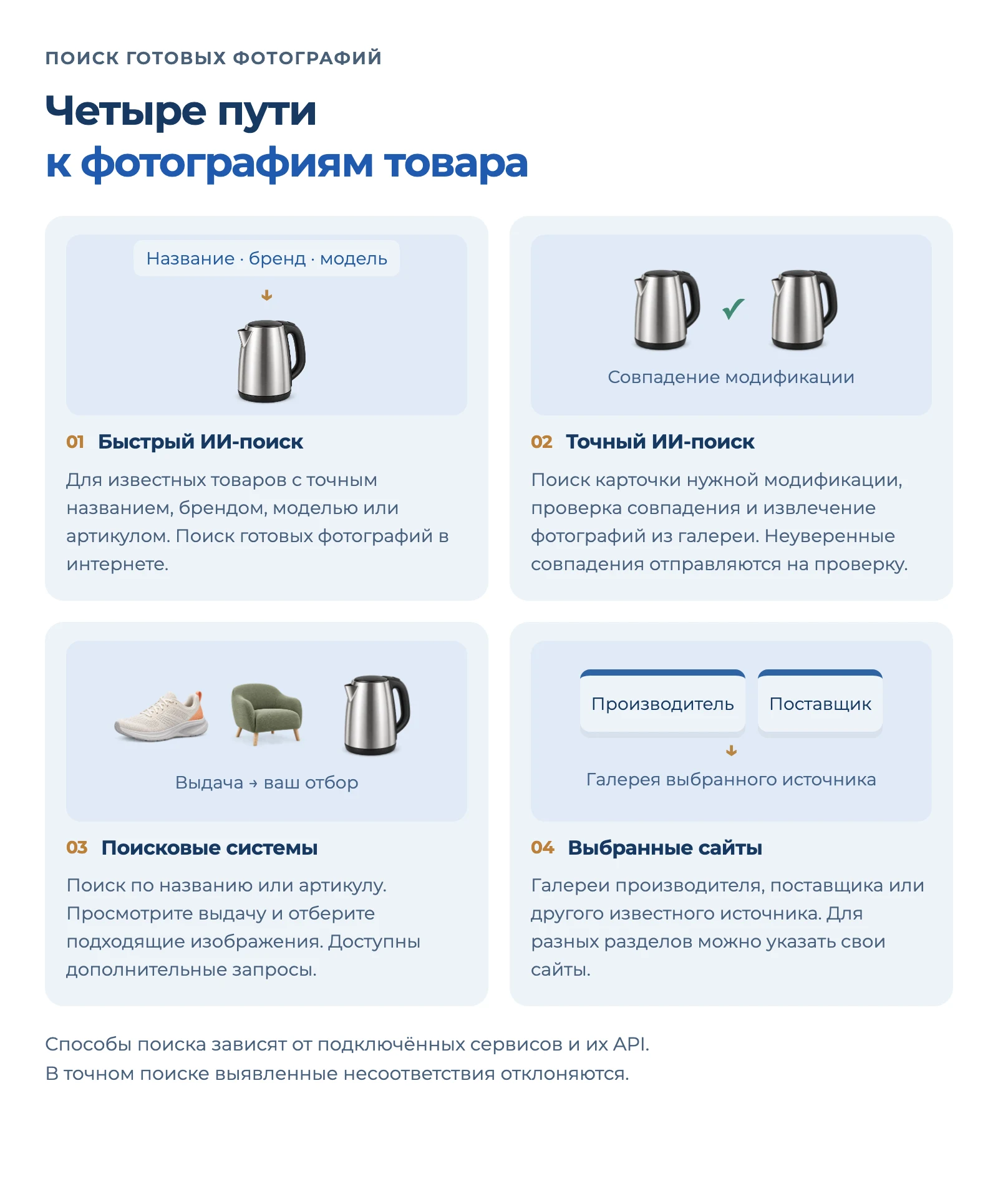
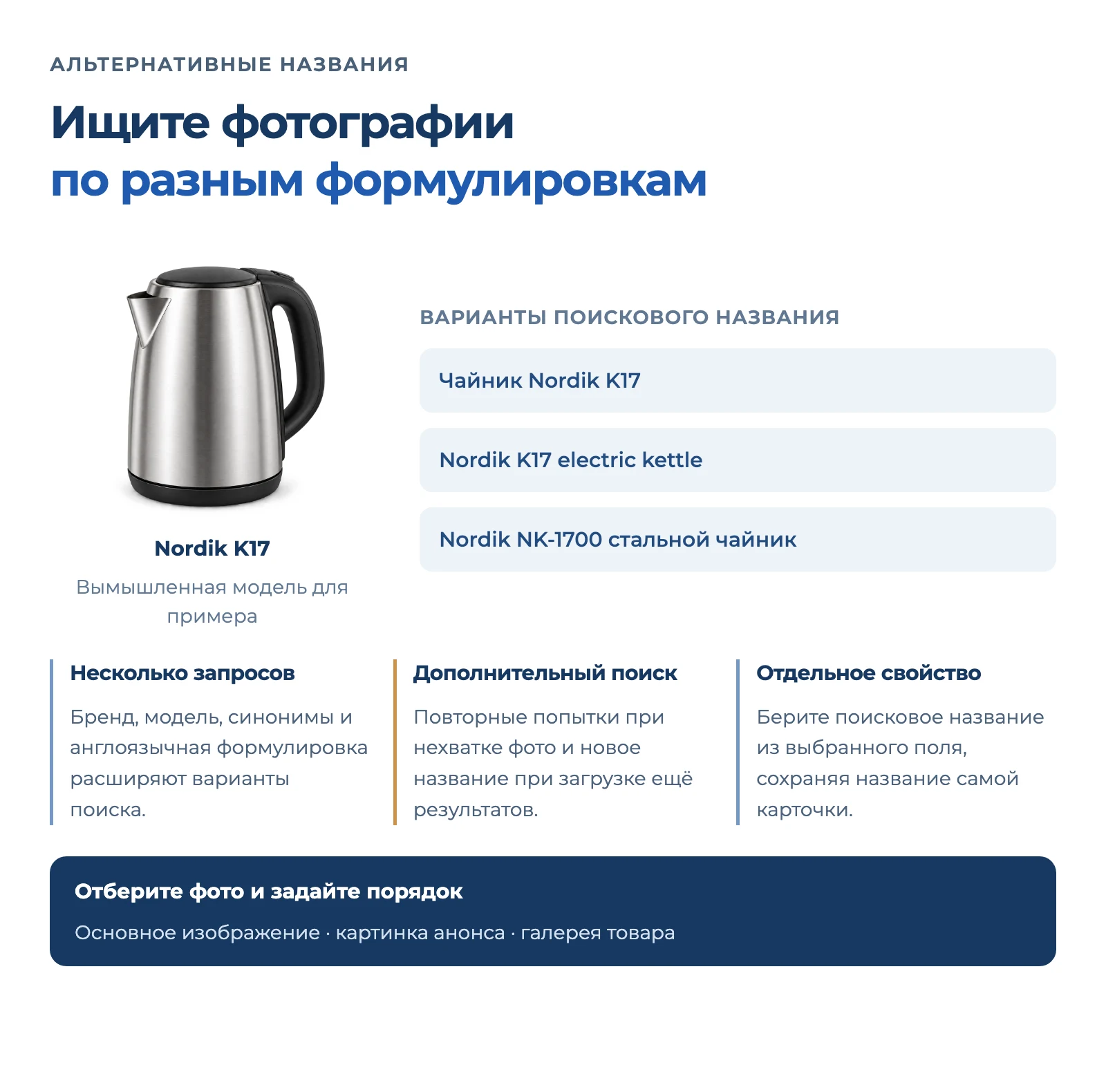
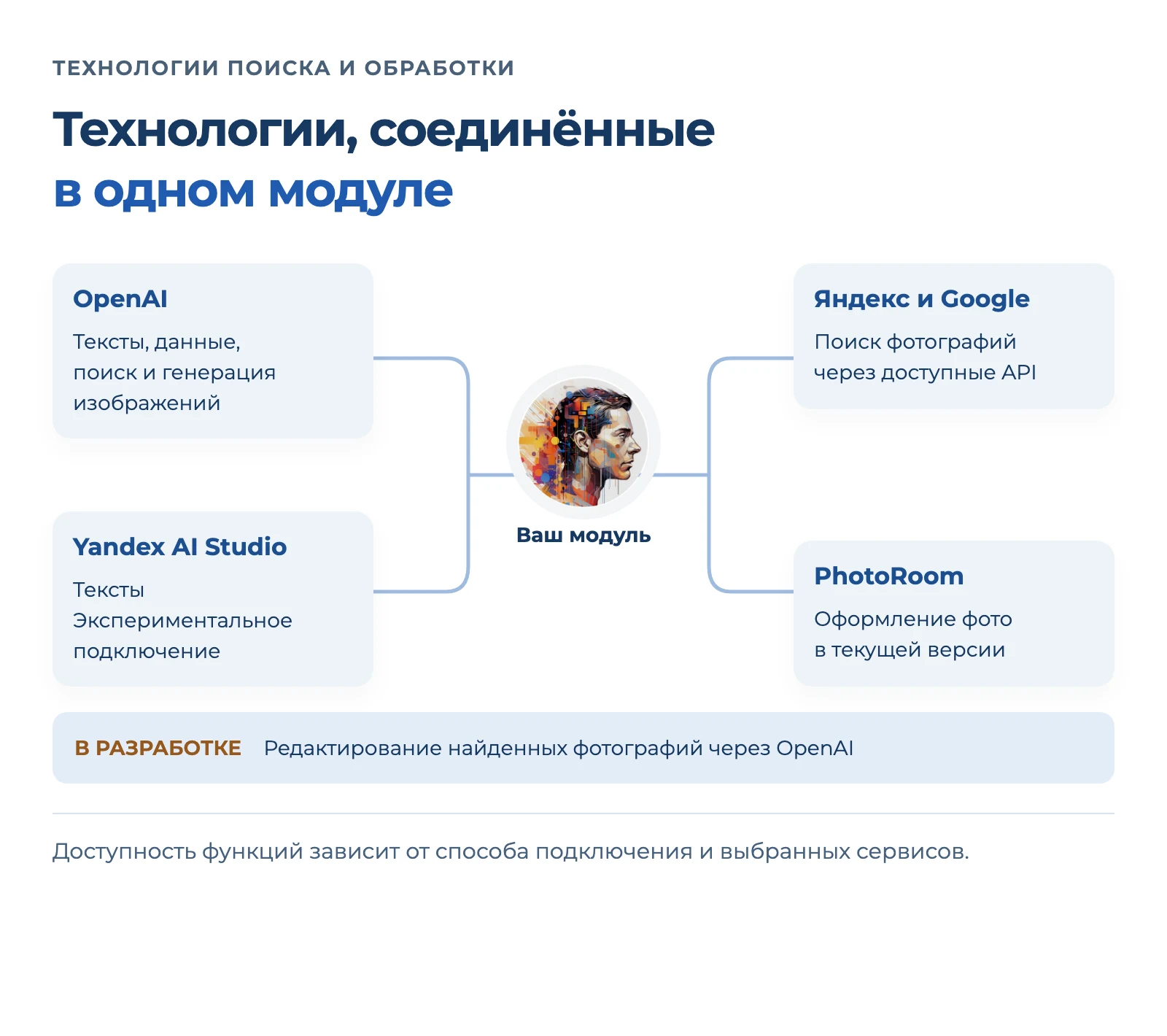
A multi-layered image search system via Google + OpenAI + parsing has been implemented
The 'Multi-layered Search' mode first finds product pages via Google (not images, but actual product pages / cards). Then the module opens the found pages and extracts images from galleries. If there is no exact card among the URLs, OpenAI is connected: the neural network selects the correct product page and helps filter out irrelevant sources. Thanks to this, images are found even on sites with complex structures. The function has been tested on several hundred products from various categories; we continue to improve the smart image search.