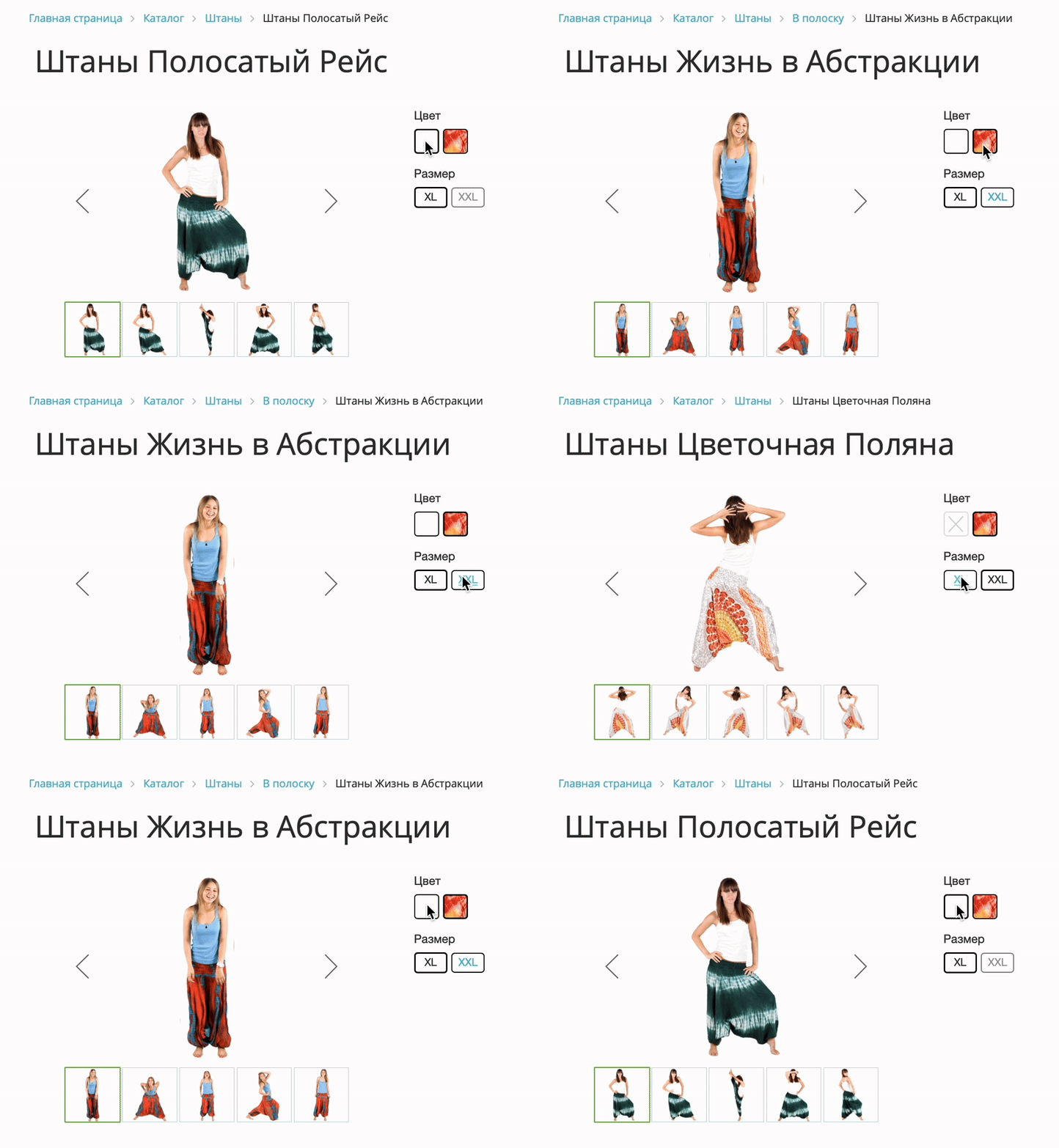
Global module update. The module has been transitioned to rule-based management via a rule builder. Product filtering at the section level has been implemented. Module vulnerabilities have been resolved.
The new module version allows:
- configuring product filtering in sections;
- managing SKU grouping from a single interface;
- setting up different scenarios for different catalogs and sections;
- flexibly selecting products for grouping;
- using different SKU parameters in different parts of the catalog;
- separately managing listings, product cards, the "All Options" block, and alternative products;
- using prices from both the catalog and properties;
- accounting for both total and warehouse stock levels;
- smoothly transitioning from the old logic to the new one without losing compatibility.
Before updating, make a backup of the module files or the entire site.
In the new version, the module has adopted a new working principle: instead of rigidly tying logic only to catalog section settings, it now uses a full-fledged product grouping rule system.
This is a key architectural update for the module. Now, an online store administrator can configure grouping behavior not only through section UF fields and general module parameters, but also via a dedicated built-in rule builder within the module interface.
At the same time, an important point: the current working functionality is preserved. If no rules are created, the module continues to operate under the old scheme - via catalog section settings, UF fields, and global parameters. This allows a gradual transition to the new logic without risk to the already configured catalog.
Main version change
The module now features its own product grouping rule builder.
The working logic now follows this priority:
- first, created rules are analyzed;
- if no suitable rules are found, catalog section settings are used;
- if the required logic is still not found, general module settings are applied.
This provides several immediate advantages:
- you can configure different grouping scenarios for different catalogs and sections;
- you can stop reloading UF fields and move management to a convenient interface;
- you can implement new logic selectively without breaking the existing store;
- a centralized control point appears for rules, SKU parameters, listing, the "All Options" block, and alternative products.
What's new in the new version
1. Product grouping rule builder
The module now has a separate page for managing rules.
For each rule, you can set:
- rule activity;
- name;
- priority;
- sorting;
- scope;
- product selection conditions;
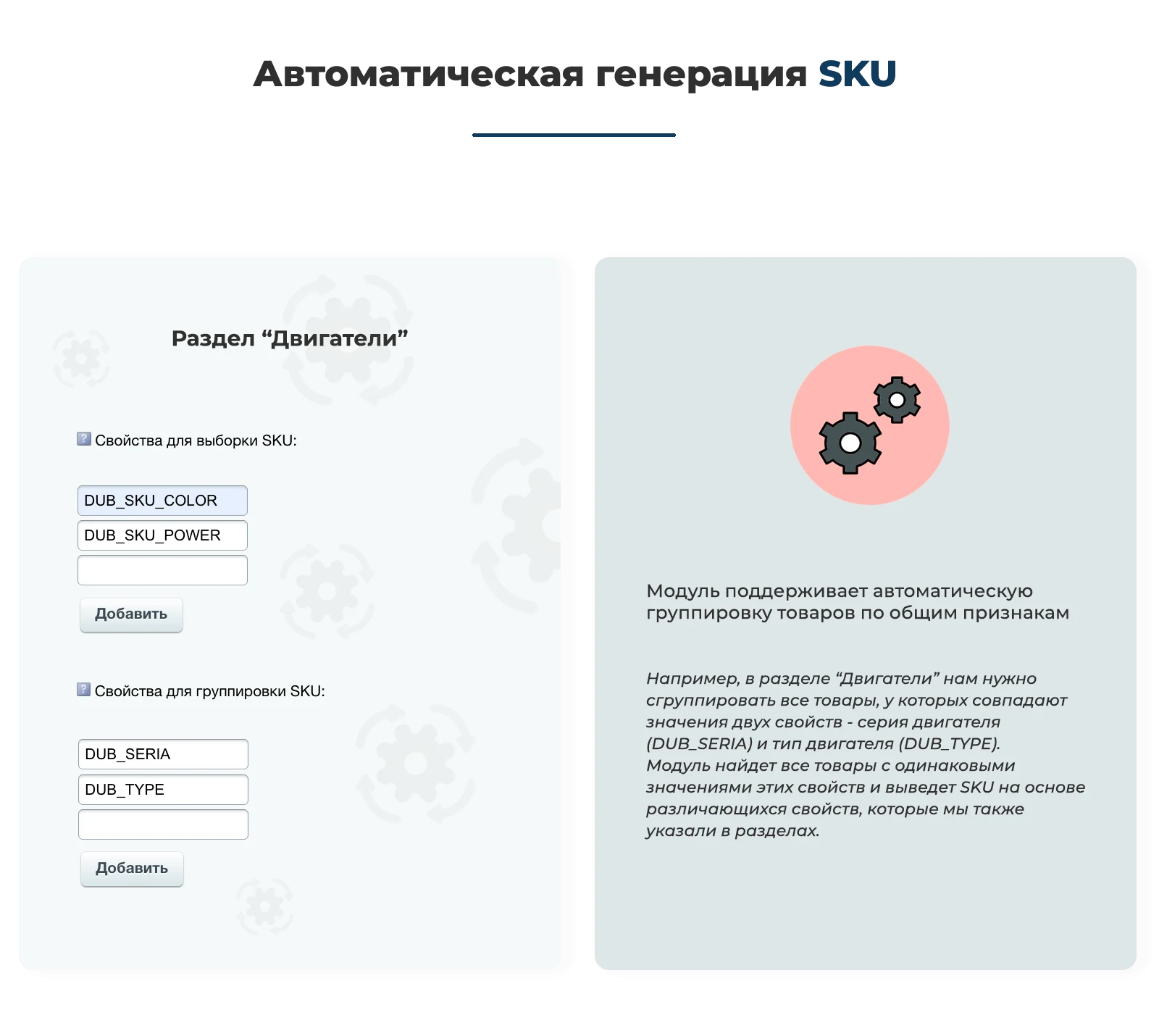
- properties for SKU;
- behavior for zero stock and zero prices;
- override of global module parameters;
- settings for the "All Options" block;
- settings for the "Alternative Products" block;
- product filtering settings in the catalog listing.
Rules are stored in the module's own table structure, which allows the system to be developed further without being tied to catalog sections.
Additionally, the module supports working with builder tables: if the tables do not yet exist, the module can detect this and create them via the interface.
2. Flexible rule scope
Previously, logic was mainly defined at the section level. Now, a rule can be applied much more precisely.
Currently, a rule can be linked to:
- a specific site;
- a specific catalog information block;
- one or several sections;
- the entire catalog of the selected information block if no sections are specified.
This allows independent scenarios for different showcases, catalogs, and product groups within a single project.
For example:
- one scenario for footwear;
- another for clothing;
- a separate one for a specific section;
- a separate one for subcategories within a large section.
3. New mechanism for selecting products for grouping
The most important development is the separation of two entities:
- product selection;
- the logic for their subsequent grouping.
Now the module first selects products according to rules, and only then forms SKU groups and selection parameters.
The following selection condition types have been added to the constructor:
- matching property values;
- selecting properties by code prefix;
- selection by product name substring;
- selection by product name prefix;
- selection by specific products;
- selection by positive price;
- selection by positive price from a property;
- selection by total product stock;
- selection by stock levels at specific warehouses.
Conditions can be combined into groups.
The following logic is supported:
- AND;
- OR.
This logic operates at two levels:
- between condition groups;
- within each condition group.
This allows building complex scenarios without code modifications.
For example:
- products from a section that have matching property values;
- or products whose name starts with a specified fragment;
- and at the same time the price must be greater than zero;
- and the product must be in stock.
4. New approach to grouping properties
In the old scheme, grouping properties were specified directly in the catalog section.
In the new version, this development has become more flexible:
- properties involved in selection and grouping logic can now be specified in rules;
- multiple properties can be used simultaneously;
- you can work not only with exact matches but also with property code prefixes;
- this can be combined with other selection conditions.
Strict and non-strict property value checking logic has also been preserved.
This allows solving more complex tasks.
For example:
- grouping products by brand and series;
- grouping by a group of properties with the same prefix;
- considering only products where all required properties are filled;
- or conversely, allowing partially filled properties for more flexible selection.
5. SKU properties are now managed from rules
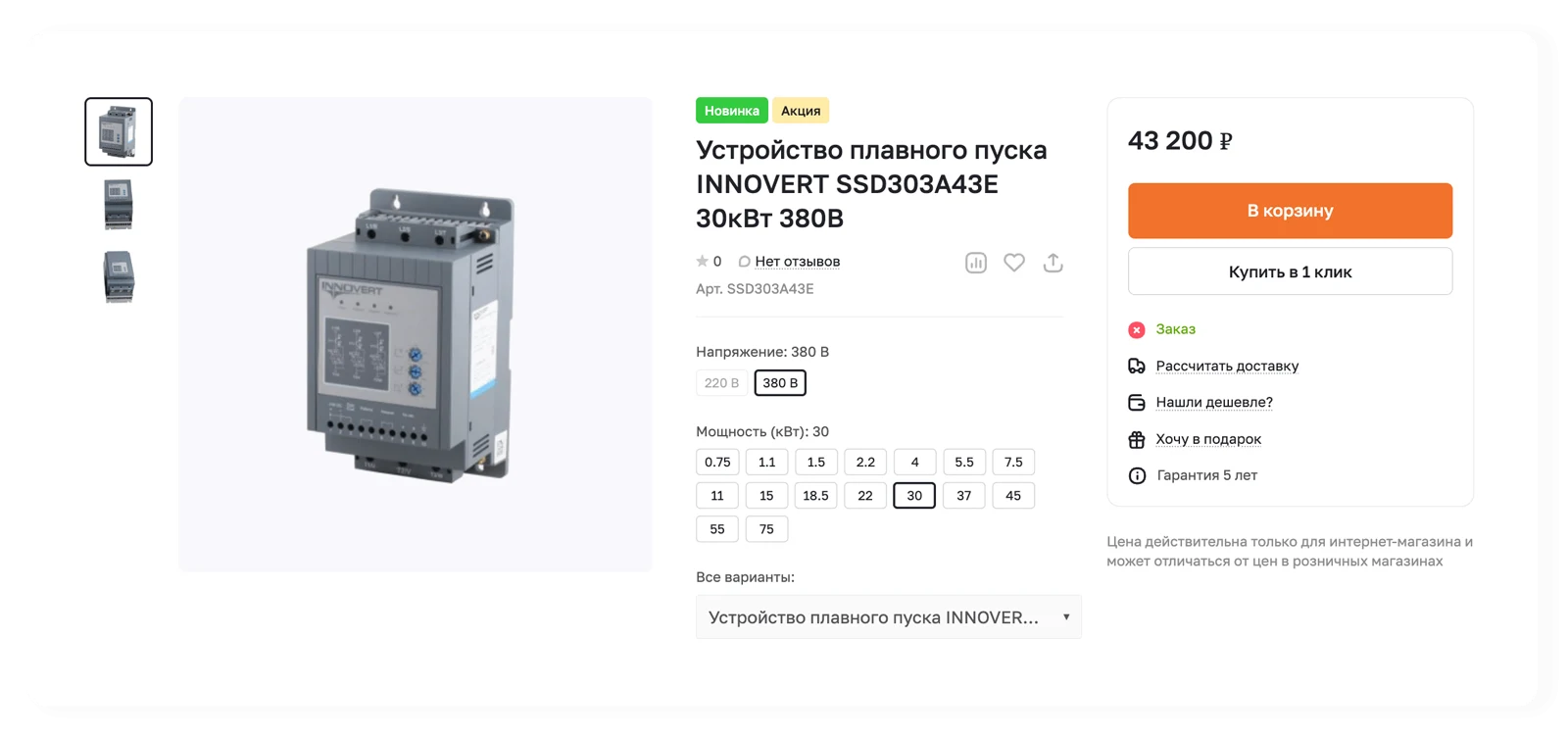
In the new version, properties that are displayed in the product card as SKU selection parameters can be specified directly in the rule.
This means that different sets of SKU parameters can be used for different sections, catalogs, and scenarios.
The following capabilities have been added:
- quick selection of catalog properties;
- search for properties by name;
- search for properties by symbolic code;
- dynamic loading of suitable properties;
- binding of SKU properties to the selected infoblock rule.
This significantly speeds up configuration and reduces the number of administrator errors when working with the module.
Additionally, the SKU properties block has been made mandatory for the rule to prevent the creation of incomplete configurations.
6. Overriding global parameters at the rule level
Now a rule can not only set product filtering but also override the general module settings for a specific scenario.
This is one of the most important improvements in the new version.
At the level of a specific rule, you can override:
- strict checking for the presence of all property values;
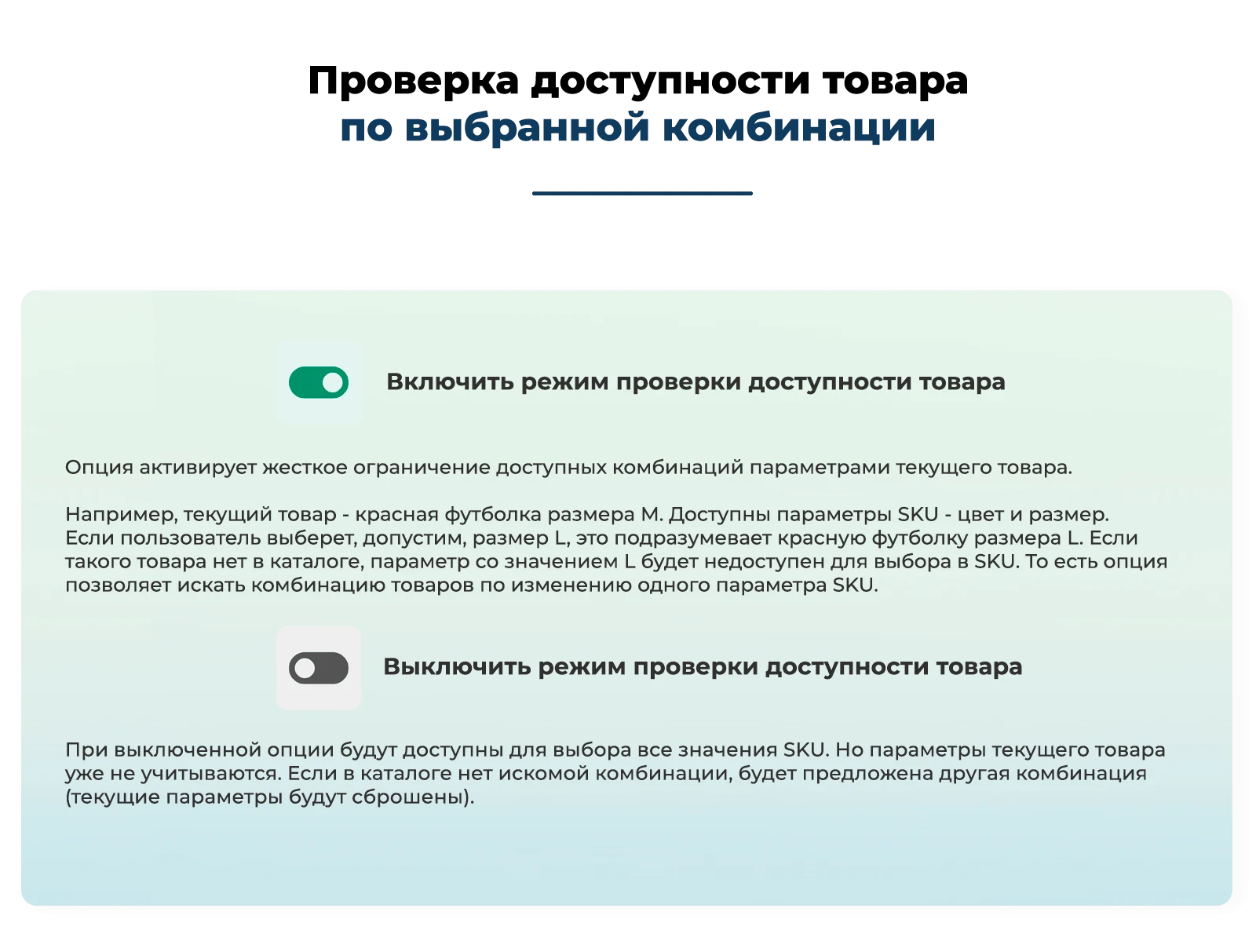
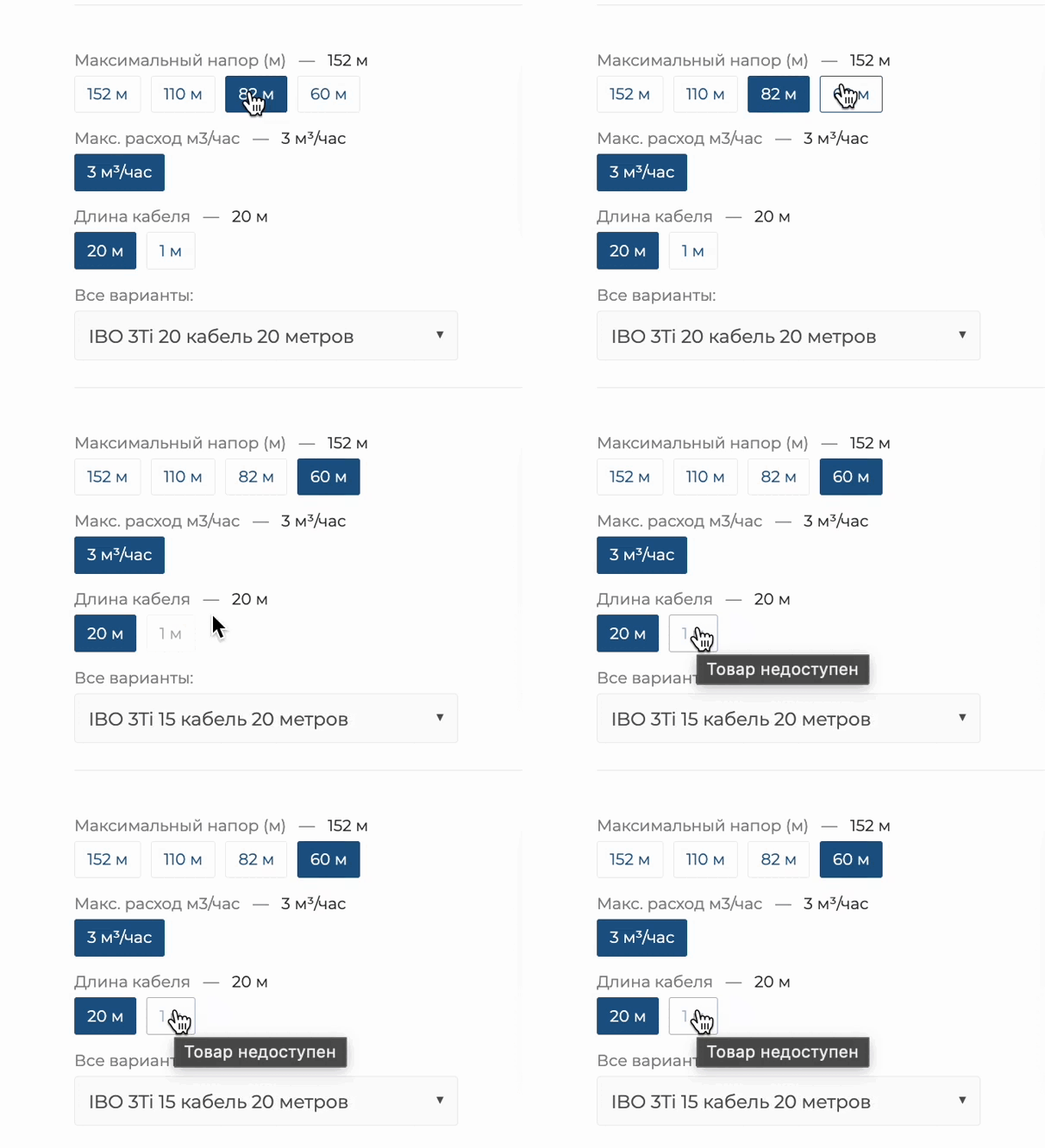
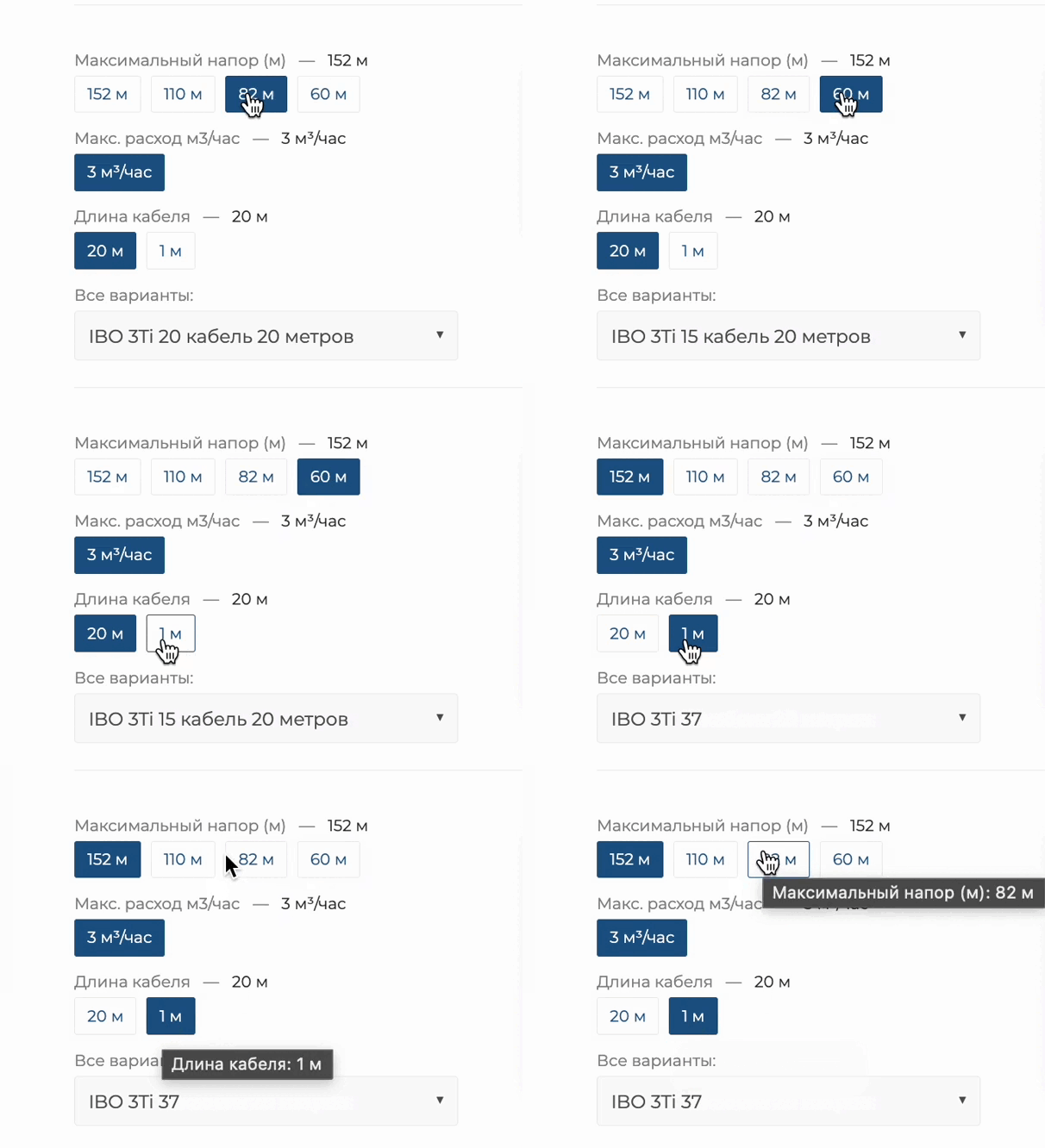
- checking the availability of SKU combinations;
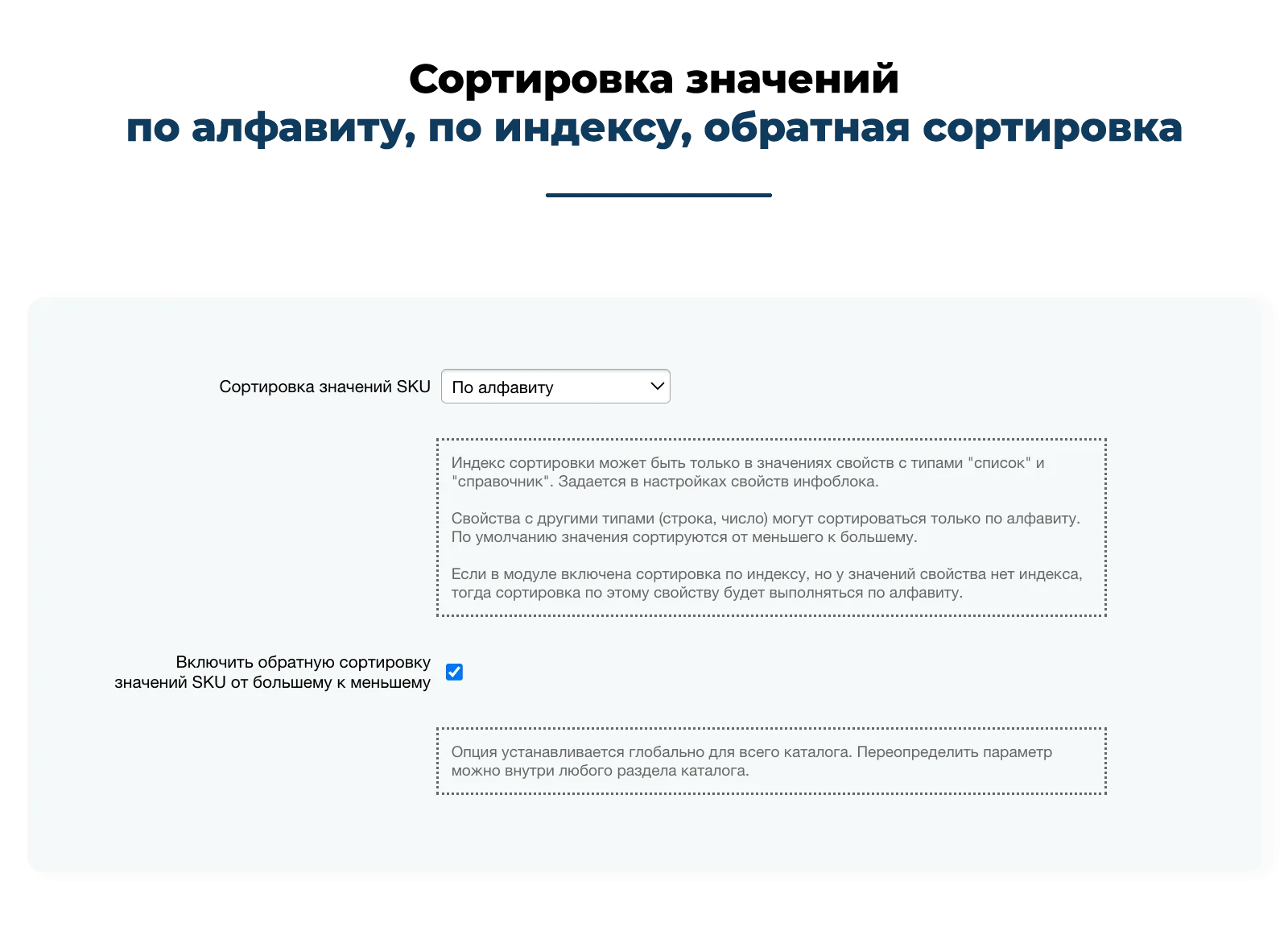
- sorting of SKU values;
- reverse sorting of SKU values;
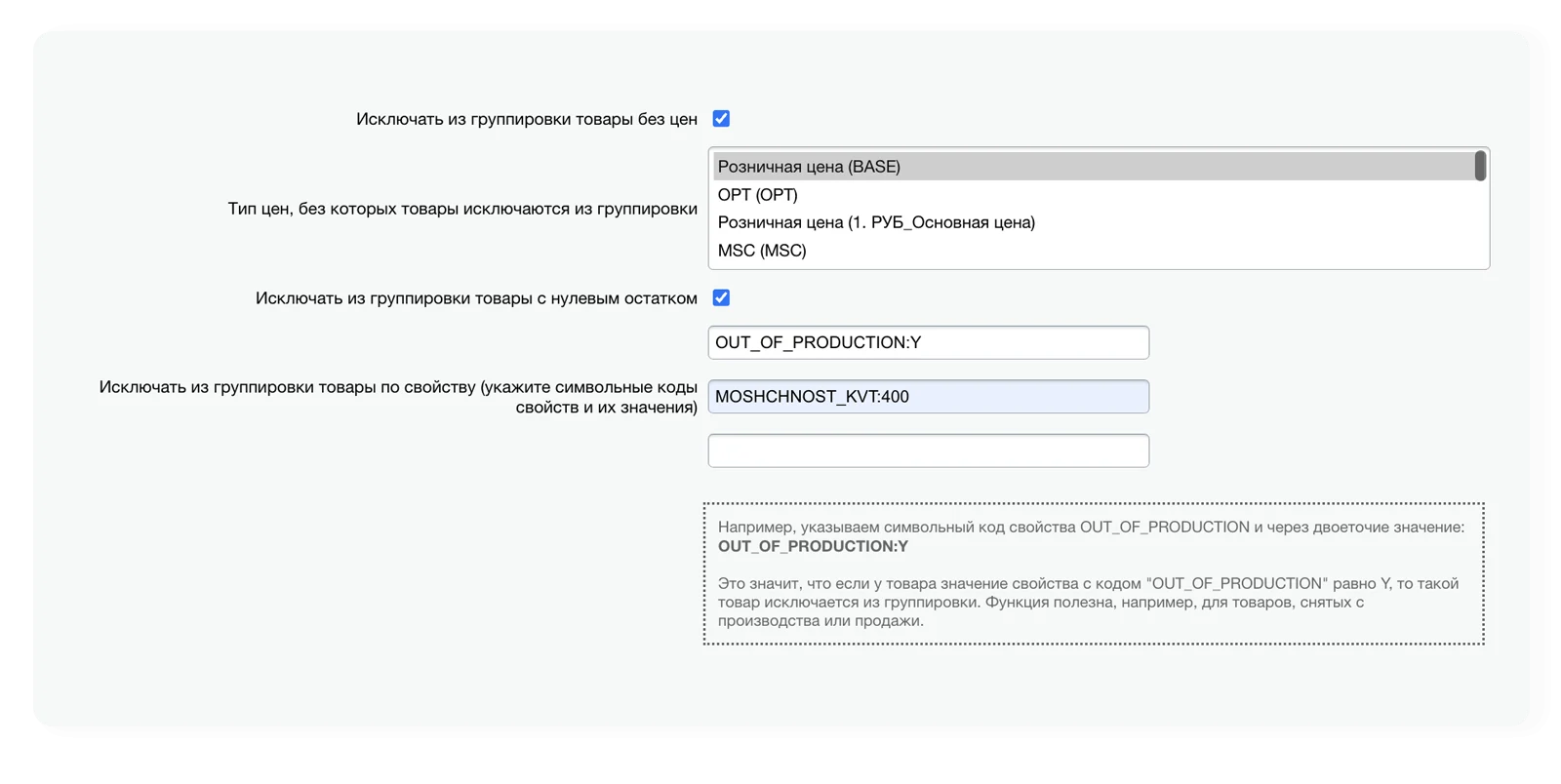
- excluding products without prices;
- price types without which products are excluded from grouping;
- excluding products with zero stock;
- stock source;
- warehouses for stock checking;
- excluding products by property values.
This provides very precise control over product display logic without the need to create separate custom modifications for each catalog.
7. Configuring behavior for zero price and zero stock
In the new version, the logic for handling unavailable combinations has become significantly more flexible.
You can separately configure behavior for:
- combinations with zero stock;
- combinations with missing or zero price.
For each case, the following options are available:
- hide;
- show without the ability to click;
- show with the ability to click.
Additionally, data source settings have been added:
- price source - trade catalog or property;
- stock source - total stock or stock by warehouses;
- selection of specific price types;
- selection of specific warehouses.
This is especially important for projects where:
- prices are stored not only in the catalog but also in properties;
- stock is tracked per individual warehouses;
- different scenarios must operate under different business rules.
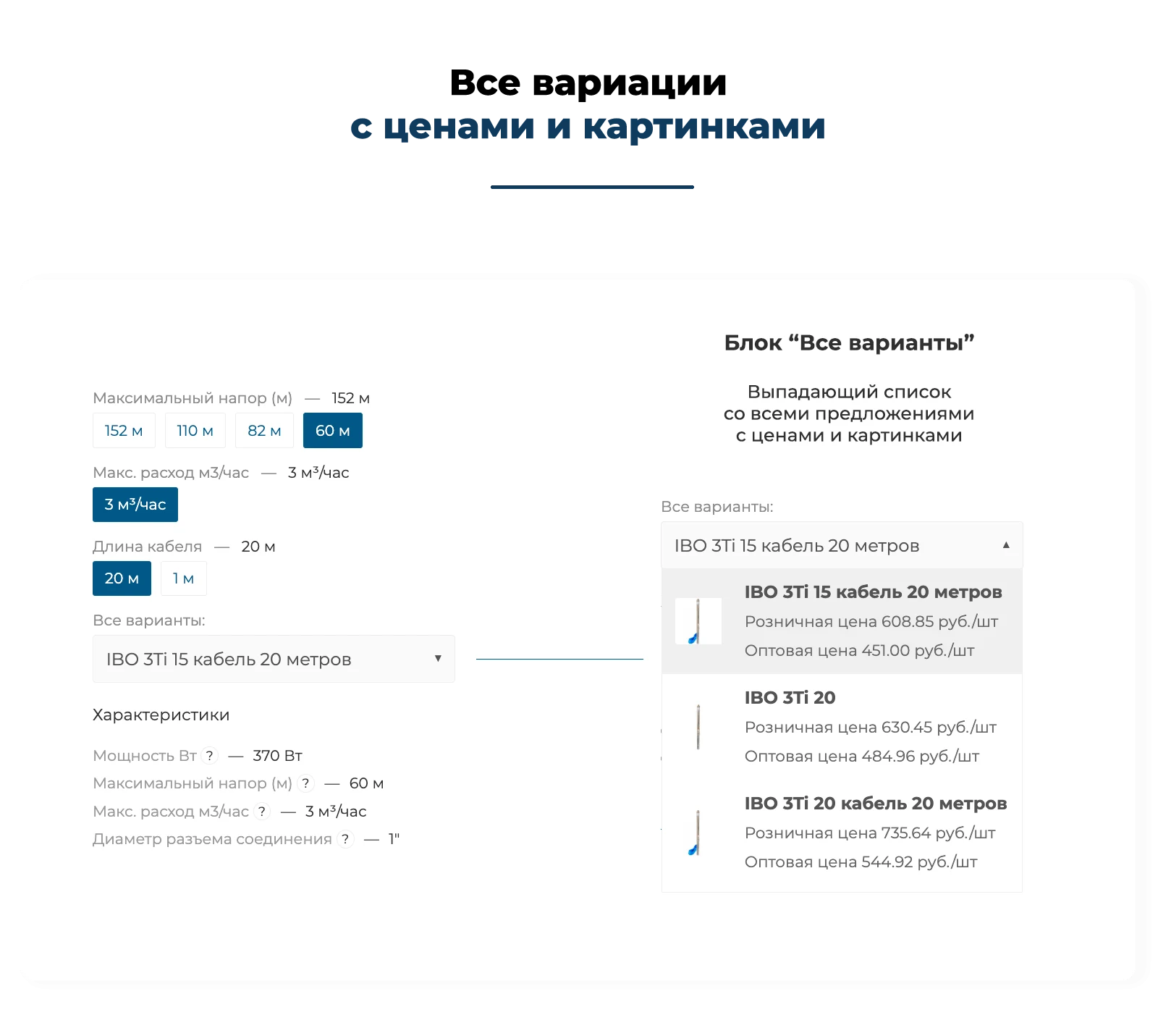
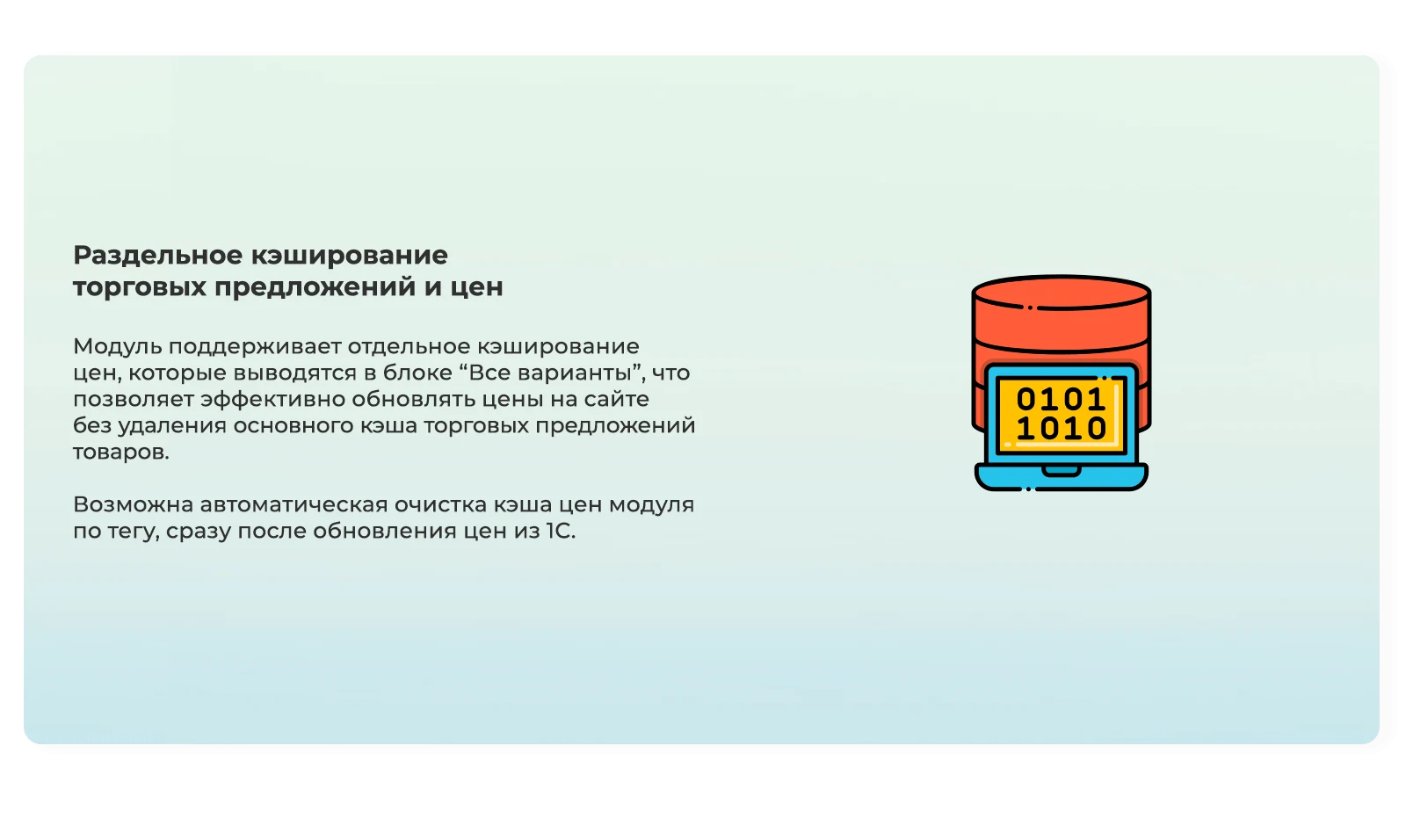
8. The "All Variants" block has become a fully configurable part of the module
The function for rendering the "All Variants" block has now been moved to a separate logical block and received extended settings.
Now you can manage:
- display of the "All Variants" block;
- display of product prices in the block;
- price source;
- price types;
- product name template;
- words that need to be removed from product names.
This allows the "All Variants" block to be used not just as a list of products, but as a configurable selection interface adapted to a specific catalog.
For example:
- remove repeated words from names;
- generate names using a template;
- display only the necessary prices;
- use a price from a property, if the catalog is structured that way.
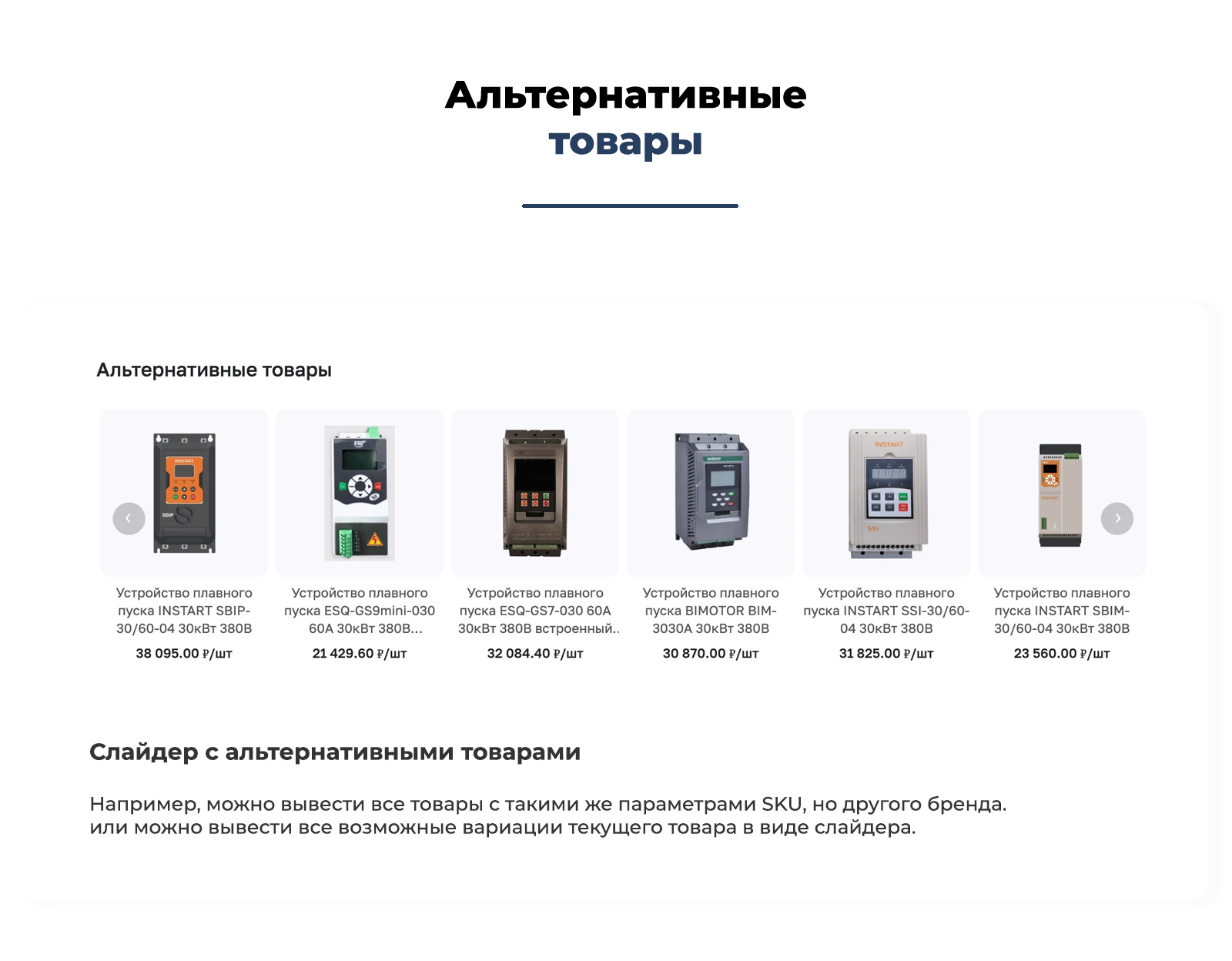
9. The "Alternative Products" block has become much more flexible
The functionality for alternative products has been significantly expanded.
Now you can manage within rules:
- enabling the block;
- block title;
- depth of search for alternative products;
- depth of subsection nesting;
- hiding products without prices;
- hiding products with zero stock;
- price types involved in filtering;
- price source for filtering;
- properties that must match;
- properties that must differ.
This makes the alternative products block not a static function, but a flexible recommendation tool within the catalog.
Now you can configure alternative products to be:
- products with identical basic characteristics;
- but with a different brand;
- or conversely - with the same brand, but different parameters;
- only from the current section;
- from parent sections;
- from the entire catalog.
10. Product filtering in the catalog listing
A separate major update - development of the grouping component for the catalog listing.
Now, for a rule, you can separately enable or disable product filtering in the listing.
If the option is not enabled, the listing filtering component does not interfere with the catalog operation.
If the option is enabled, the module allows determining which product will be the main one in the group and will remain in the listing.
Supported scenarios:
- main product by minimum price;
- main product by the value of the selected property.
This opens new opportunities for the catalog showcase:
- only one 'main' product from the group can be left in the listing;
- other products will be logically grouped;
- visual cleanliness of the catalog can be managed;
- the cheapest product does not have to be displayed; instead, a product with the required attribute can be shown.
For example:
- main product with the 'new' label;
- main product with the required property value;
- main product with the minimum price.
11. Integration of the component in the catalog listing has been updated
Clear integration rules have been added for the listing.
Now it is separately specified that the listing filtering component must be connected:
- programmatically;
- before calling catalog.section;
- with the same key parameters as used in catalog.section.
This reduces the risk of errors during implementation and makes the module's behavior in the catalog more predictable.
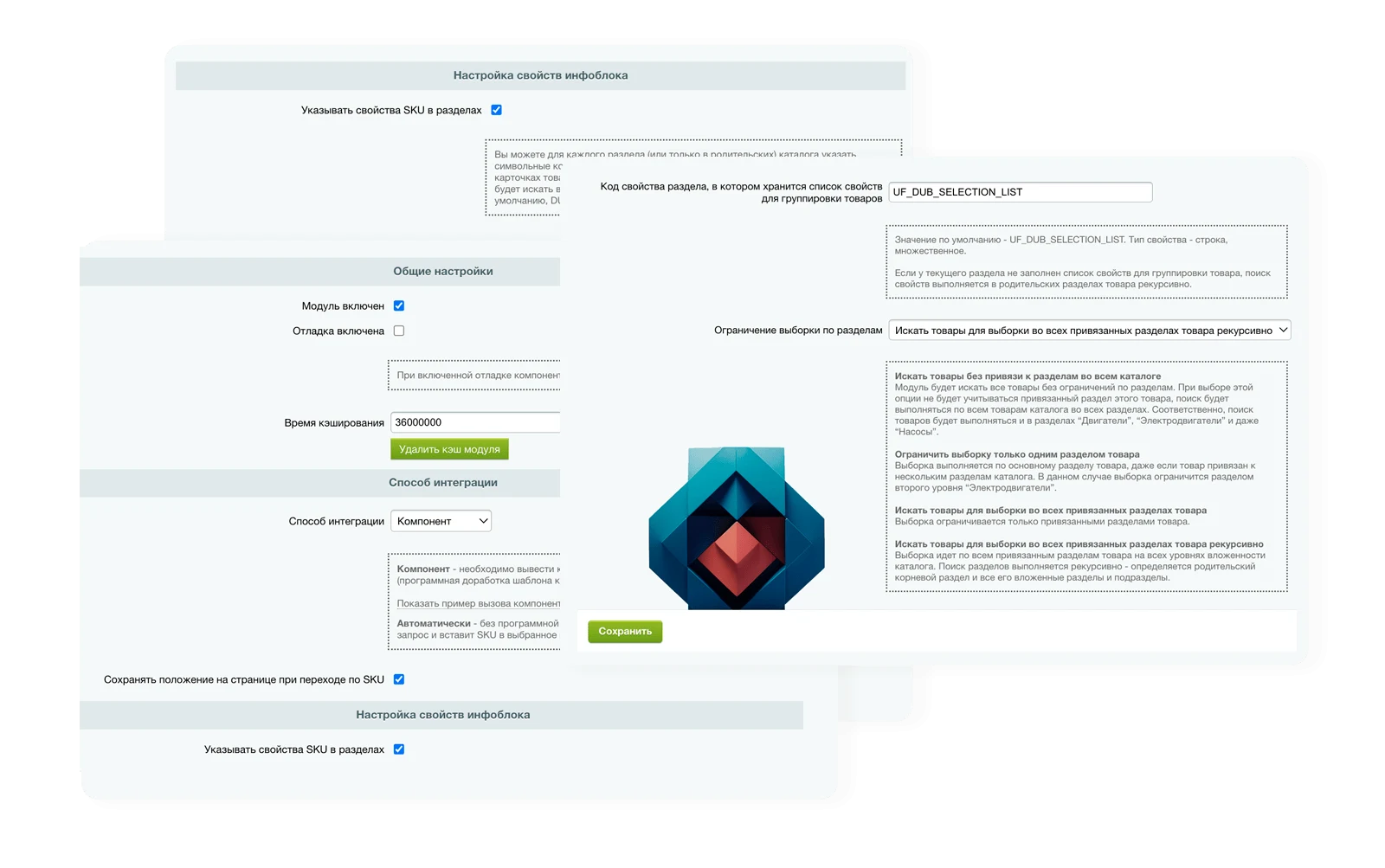
12. A separate 'Module Integration' page has appeared
Integration settings have been moved to a separate page.
This page contains:
- module integration parameters in the product card;
- automatic integration parameters;
- AJAX variant settings;
- examples of component calls;
- hints for connection in various templates;
- explanations for integration in the listing;
- explanations for integration of alternative products.
This is an important improvement for developers and integrators, as logic settings and connection settings are now separated.
13. UX of the rule builder interface has been improved
The interface for working with rules has been significantly redesigned.
Among the improvements:
- highlighting of selected sites and information blocks;
- convenient section selection via popup;
- section tree with search;
- automatic selection of child sections when a parent section is selected;
- more understandable Russian-language formulations instead of technical operators;
- hiding unnecessary parameters if they are not needed in the current context;
- field tooltips;
- grouping settings by semantic blocks;
- hidden additional blocks;
- improved logic for displaying elements AND/OR;
- more intuitive work with importing and exporting rules.
As a result, the constructor has become significantly more convenient for the store administrator and requires less technical expertise for configuration.
14. Import and export of rules
The module now supports transferring rules between sites and projects.
Supported features:
- exporting rules to JSON;
- importing rules from JSON;
- saving existing rules without interfering with already configured logic;
- accelerated transfer of configuration between environments.
This is especially useful:
- when transferring settings from dev to prod;
- when replicating similar stores;
- when deploying the module across multiple projects.
15. Increased reliability and consistency of module operation
As part of the transition to rules, internal module mechanisms have been improved:
- rules now have their own storage schema;
- the logic for determining the active scenario has become prioritized and predictable;
- backward compatibility with the old configuration model has been preserved;
- filter functionality for prices and stock levels has been improved;
- data sources for prices have been expanded;
- alignment of rules and component logic has been enhanced.
This creates a foundation for further module development without accumulating chaotic specific settings.
16. Backward compatibility preserved
This is one of the main advantages of the new version.
The module does not require an immediate abandonment of the old scheme.
If rules are not created, the following continue to work:
- catalog section settings;
- UF fields for sections;
- global module parameters;
- previous integration logic.
This allows:
- implementing the new version without stopping the project;
- transferring settings gradually;
- testing the new logic on individual sections;
- avoiding risks to the already functioning storefront.
What this provides for the store owner and administrator
The new version of the module allows:
- managing SKU grouping from a single interface;
- configuring different scenarios for different catalogs and sections;
- flexibly selecting products for grouping;
- using different SKU parameters in different parts of the catalog;
- separately managing the listing, product card, "All options" block, and alternative products;
- using prices both from the catalog and from properties;
- considering both total and warehouse stock;
- smoothly transitioning from the old logic to the new one without losing compatibility.
Transitioning the module to a rules system is not just a cosmetic interface update, but a full-scale development of the module into a flexible SKU grouping management platform.
The new version makes the module:
- more flexible;
- more scalable;
- more convenient for the administrator;
- more understandable for the integrator;
- more secure for a smooth transition from existing settings.