Payments are experiencing issues due to temporary restrictions in Russia. If your payment does not go through, please submit a support request.•Our support team is available 24/7 — we are always here to help with hosting and server issues.•We are now accepting requests for dedicated server rental and colocation services in our data center.•Reminder: we recommend enabling backups for additional data protection.•A new VPS/VDS lineup with NVMe storage and improved performance is now available.•Maintenance work on some servers has been completed. All services are operating normally.•
Payments are experiencing issues due to temporary restrictions in Russia. If your payment does not go through, please submit a support request.•Our support team is available 24/7 — we are always here to help with hosting and server issues.•We are now accepting requests for dedicated server rental and colocation services in our data center.•Reminder: we recommend enabling backups for additional data protection.•A new VPS/VDS lineup with NVMe storage and improved performance is now available.•Maintenance work on some servers has been completed. All services are operating normally.•
Аккаунт в General iT
Вход / Регистрация
Войдите или создайте аккаунт для управления услугами в личном кабинете.
Страны не найдены. Попробуйте другое название или код.
WEBSITE TEMPLATE
WebProstor
Ready-made one-page website: Restaurant, cafe, anti-cafe, coffee shop, hookah lounge, bar, catering, club
Ready-made single-page website template for restaurants, cafes, anti-cafes, coffee shops, hookah lounges, bars, catering services, and clubs. Designed for quick deployment of a business presentation with basic functionality.
Technical details
Published
21.04.2023
Updated
26.06.2026
Version
1.0.9
Installed
100 - 499 times
Compatible editions
'Start', 'Standard', 'Small Business', 'Business'
Responsiveness
Yes
Composite support
Yes
Compatible with Sites24
No
Developer
WebProstor
See how it works
What this solution does
Ready-made single-page website template for restaurants, cafes, anti-cafes, coffee shops, hookah lounges, bars, catering services, and clubs. Designed for quick deployment of a business presentation with basic functionality.
Single-page website template for restaurants, cafes, anti-cafes, coffee shops, hookah lounges, bars, pubs, clubs, and catering services. This solution enables rapid website launch online by simply adding your own business information and service details.
The template includes pre-configured information blocks that are ready to use with content already populated. This allows for the rapid placement of details regarding menus, services, contact information, and operating hours without the need for manual structural setup.
Site header and slider
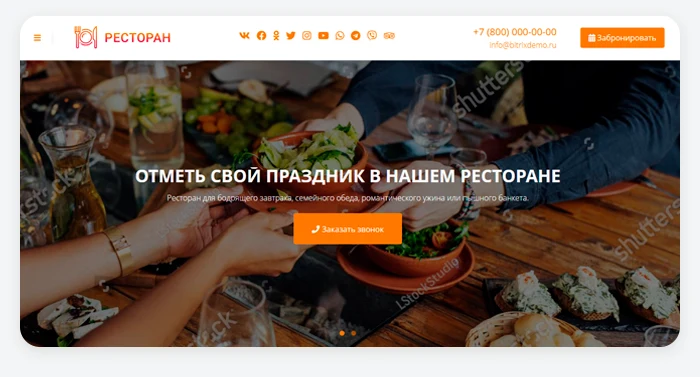
Configure the header menu to include key sections for easy navigation. You have only 5–7 seconds to capture a visitor's interest. Upload a suitable image and write a catchy headline for the slides. Display the most critical information on the first screen.
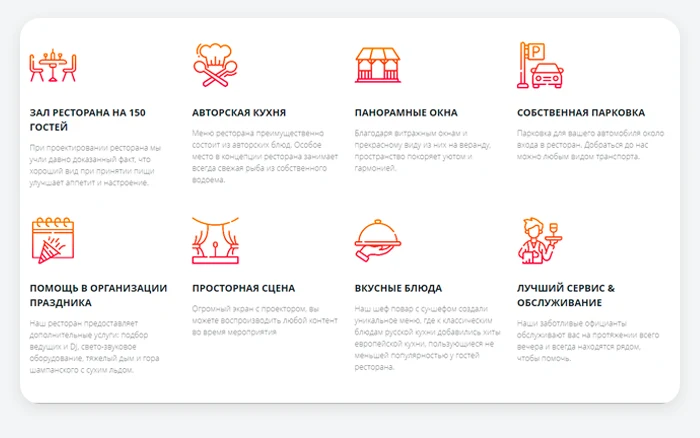
The benefits section highlights the key strengths of the establishment. It is recommended to create 4 to 8 points that clearly demonstrate to potential guests why they should choose this specific venue. Each point should be described in one or two sentences that clearly communicate the value to the client. Thematic icons help visually structure the information.
Promotions
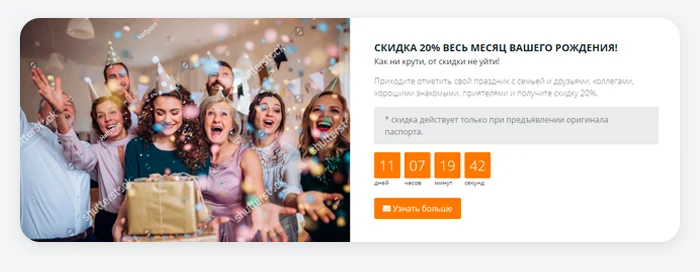
A dedicated block is provided for displaying discounts or special offers. This block supports a background image, allows you to specify the terms of the promotion, and set the start and end dates.
Services Description
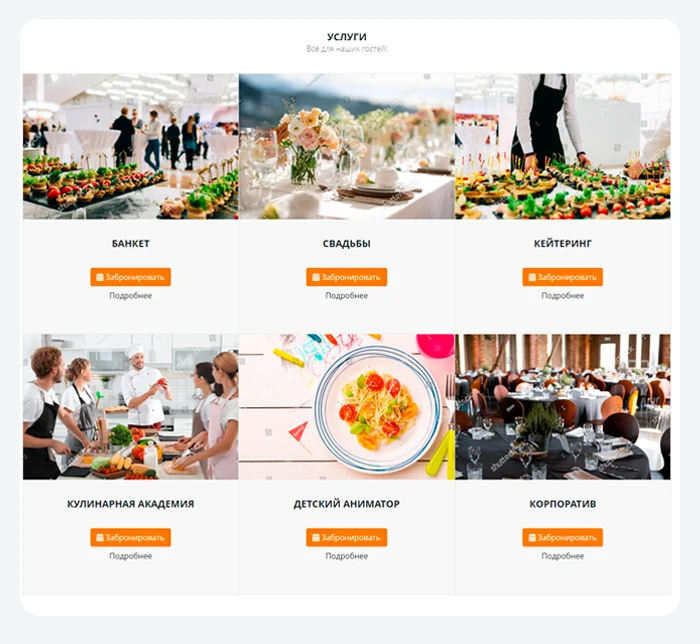
Provide a detailed description of your offerings. Ensure all necessary information is included while maintaining conciseness and clarity.
Banners
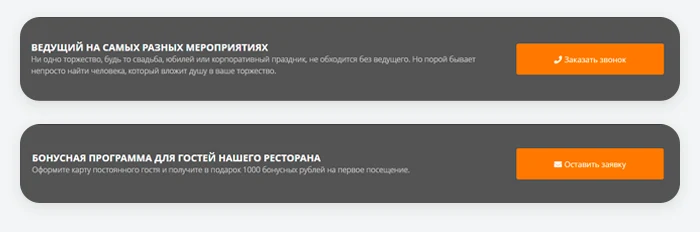
Place a prominent banner with a bold headline on the page to immediately capture visitors' attention. Use this element to encourage users to take a specific action.
Prices
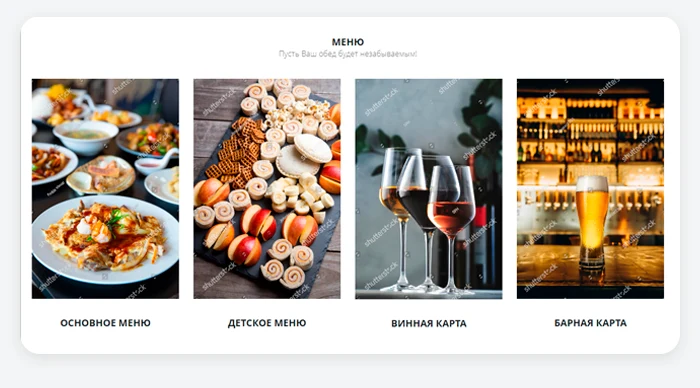
List the menu item costs in detail. This helps filter out uninterested visitors and saves staff time.
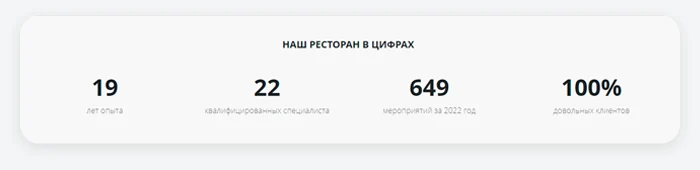
The 'Achievements' block is designed to showcase key performance indicators of your business. It allows you to specify the number of events held, staff size, and total experience in the industry.
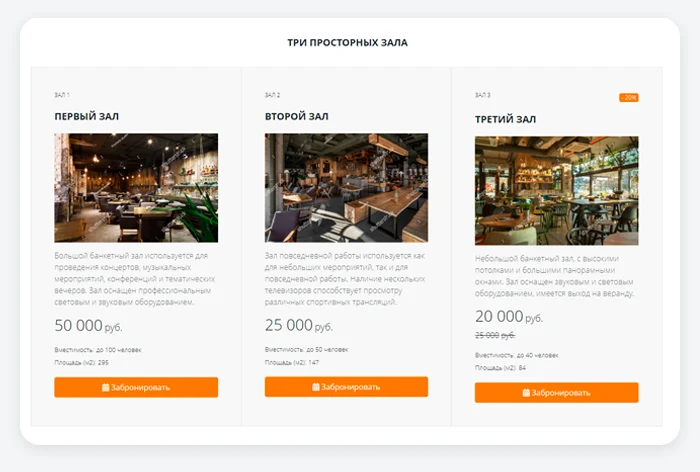
The 'Halls' section is designed to provide a detailed description of rental costs and booking terms. This allows visitors to choose the right venue for their event in advance.
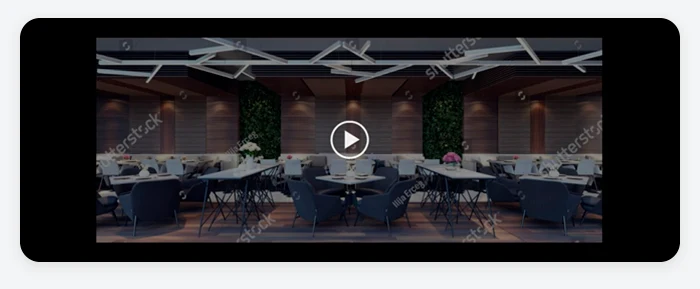
Video
Place a high-quality video presentation of the restaurant in standard format or 360-degree format.
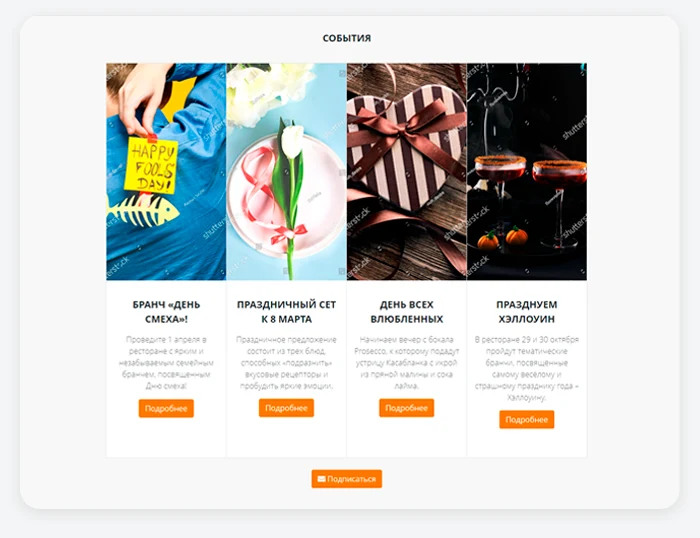
Events
Publish detailed information about events held at your venue. Visitors can subscribe to news updates via the contact form.
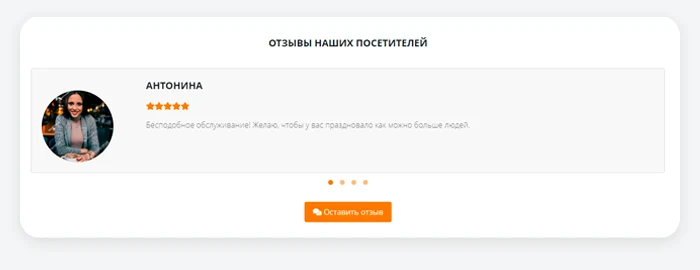
Reviews Section
Reviews are a key element for building trust. It is recommended to ask real visitors to share their impressions of their visit. Avoid posting fake reviews, as they are easily detectable.
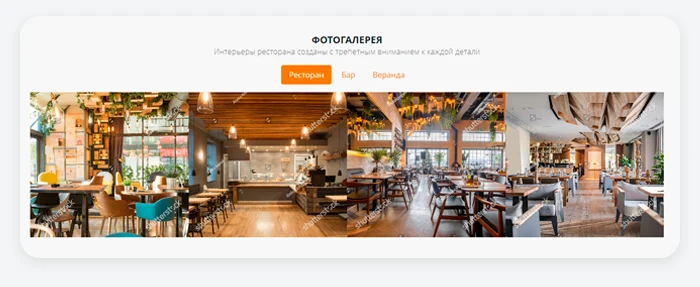
Photo Gallery
Upload images of the venue interior and staff at work. Visitors pay attention to cleanliness, tidiness, and the aesthetic appeal of the design.
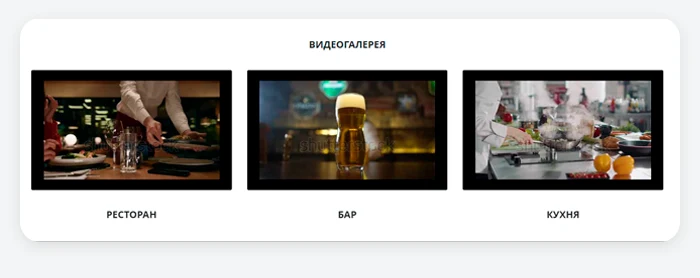
Video Gallery
Enables the placement of video footage showcasing the interior of the premises, allowing potential guests to virtually assess the environment before visiting. It also supports uploading videos of staff at work.
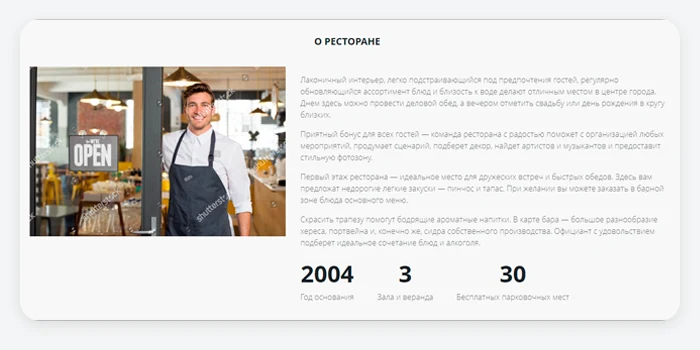
The 'About the Restaurant' section is designed to share the establishment's history, describe its core operating principles, and list key metrics. This area supports photos, a video message from the manager, or a group photo of the team.
Certificates
Display all necessary legal documents so customers can see that you operate officially and comply with certification standards. You may also include diplomas, awards, or staff qualification certificates.
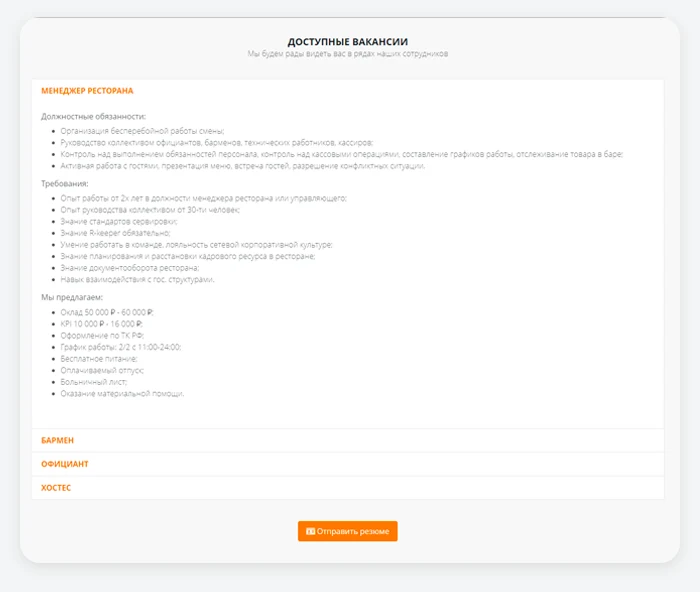
Job vacancies section
Allows posting information about open positions at the establishment. You can describe job duties, required qualifications, and working conditions. Applications from candidates are submitted via the contact form.
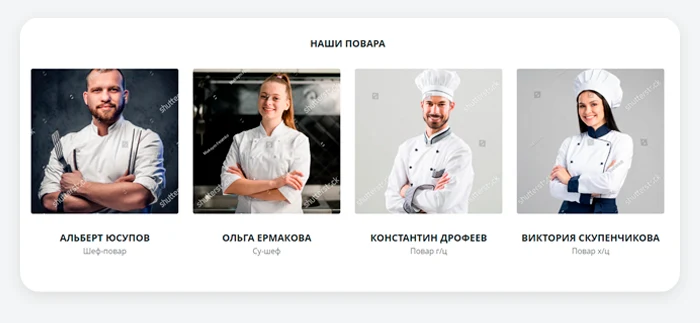
Staff
Upload photos of your team in a consistent style and add brief descriptions. Displaying real people builds trust, as customers are more likely to engage with familiar faces.
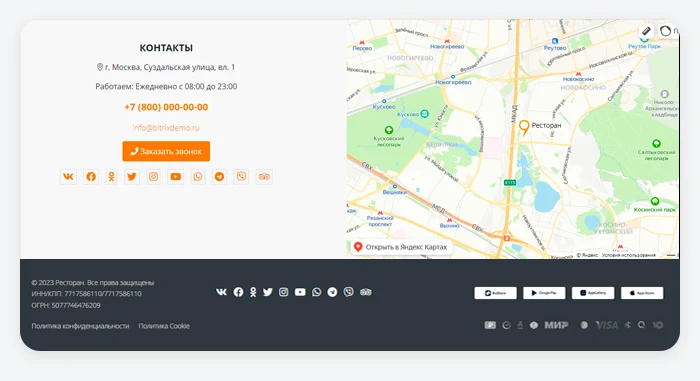
Contact section with map and site footer
Enter a phone number or other contact methods. Add a physical address and an interactive map with geolocation. Optionally, you can connect a contact form. List available payment methods. If your establishment has mobile applications, include links to them in the App Store, Google Play, or Huawei AppGallery. In the site footer, display organizational details along with links to the Privacy Policy and Cookie Usage Policy.
Ready-made single-page website template for restaurants, cafes, anti-cafes, coffee shops, hookah lounges, bars, catering services, and clubs. The solution is designed to maximize convenience for client communication and ensure quick access to contact information.
General iT can install and configure this solution and build a website or online store based on it.
UPDATE HISTORY
What’s new
2 releases
1.0.9 (26.06.2026)Latest update
Scheduled update
1.0.8 (03.03.2026)
Scheduled update
USER EXPERIENCE
Solution reviews
How does this solution work in a real project? Share your experience and help others choose.
Be the first to share your experience
There are no reviews of this solution on git.ru yet. Tell us what worked well and what could be improved.
✓
Verified purchaseAdd a key if you wish. A verified review gets a badge, priority placement and more rating weight.
↗
Open to every clientJust sign in to your account. A key is optional; all reviews are moderated.
The module enables placing an online booking widget from the YCLIENTS service on a website. YCLIENTS is a platform for booking automation and business management in the service industry. Clients can book services directly via the widget on the website. The platform also supports employee payroll calculation, automated notification dispatch, as well as inventory and financial accounting.
Data in the service may be outdated; the database was last updated on May 18, 2024.
The module is designed to automatically load images, specifications, and reviews for products from an external database using their product ID. The setup process is step-by-step, and the status of image, specification, or review loading is recorded in separate product properties.
The module automates interaction with the Wildberries marketplace via API. It enables the creation and updating of products, synchronization of prices and stock levels, and import of orders. The solution is compatible with 1C-Bitrix editions: 'Start' and 'Standard' (without the Trade Catalog module), as well as 'Small Business' and 'Business' (with the Trade Catalog module).
INTEC.Universe is a template for an online store built on the 1C-Bitrix platform, featuring a design builder. The solution enables the creation and customization of the storefront's appearance without requiring deep programming skills.
Aspro: Corporate Website of a Modern Company is a professional boxed solution for creating corporate websites across various industries, including manufacturing, construction, sales, educational centers, medical facilities, design studios, and others.
Adaptive template for building corporate websites on any topic. The solution includes a full product catalog with three display modes: list, grid, or table. A default display mode can be set for each section. Feedback forms are available for product orders or inquiries. Product status management includes standard options (in stock, on order, expected) and the ability to create custom statuses.
The displayed price covers the solution itself. Platform licensing, installation and customisation are checked separately. If the page offers bundles, select the required option before submitting a request.
How do I check compatibility?
Compare the supported editions and solution version in the technical details with your project. Before installing on a live website, we recommend making a backup and checking the solution in a test environment.
Is there a trial?
The developer lists a trial of 14 days. The trial button opens the installer in your website control panel. Check the required features and compatibility before purchasing.
How much does this solution’s renewal cost?
The current renewal price is 3,745 ₽. Before you order, a manager will confirm the renewal period and whether it applies to your licence.
Can you help with implementation?
We can help launch a website using the selected template, agreeing on its structure, content migration and integrations. The schedule and cost depend on the project and are quoted separately.
Statistics and interaction recording
Public pages use basic statistics. Our recording and Yandex Webvisor require your permission. You can keep basic statistics or disable all analytics.
Operator: General IT Rus LLC, INN 2310208877. Statistics and recording help improve the website.
Basic statistics: pageviews, a random daily ID, a public URL and time. The ID lasts until Moscow midnight. Original records: up to 48 hours; totals: up to 7 years.
Campaign tags and a technical identifier are sent by our server to the existing Yandex tag. Visitor IP, User-Agent and cookies are not included in this transfer. If selected, its browser code collects technical data, cookies, actions and masked page snapshots; recordings last 15 days. Inputs, chat and account areas are hidden.
Interaction recording requires permission: clicks, scrolling, technical information and filtered public-page snapshots. Events: up to 7 years; IP and snapshots: up to 90 days.
Permission is remembered for up to 365 days; full opt-out remains until changed. Basic statistics only disables recording; Disable all analytics stops new analytics. Previously sent data is not automatically deleted. Withdrawal and requests: support@git.ru. Full terms are linked below.
Your browser requests no tracking: analytics is off.