Payments are experiencing issues due to temporary restrictions in Russia. If your payment does not go through, please submit a support request.Our support team is available 24/7 — we are always here to help with hosting and server issues.We are now accepting requests for dedicated server rental and colocation services in our data center.Reminder: we recommend enabling backups for additional data protection.A new VPS/VDS lineup with NVMe storage and improved performance is now available.Maintenance work on some servers has been completed. All services are operating normally.
Voice typing for the search field

MODULE FOR 1C-BITRIX

DIGIMATIX

Voice typing for the search field

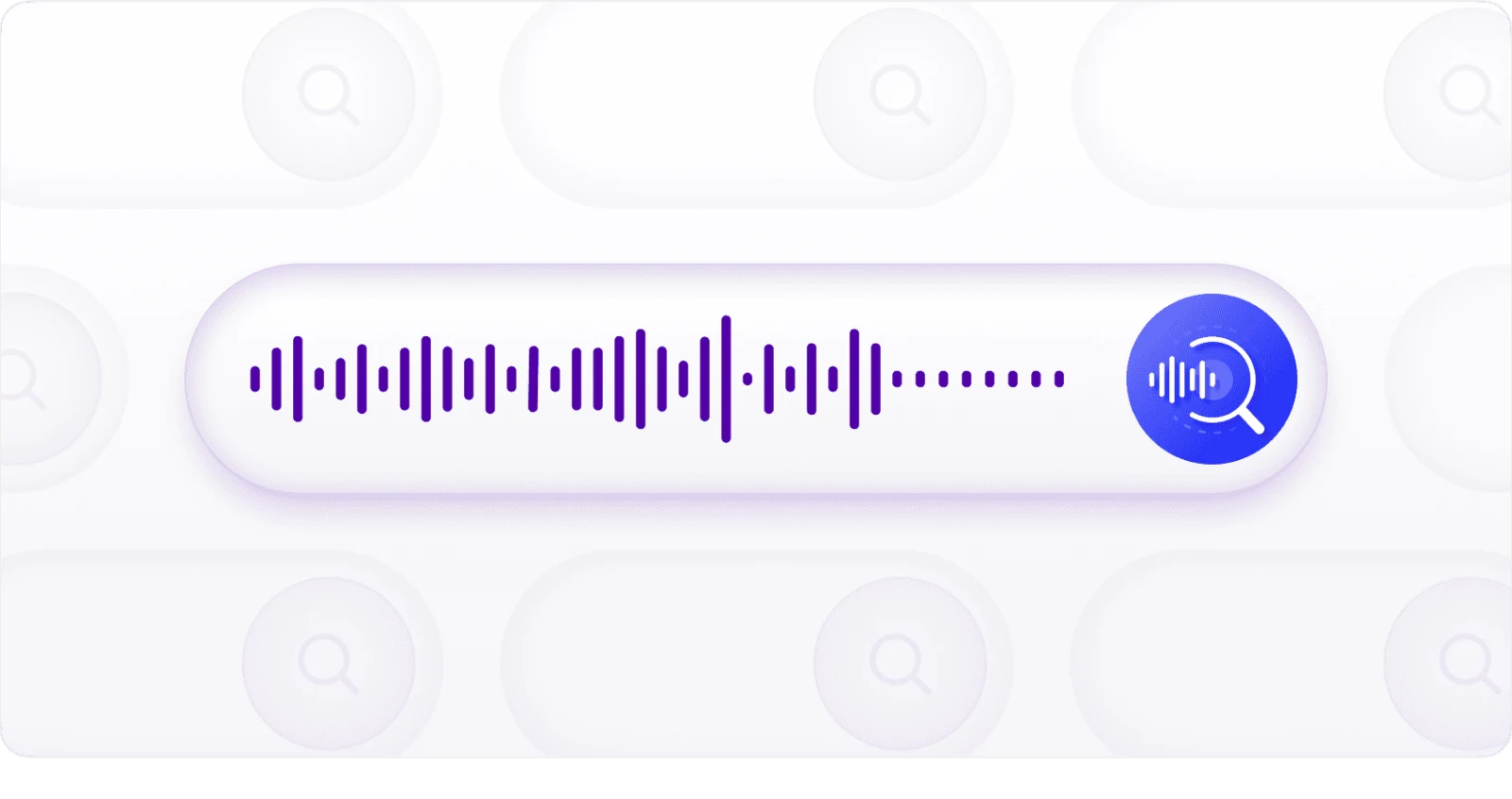
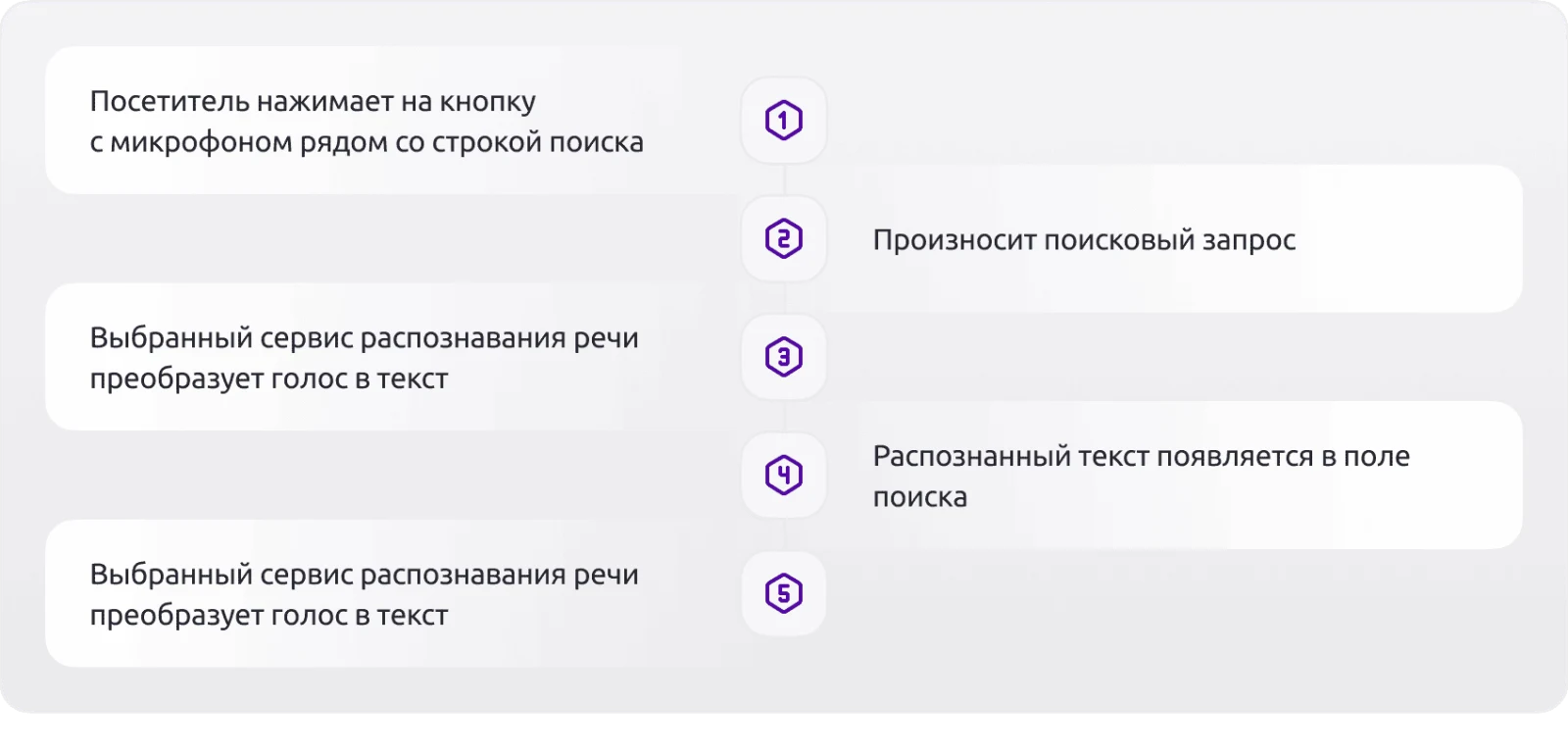
The Voice Search Input module is a ready-made solution for 1C-Bitrix websites that enables voice-based search query entry. Users simply click a microphone button next to the search field and speak their query. The module recognizes the speech, converts it to text, and populates the standard search field. The user then initiates the search to view results found on the site.

3.00/5 · 2 ratings

1C-Bitrix Marketplace: 3/5 · 2 ratings

Technical details

Published
2 October 2019
Updated
14 October 2026
Version
3.1.0
Installed
Fewer than 50 times
Responsive design
Yes
Composite support
No
Compatible with Sites24
No
Developer
DIGIMATIX

What this solution does

The Voice Search Input module is a ready-made solution for 1C-Bitrix websites that enables voice-based search query entry. Users simply click a microphone button next to the search field and speak their query. The module recognizes the speech, converts it to text, and populates the standard search field. The user then initiates the search to view results found on the site.

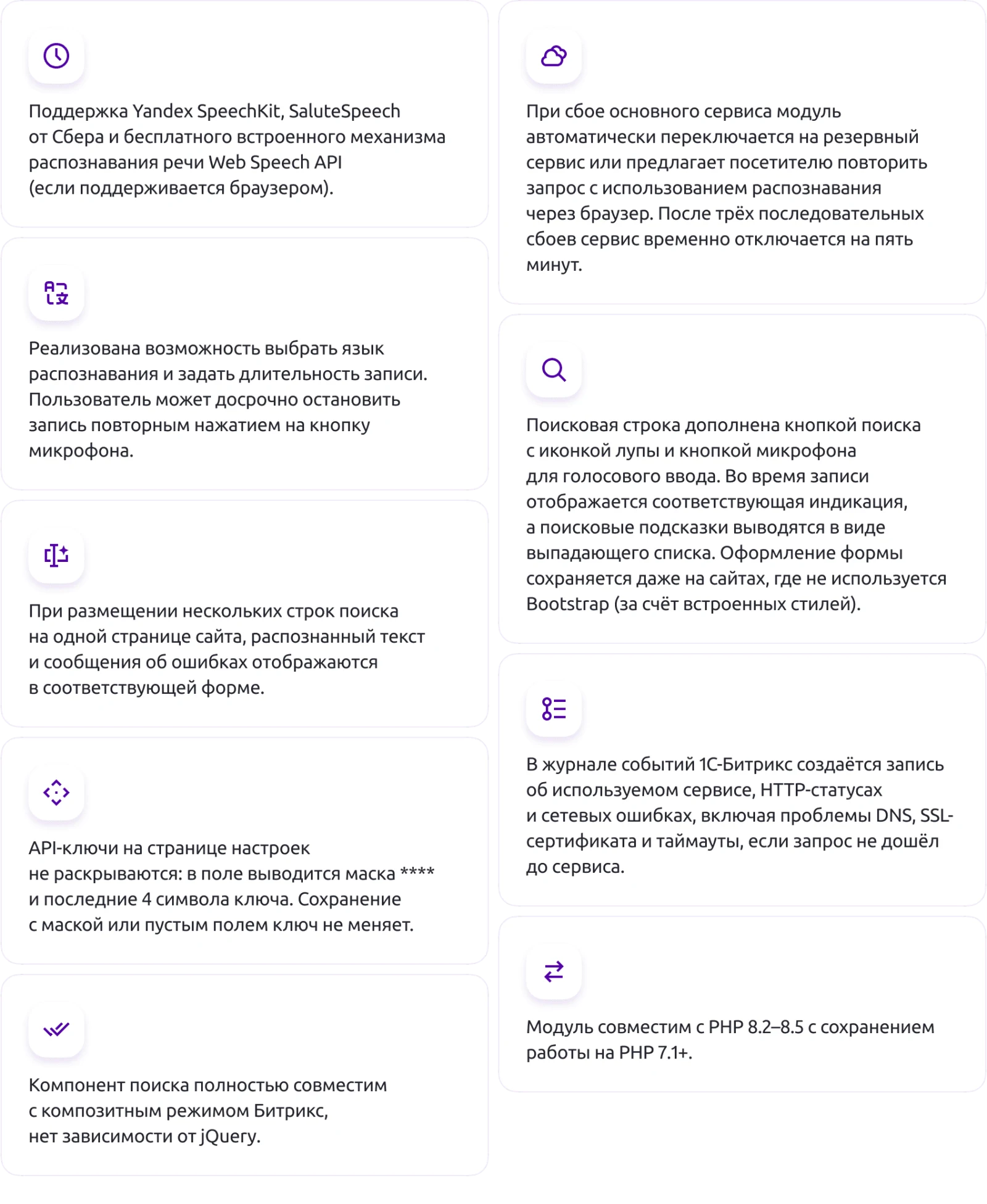
The module supports three speech recognition options: Yandex SpeechKit, SaluteSpeech from Sber, or the built-in Web Speech API (if supported by the browser).

The voice input module for the search field automatically switches to a backup service upon failure of the primary service or prompts the visitor to retry the request using browser-based speech recognition. After three consecutive failures, the service is temporarily disabled for five minutes.

The module allows selection of the recognition language and setting of the recording duration. Users can stop the recording early by pressing the microphone button again.

The search field includes a search button with a magnifying glass icon and a microphone button for voice input. Visual indicators appear during recording, and search suggestions are displayed in a dropdown list. Built-in styles ensure the form layout remains correct even on sites that do not use Bootstrap.

When multiple search fields are placed on a single page, recognized text and error messages are displayed in the corresponding form only.

On the settings page, API keys are not fully revealed: the field displays a mask of asterisks and the last four characters of the key. Saving with a mask or an empty key field does not change the key.

The module maintains an event log within the 1C-Bitrix system, recording service usage, HTTP status codes, and network failures. The log includes DNS issues, SSL certificate errors, and timeouts that occur when a request fails to reach the service.

The voice input component for the search string is fully compatible with the Bitrix composite mode and has no dependency on the jQuery library.

The module is compatible with PHP 8.2 through 8.5 while maintaining support for PHP 7.1 and later versions.

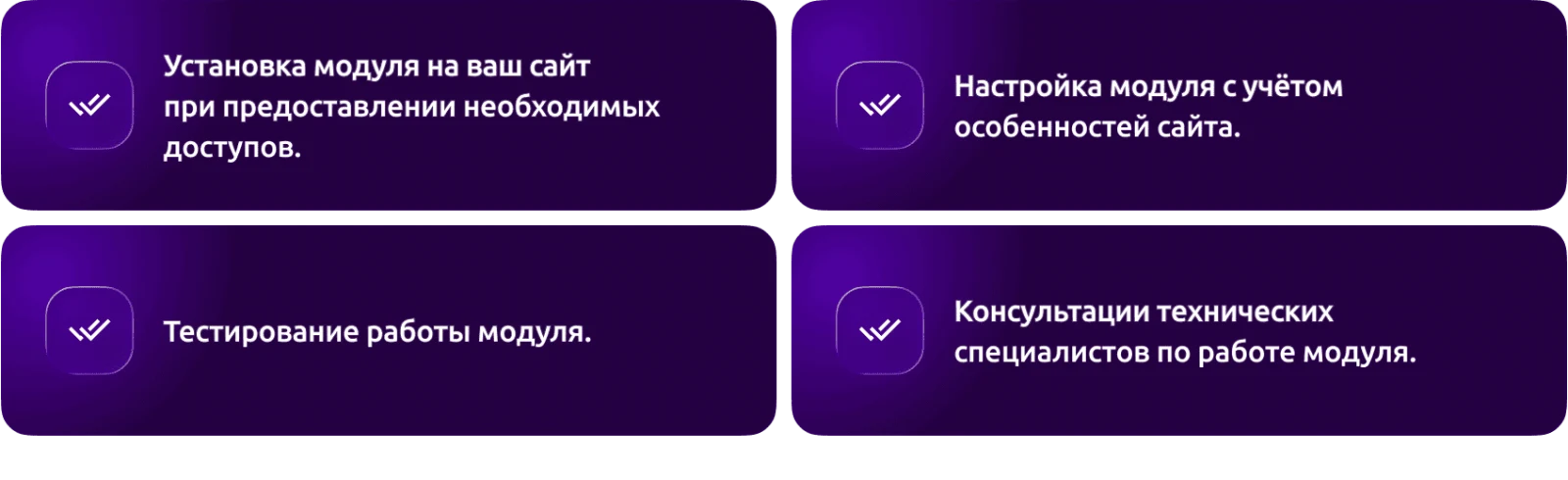
If “Voice typing for the search field” is required, General iT can help with installation, configuration and a technical check after integration.

UPDATE HISTORY

What’s new

2 releases
3.1.0 (13.10.2026)Latest update

Speech recognition service selection: Yandex SpeechKit, SaluteSpeech (Sber), or free browser-based recognition for the visitor (Web Speech API, no keys).

Fallback recognition service: in case of main service failure, the recording is automatically sent to the fallback server service, or the visitor is prompted to repeat the phrase with browser-based recognition. After 3 consecutive failures, the service is disabled for 5 minutes to prevent visitors from waiting for timeouts.

Security: AJAX handlers have been migrated to the D7 controller (BX.ajax.runAction) with POST method and CSRF token verification; old proxy.php, recognize.php, and search.php files in the component folder are deleted during updates. SSL certificate verification when contacting services, recording size and format restrictions, and recognition limits per visitor and per IP address per minute. Keys and tokens are validated for allowed characters before being sent in request headers.

API keys on the settings page are not revealed: the field displays a mask **** and the last 4 characters of the key. Saving with a mask or an empty key field does not change the key.

Component templates updated: the search form is now built using Bootstrap (input-group) instead of a table, with a search button featuring a magnifying glass icon, a microphone button as an accessible button within the field with recording indication, and suggestions in dropdown list style. Without Bootstrap, the form looks the same due to built-in styles.

Search phrase suggestions fixed: the dropdown list appears below the input field, with selection working via arrow keys, Enter, and mouse.

Multiple search forms on the same page no longer interfere with each other (recognized text goes to its own field, errors are displayed for its own form).

When the 'only for authorized users' setting is enabled, the microphone button is not shown to guests.

New settings: recognition language and recording duration. Clicking the microphone again stops recording early.

The event log records the service, HTTP status, and network error (DNS, SSL certificate, timeout) if the request does not reach the service.

The script is initialized via BX.ready and works with a composite site; the jQuery dependency has been removed.

Compatibility with PHP 8.2 - 8.5 while maintaining operation on PHP 7.1+.

Minimum version of the main module is 20.0.0.

If you have copied the alkodesign:search.form or alkodesign:search.suggest.input component templates to the site template, update the template.php, script.js, and style.css files in the copy.


2.1.4 (08.10.2026)

Security update: the speech recognition handler has been moved from the template to a separate file recognize.php with checks for the POST method, session CSRF token, audio size and format, and request rate limiting (per session and IP).

SSL certificate verification is now enforced when connecting to Yandex SpeechKit; following redirects is disabled. Requests are executed via \Bitrix\Main\Web\HttpClient. Error messages from the external service are no longer sent to the browser; they are written to the event log.

The insecure file templates/.default/proxy.php has been removed. If you copied the alkodesign:search.suggest.input component template to your site template, remove proxy.php from the copy and update template.php and script.js.

Input validation has been added in component.php and search.php; the suggestions response is returned in JSON without using eval.

Compatibility with PHP 8.2+ (while maintaining support for PHP 7.x): undefined index accesses and deprecated calls have been eliminated.

New settings: recognition limits per minute per visitor and per IP address, and a mode for "voice input only for authorized users".

We recommend reissuing the API key in Yandex Cloud.

USER EXPERIENCE

Solution reviews

How does this solution work in a real project? Share your experience and help others choose.

Be the first to share your experience

There are no reviews of this solution on git.ru yet. Tell us what worked well and what could be improved.

Verified purchaseAdd a key if you wish. A verified review gets a badge, priority placement and more rating weight.

Open to every clientJust sign in to your account. A key is optional; all reviews are moderated.

YOUR EXPERIENCE MATTERS

Your review

YOUR PROJECT INFRASTRUCTURE

A home for your website

BEFORE YOU ORDER

Let’s go through the details.

What does the price cover?
The displayed price covers the solution itself. Platform licensing, installation and customisation are checked separately. If the page offers bundles, select the required option before submitting a request.
How do I check compatibility?
Compare the supported editions and solution version in the technical details with your project. Before installing on a live website, we recommend making a backup and checking the solution in a test environment.
How much does this solution’s renewal cost?
The current renewal price is 6,000 ₽. Before you order, a manager will confirm the renewal period and whether it applies to your licence.
Can you help with implementation?
We can help install the module, check its settings and verify how it works in your project. Compatibility with other customisations and the scope of work are assessed before we begin.

GENERAL iT

Let’s discuss your project

Получатель: ООО «Дженерал Ай Ти Рус»

1C-BITRIX

Install solution

Enter a domain with or without https://. The installer will open in your website control panel in a new tab.

Solution screenshots

Solution screenshot