ATTENTION! Before installing the update, create a backup of the site.
The update overwrites the solution files: site templates (/bitrix/templates/hellodigital.turbosite/ and /bitrix/templates/hellodigital.turbosite.en/), the module settings page, and, if necessary, form handlers and include areas in the public part. If you have made changes to these files, they will be lost—reapply them after the update.
- Site forms are protected from spam and tampering: submissions are saved to the site's information blocks as inactive, prices are taken from the catalog, and the client receives only a letter with fixed text.
- Captcha in forms is enabled by default: if Google reCAPTCHA keys are provided, it is used; otherwise, Bitrix captcha is used. Captcha and the number of allowed submissions can be configured or disabled in the module settings.
- Forms are submitted without page reload: the visitor immediately sees a success or error message, and entered data is preserved in case of an error.
- Site templates do not output foreign scripts: HTML in reviews is displayed as text, and links from information block properties work only with addresses of the form http(s)://, /, #, mailto:, and tel:.
- The settings panel in the public part is visible only to administrators.
- Only administrators can save module settings; invalid values are not saved, logos can only be images, fonts are connected only via Google Fonts, and the settings page does not load scripts from external sites.
- The solution can be installed as a second site or on a site in a subfolder: each site has its own information blocks and email templates, and links point to the pages of that specific site.
- The installation wizard preserves site templates with conditions you configured yourself and the SEO-friendly URL rules of other modules.
- When the module is removed, its settings, logos, email events, and templates are deleted. Information blocks and site pages remain.
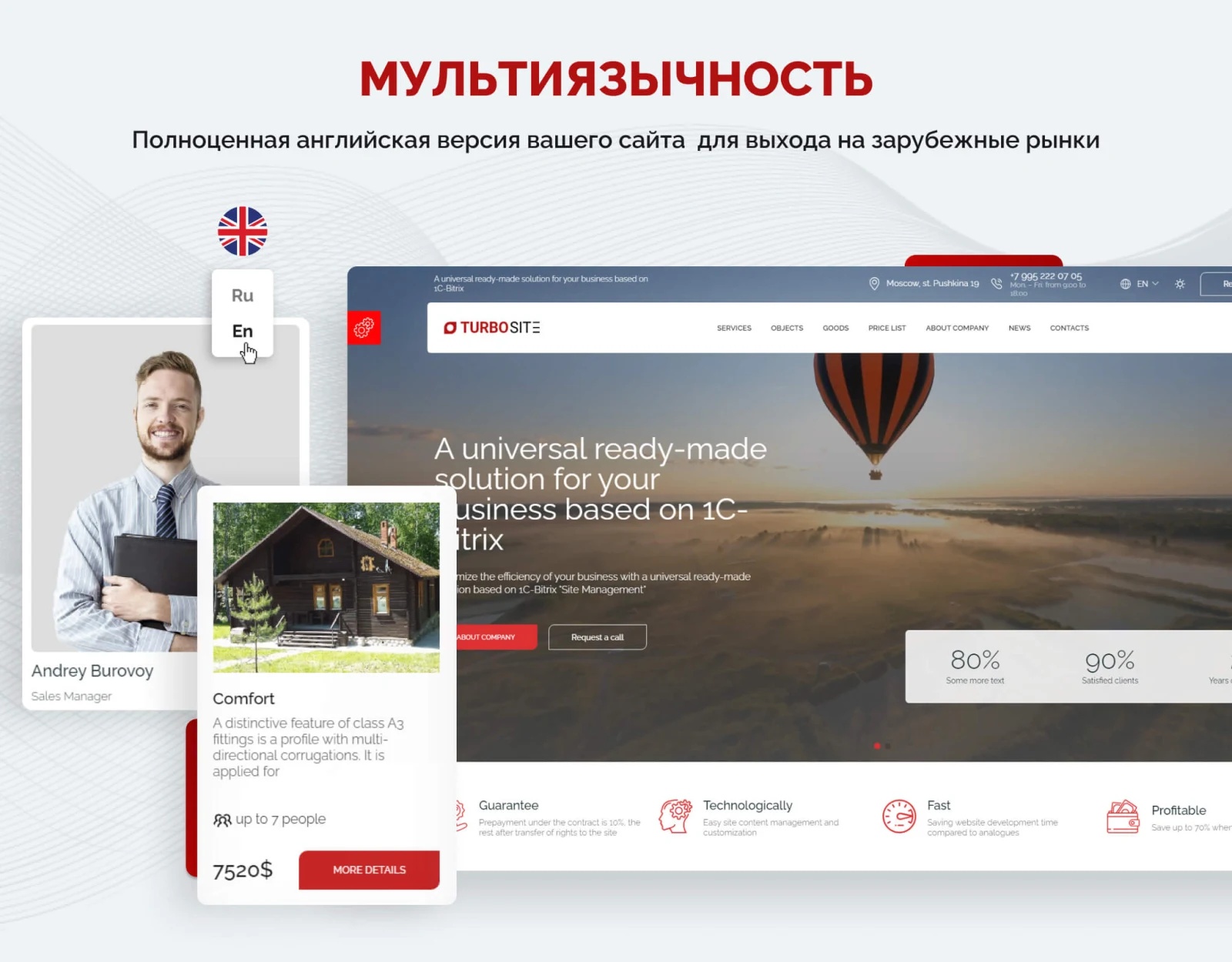
- Module settings and the installation wizard are available in English.
- In the admin menu, the solution icon is visible again; the section is hidden when navigating to other sections.
- For new installations: in the demo privacy policy, the wizard specifies the address and e-mail of your site. On already installed sites, check the policy page: it may still contain addresses of turbosites.ru — replace them with your own.