546-FZ: What to Check in Online Store Product Cards
I analyzed what 546-FZ changed for online stores: which products need links to certificates and declarations, why a PDF alone is insufficient, and what to check in product cards.

In this article
В карточке товара есть фотографии, характеристики и PDF с сертификатом. Кажется, вся необходимая информация на месте. Но теперь нужно проверить ещё одну деталь: сможет ли покупатель открыть запись об этом документе в реестре.
Разобралась, что изменилось с появлением 546-ФЗ и на что стоит обратить внимание владельцам интернет-магазинов.
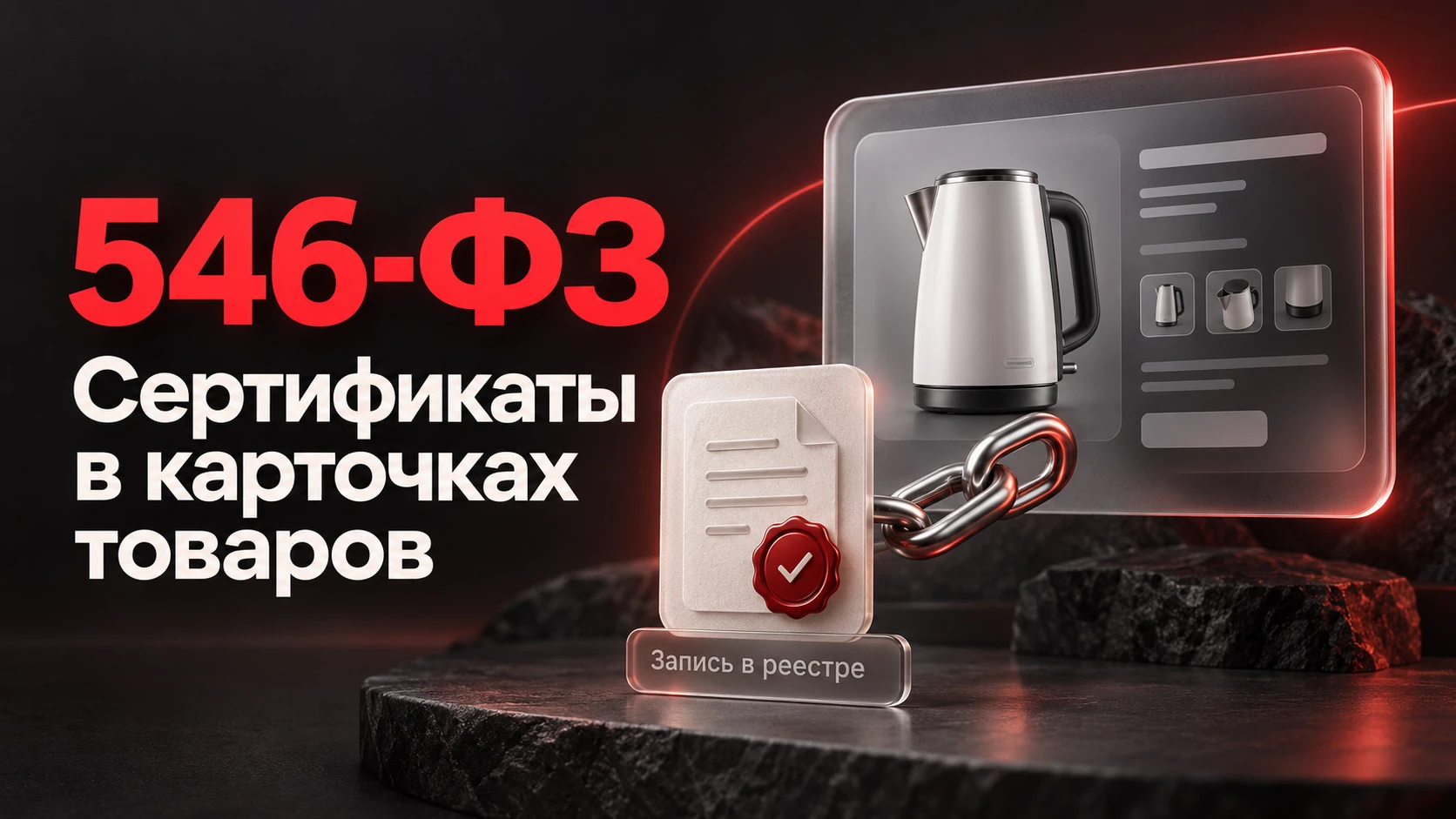
С 1 сентября 2026 года при дистанционной продаже товаров, подлежащих обязательному подтверждению соответствия, в описании необходимо размещать ссылку на реестровую запись о сертификате или декларации. Это требование распространяется также на собственные интернет-магазины продавцов.
Почему одного PDF недостаточно
Скан позволяет прочитать документ, но по нему нельзя узнать его текущий статус. Ссылка на реестр помогает проверить сведения и убедиться, что запись относится к выбранному товару.
PDF можно оставить для удобства. А рядом добавить понятный переход: «Проверить сертификат в реестре» или «Посмотреть декларацию». Важно, чтобы открывалась конкретная запись. Ссылка на главную страницу реестра, где покупателю придётся самостоятельно искать документ, её не заменяет.
Сертификат нужен каждому товару?
Нет, закон не вводит обязательную сертификацию всего ассортимента. Требования зависят от продукции: для одной нужен сертификат, для другой — декларация, а часть товаров не подлежит обязательному подтверждению соответствия.
Определять это нужно по применимым техническим регламентам и перечням. Если поставщик не прислал документ, нельзя просто поставить отметку «сертификация не требуется». Сначала необходимо выяснить, какие требования действуют для конкретного товара.
Я бы начала с проверки документов поставщиков: сравнила модели, изготовителя и сведения в приложениях с ассортиментом магазина. Один и тот же бренд ещё не означает, что сертификат подходит ко всем его товарам.
Как разместить ссылки в карточке
Мне кажется удобным отдельный блок «Сертификаты и декларации»: название документа, номер и ссылка на запись в реестре. При необходимости рядом можно оставить файл для скачивания.
Для магазина на 1С-Битрикс сначала стоит посмотреть возможности установленного шаблона. Возможно, ссылку уже можно вывести через свойство товара или описание, без большой доработки.
Если каталог объёмный, я бы предусмотрела общую базу документов с привязкой к нужным позициям. Тогда при изменении ссылки не придётся вручную редактировать десятки карточек.
Что проверить после настройки
Я бы прошла по сайту как обычная покупательница и обратила внимание на несколько вещей:
Открывается ли конкретная запись в реестре.
Соответствует ли документ выбранной модели.
Видны ли ссылки на телефоне и без входа в аккаунт.
Не появляется ли чужой документ при переключении комплектации.
Сохраняются ли сведения после обновления каталога и обмена с 1С.
Ещё я бы назначила ответственного за актуальность информации. Новые поставки и замена моделей — повод повторно проверить привязанные документы.
Начать можно с нескольких карточек из разных категорий. Если найти сертификат получается только через менеджера или самостоятельный поиск в реестре, это уже конкретная задача для доработки сайта.
A product card contains photos, specifications, and a PDF of the certificate. It seems all necessary information is present. However, one more detail must be checked: can the buyer open the record for this document in the registry?
I analyzed what changed with the introduction of 546-FZ and what online store owners should pay attention to.
Starting September 1, 2026, when selling goods subject to mandatory conformity confirmation via distance sales, a link to the registry record for the certificate or declaration must be placed in the description. This requirement also applies to the sellers' own online stores.
Why a PDF Is Not Enough
A scan allows you to read the document, but you cannot determine its current status from it. A link to the registry helps verify the information and confirm that the record pertains to the selected product.
You can keep the PDF for convenience, but add a clear link nearby: "Check the certificate in the registry" or "View the declaration". It is important that a specific record opens. A link to the registry's main page, where the buyer would have to search for the document themselves, does not replace this.
Does every product need a certificate?
No, the law does not mandate certification for the entire assortment. Requirements depend on the product: some items require a certificate, others a declaration, and some products do not require mandatory conformity confirmation.
This must be determined based on applicable technical regulations and lists. If a supplier has not provided a document, you cannot simply mark it as "certification not required". First, you must find out which requirements apply to the specific product.
I would start by checking supplier documents: compare models, manufacturers, and details in the appendices with the store's assortment. The same brand does not mean the certificate applies to all its products.
How to place links in the card
I find it convenient to have a separate "Certificates and Declarations" block: document name, number, and a link to the registry record. If needed, you can keep a file available for download nearby.
For a store built on 1C-Bitrix, first check the capabilities of the installed template. Perhaps the link can already be displayed via a product property or description without significant customization.
If the catalog is large, I would set up a shared document repository linked to the relevant items. This way, when a link changes, there is no need to manually edit dozens of cards.
What to check after configuration
I would browse the site as a regular shopper and pay attention to several things:
Whether a specific registry entry opens correctly.
Whether the document matches the selected model.
Whether links are visible on mobile devices and without logging into an account.
Whether a different document appears when switching configurations.
Whether information is preserved after updating the catalog and syncing with 1C.
I would also assign a person responsible for keeping information up to date. New shipments and model replacements are grounds for re-verifying the linked documents.
You can start with a few cards from different categories. If a certificate can only be found via a manager or through independent search in the registry, that is a concrete task for website improvements.


Discussion 0
Share your experience and ask questions. Comments without links appear after editorial review.
No comments yet. Start the discussion.