
Website template
whatAsoft: Online Store 'Small Business'
Responsive e-commerce template for the Small Business edition.
31,125 ₽
↗Аккаунт в General iT
Войдите или создайте аккаунт для управления услугами в панели.

WEBSITE TEMPLATE
whatAsoft
Responsive e-commerce template for the 'Start' edition.
Responsive e-commerce template for the 'Start' edition.











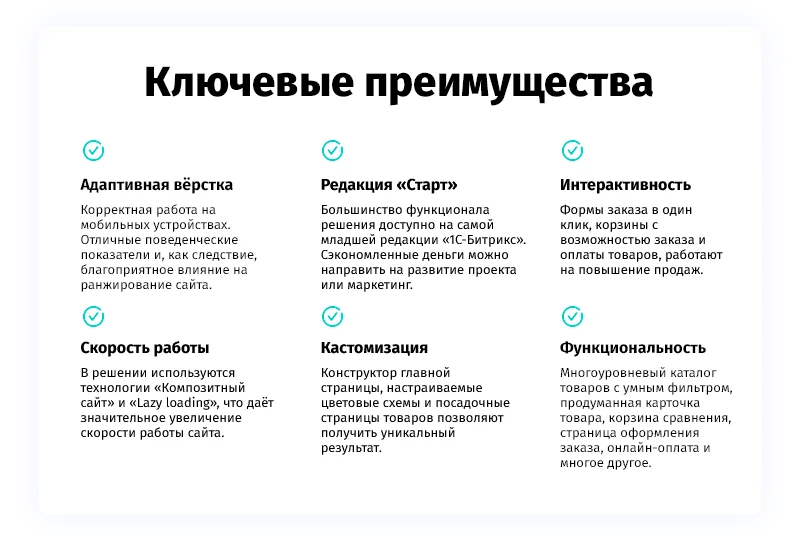





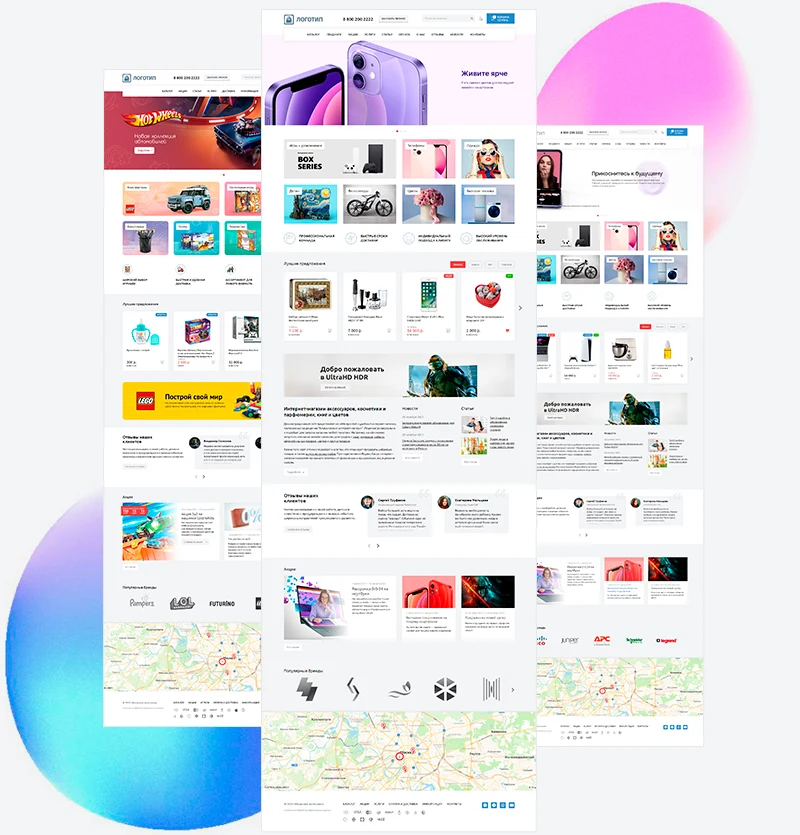

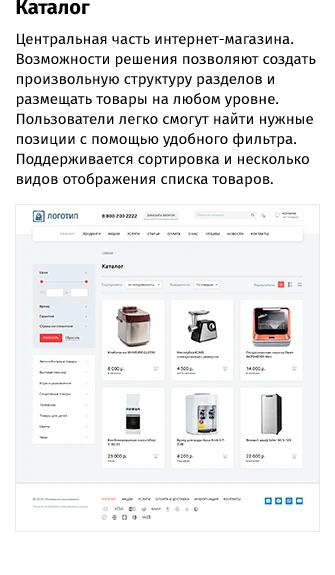
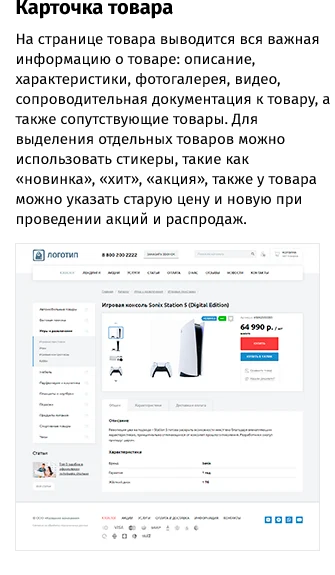
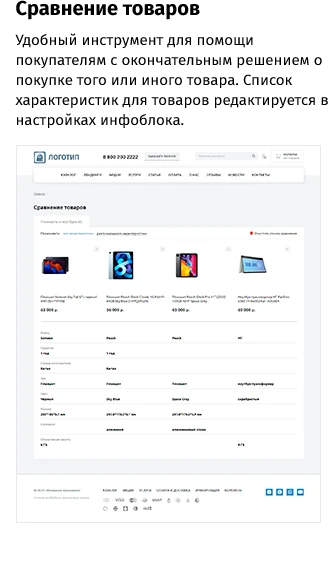
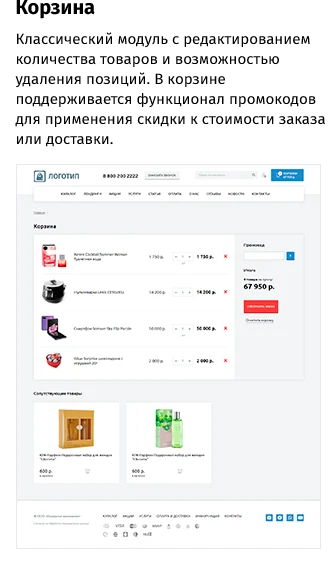
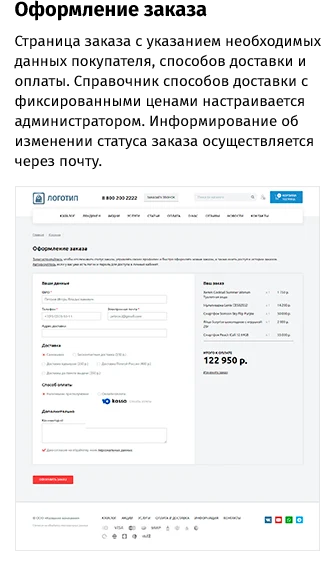
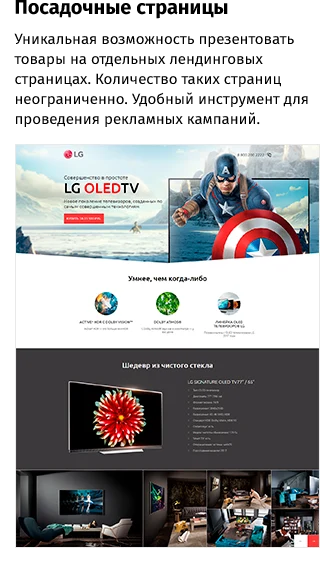
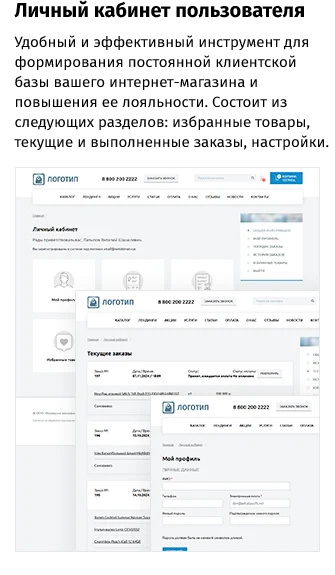
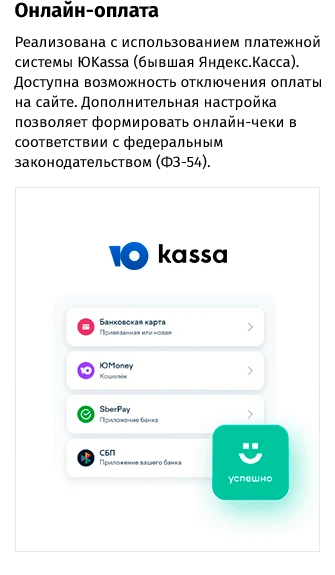
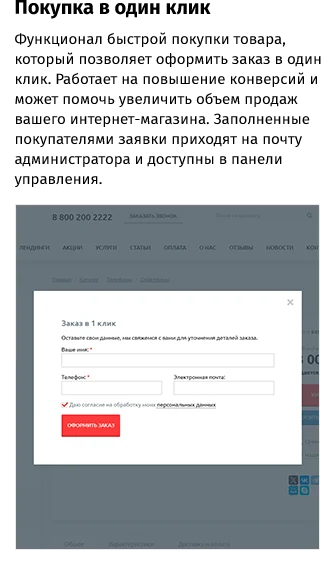

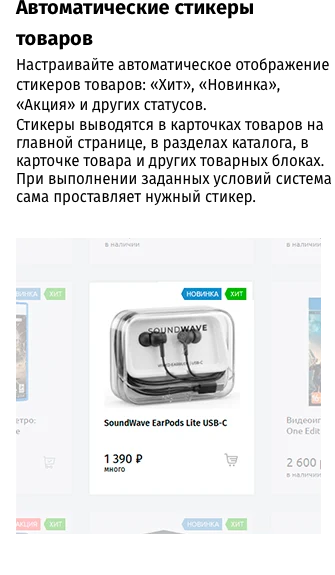










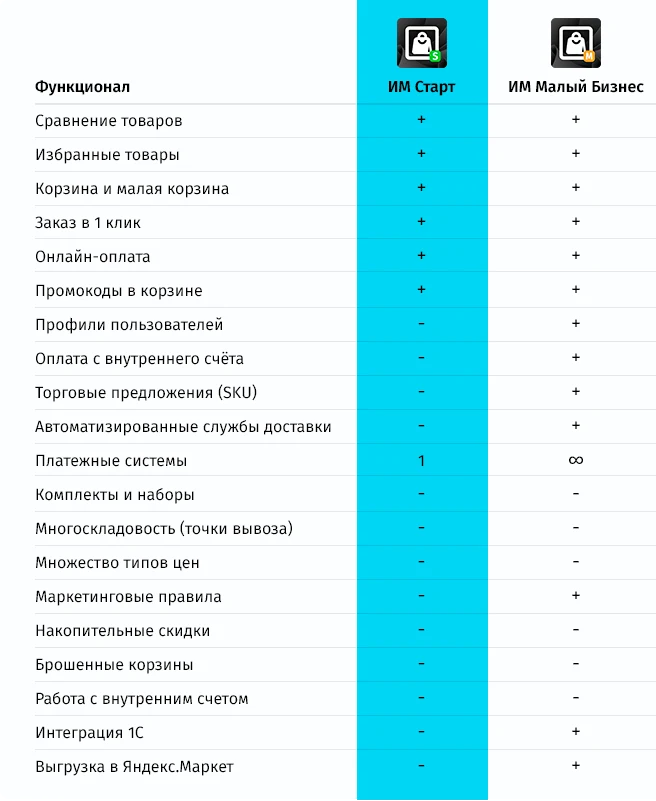

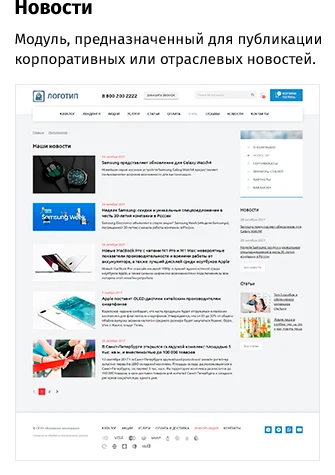
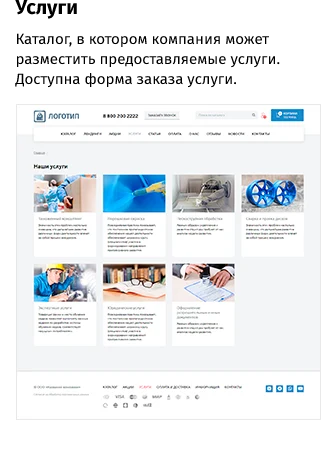
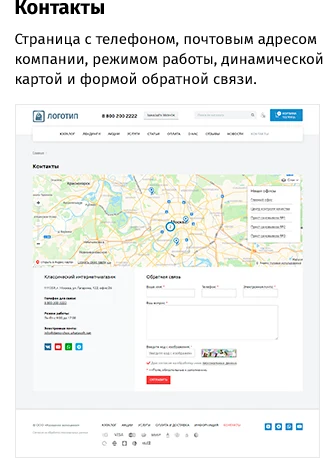
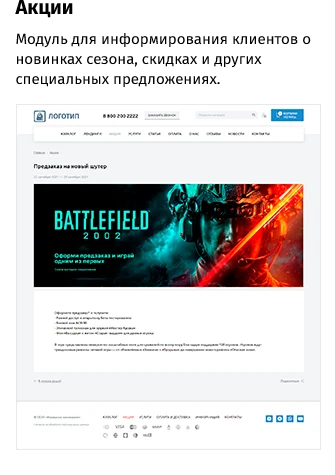
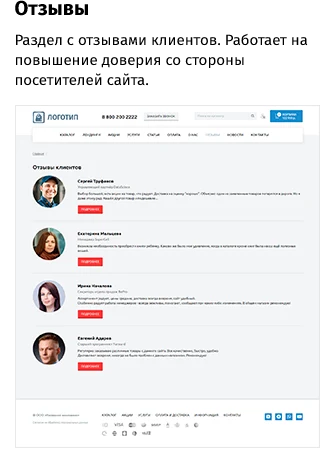
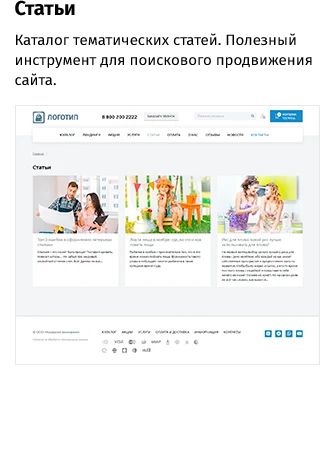
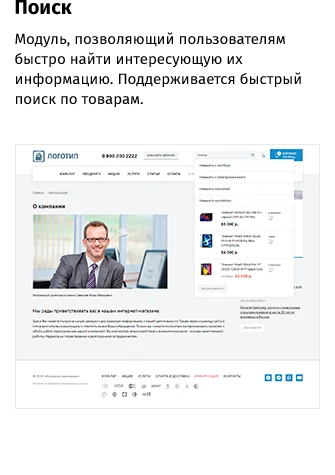
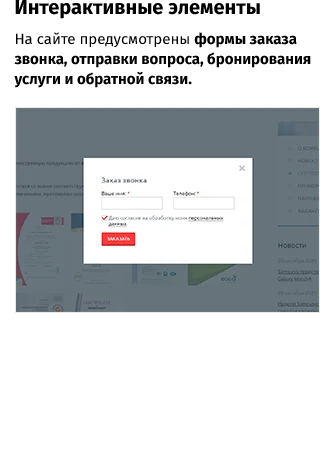

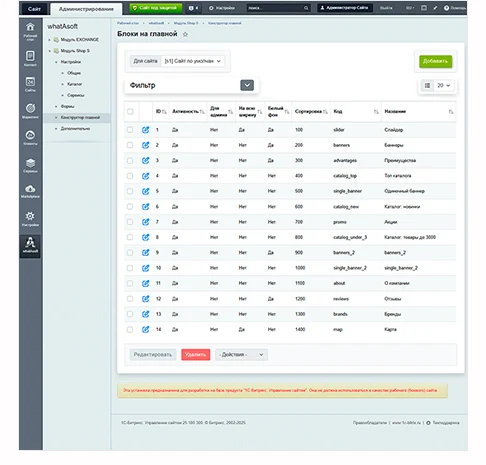
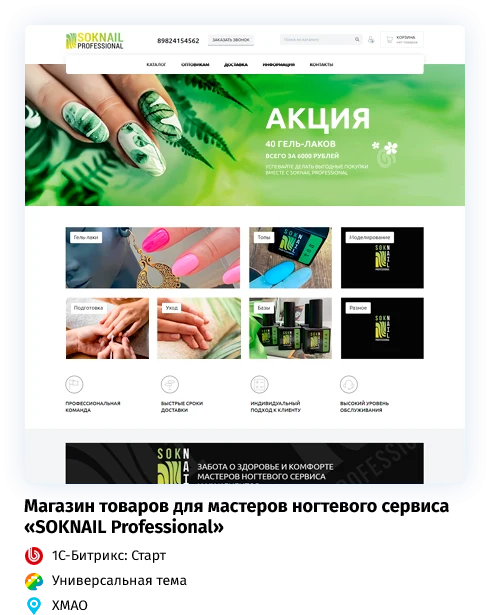
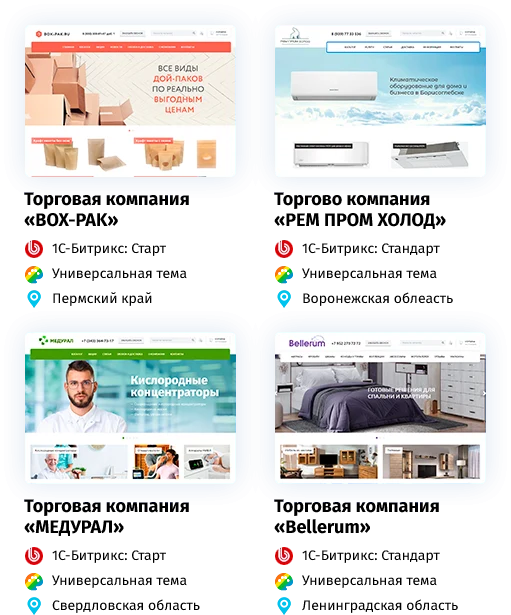
The 'Start' e-commerce template by whatAsoft features responsive design for correct display across all devices. It supports font customization, including Google Fonts, with options to select type and size. The design is flexible, offering a two-component color scheme, theme support, and individual color palette configuration. The homepage includes a map, and navigation provides a separate button for the catalog menu. The main menu and 'Back to Top' button are fully configurable. User experience is enhanced with a floating cart, comparison cart, favorites or wishlist, and cross-selling functionality. Products can be marked with customizable stickers, and unit of measurement is specified in product cards. Product filtering uses a smart filter, and search behavior is adjustable. The cart supports promo codes, printing the product list, adding items with notifications, and cart sharing. Conversion tools include a countdown timer for promotions, promotion integration with the catalog, recently viewed items, collections, and accessories. Technical features include breadcrumb microdata, a site setup wizard, and extensive customization options. Compliance is ensured through cookie usage notifications and personal data processing notices. Integration with Bitrix24 CRM enables data synchronization. The payment process supports online payments and receipt generation via YooKassa. Additional features include a buyer's personal account, one-click ordering, and a callback request form.
The template features a customizable homepage with flexible header and footer options. Spam protection is implemented via Yandex SmartCaptcha. Functional capabilities include product collections, automated stickers, and a page scroll indicator. Product cards support structured data markup for search engines, and interface elements can be customized.

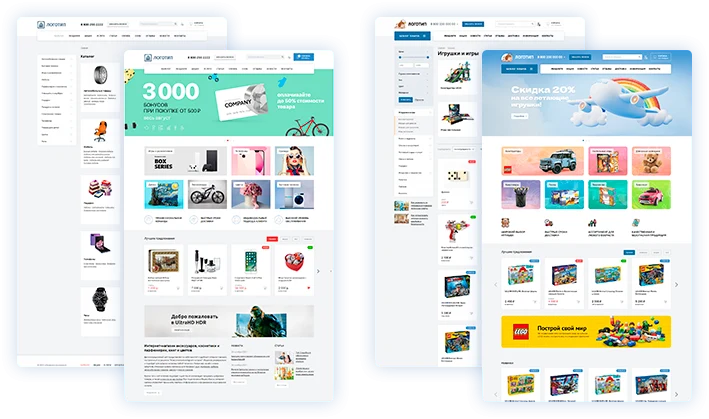






























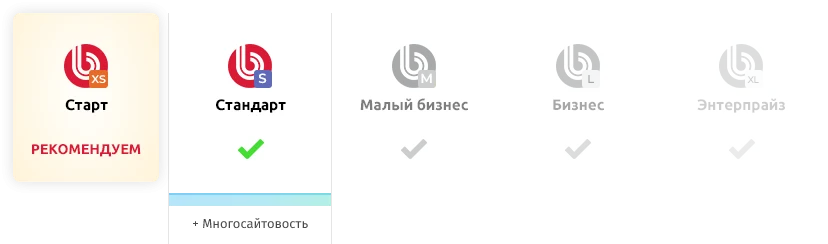
General iT can deploy “whatAsoft: Online Store 'Start'”, configure it for the project and continue development after launch if needed.
UPDATE HISTORY
Functionality expansion and platform modernization:
Added the ability to display a rating in the product card.
Added video display in a separate tab of the product card.
Added display of related products on news pages.
Implemented schema.org microdata for products, offers, and ratings (Product, Offer, AggregateRating).
Added new header and footer design options.
Added the ability to display a photo gallery instead of a single product image in catalog section lists.
Added a setting for visual effects of interface elements.
Added a setting for rounding of interface elements.
Added a setting for text case on buttons.
Added the ability to change the display order of the page title and navigation breadcrumb.
Added a setting for the position of the page title and navigation breadcrumb: centered or left-aligned.
Added a setting for heading font weight: normal, medium, or bold.
Added a setting for background dimming when the menu is opened.
Added a setting for the page scroll indicator.
Improved integration with Yandex SmartCaptcha, including error display when attempting to submit a form without completing the verification.
Modernized the internal architecture of the solution; updated class autoloading and server-side libraries used.
Functionality expansion of the administration panel:
Added settings for design options of public site elements.
Added a setting to hide the pop-up window after adding a product to the cart.
Added the ability to quickly edit custom styles and scripts of the solution in custom.css and custom.js files.
Added automatic installation and removal of product stickers for promotions, newness, views, and sales.
Added a background task mechanism with status monitoring and error logging.
Added the ability to specify a custom HTTPS source for the list of additional services of the integrator.
Security and compatibility:
Strengthened file validation for uploads via public forms: allowed extensions, MIME types, file signatures, and file sizes are now enforced.
Added authenticity and integrity checks for uploaded theme packages based on signed manifests, version, size, and SHA-256.
Added protection against installing an outdated theme version over a newer one.
Strengthened protection for external service list downloads: only HTTPS sources with public addresses are allowed; response limits have been introduced, and received data is now escaped.
Duplicate YooKassa payments have been prevented; correct retry payment functionality has been added after a cancelled attempt.
Strengthened YooKassa notification validation: payment ID, order ID, site ID, and account ID are now validated.
Improved multi-site support for redirects from the payment gateway, including sites in subdirectories and on separate domains.
Fixed callback validation compatibility with PHP 8.2.
Added declarations of used third-party components and their licenses.
Corrections:
Fixed an error in the service order form when no comment is provided.
Fixed an error when navigating to another section from a product detail page.
Fixed incorrect display of long reviews on the collection page.
Fixed a YooKassa payment error when using VAT rates.
Fixed the display of lists and tables in the detailed review text.
Adjusted the display of a product sticker with a link to a promotion when the promotion end date is not specified.
Updated the link to create a Bitrix24 instance in the solution settings.
Fixed metadata handling in YooKassa notifications.
Fixed the return URL generation after payment for multi-site installations.
The payment gateway return page no longer reports successful payment before the payment status is confirmed.
Fixed the header and navigation breadcrumb on the payment result page.
Added secure updating of the default payment result page without overwriting user customizations.
Technical update
Functional expansion, platform modernization, and bug fixes:
Collection functionality implemented.
Catalog tag mechanism improved. Changes affect both the public area and the control panel.
reCAPTCHA replaced with Yandex SmartCaptcha.
Basket sharing functionality added.
Functionality to print basket contents added.
Arrow display in the phone list refined.
Catalog filter styles updated.
In the personal cabinet, the section 'My Profile' renamed to 'My Data'.
Landing pages list page rewritten as a full component.
VAT rate 22% support added for YUkassa.
Product comparison button display adjusted. Now matches the site's color scheme.
Automatic data substitution from the profile into landing page and collection forms added.
Solution installation mechanism updated. Now, content changes between versions are loaded in separate parts.
Administrative panel functionality expansion:
Solution gadget on the desktop updated.
Integration settings for Yandex SmartCaptcha added.
Ability to link products via filter in promotions and related products added.
Ability to check filter results added.
Settings for displaying agreements in forms moved from the component to the 'Forms' section.
Highload block 'Product Tags' renamed to 'Stickers'.
Setting for redirecting from filter results to the tag page added.
Ability to set an image for the mobile version of the product landing page and collection added.
Bug fixes:
Menu display in Safari browser fixed.
YUkassa payment system name length limited to 128 characters.
Lead name transmission to Bitrix24 from the 'Found it cheaper?' form fixed.
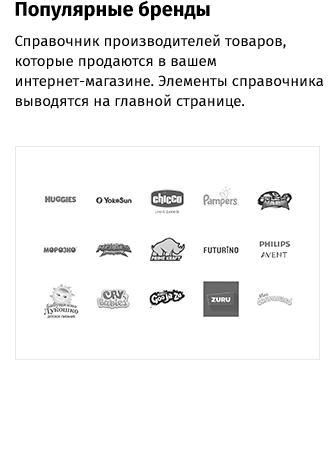
Brands block display as a slider on the main page adjusted.
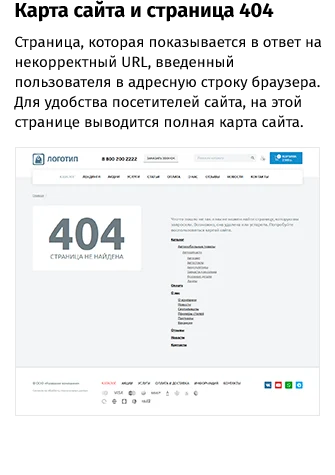
404 page display adjusted.
Text information display when changing font size fixed.
PHP 8.4 support has been added.
Fixed an error with cart clearing when the promo code functionality is disabled.
Fixed the installation of email templates.
Fixed an error loading the solution gadget.
Major update of design, functionality, and platform.
Platform modernization:
Implemented topic functionality.
Developed a new solution installation wizard.
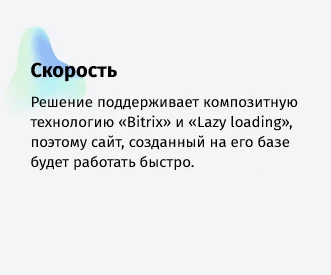
Increased page load speed.
Changed the catalog info block type.
Added JS events for various site actions. They can be used for additional development.
Optimized personal cabinet code. The order output component in the personal cabinet has been split into two: for the lower and higher editions.
Modernized form code on the site.
Added a page displayed upon completion of the demo period.
Added a component for visually setting a filter.
Redesigned the administration panel:
Added a gadget with solution information to the dashboard.
Expanded and structured the settings section.
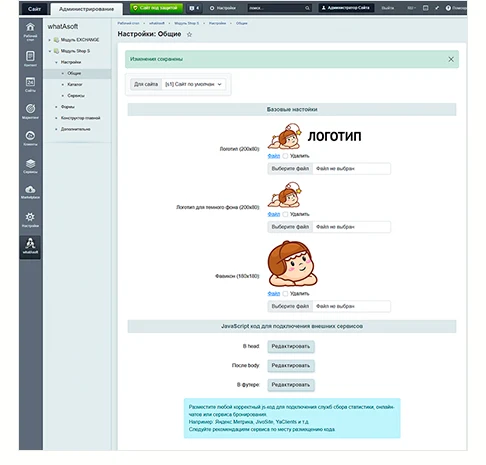
Added the ability to include JS code (e.g., visit counters or online consultants) in three template areas.
Added a setting to enable promo codes in the cart.
Added a setting to display "Found Cheaper" and "Buy in 1 Click" blocks near the catalog component.
Added a setting to select the font family for the site.
Added a setting to display the "Back to Top" button (left or right).
Added the ability to configure a full-width block in the right column. The block can be disabled, or news, articles, or both can be displayed.
Added the ability to enable and disable the product comparison mechanism.
Added a section for advanced form settings on the site.
Design update:
Added a new menu type with separate display of the "Catalog" button and catalog section icons.
Implemented phone number display as a dropdown list in the site header.
In the slider settings, added the ability to select the slide type (standard and tall), logo and header, open links in a new tab, specify an alternative image for mobile devices, and expanded text display capabilities.
For single banners, added the ability to display an alternative image for the mobile version of the site. Added the ability to create and display additional blocks on the main page.
For banners, added the ability to open links in a new tab, specified recommended image sizes based on the number of occupied cells. Added the ability to create and display additional blocks on the main page. In the main page builder, you can choose different options for displaying text on banners.
For company advantages, added the ability to open links in a new tab. In the main page builder, you can choose the text and image display type.
On the detailed promotion page, added the ability to change the number of products displayed for pagination.
For brands, added new display settings in the main page builder.
For catalog tags, added the ability to select multiple sections at once and specify a filter field that can be configured visually.
For info blocks with icons, specified recommended image sizes and made the field with them mandatory for filling.
Social network icon colors adapt to the site's color scheme.
The display of information at map points has been changed.
The smart filter has been redesigned. The display has been changed for both desktop and mobile versions of the site.
The product card has been modified (quantity field, ruble symbol, inheritance of additional color for graphical elements, increased title size, reduced distance to the top menu, added a time counter for promotional products).
Added the display of the number of products participating in the promotion in the block on the main page.
The 404 page has been redesigned.
Functionality expansion:
Added a setting to display the "Share" block.
Optimized the behavior of the left menu in the catalog: clicking the arrow expands subcategories, while clicking the name navigates to the specific section.
The video display in the product has been changed; a different field is used in the administrative panel. The ability to specify any video source via iframe (YouTube, VK, Rutube) has been added.
Added a setting to display the quantity field for adding to the cart on the product card.
The main page now supports adding new blocks with products from the catalog selected by a filter. For example, "New Arrivals", "Products under 3000", "Red Balloons", etc.
Added the ability to display a header for the block with a group of banners.
Added the ability to upload dark and light versions of the logo. This is needed for correct display against the background of high banners in the slider.
Bug fixes:
Updated modules: cart, favorites, comparison, and viewed products. Now everything is tied to the site, and when switching between sites in a multisite setup, no extra data will be displayed.
Fixed display issues on the landing page.
Fixed display issues in the product card.
Added handling of exceptional situations during solution installation.
Corrected the behavior of pins on the map.
Fixed the setting for displaying products on the main page. A product in the "Best Offers" block is displayed only if the "Display on main page" setting is enabled for it.
Fixed an issue with clearing the cart when changing the browser.
Fixed an error when deleting the module.
Conflicts with libraries fixed in version 23.600.0 and above.
Form field configuration fixes in the administration panel.
Updates for PHP8.
Main page updated: new types of promotional blocks, bestsellers/new arrivals/promotional items, new blocks and configuration options, including changing the composition and order of blocks.
Added reviews, brands, payment system icons, and messenger icons.
Tracking of Yandex.Metrica and Google Analytics goals.
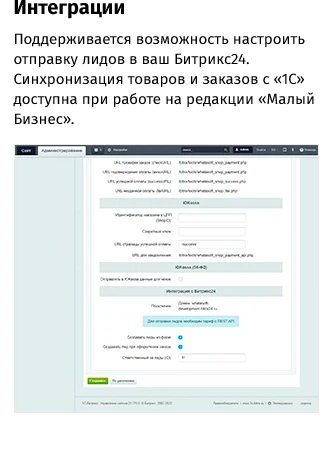
Order integration with Bitrix24 (lead generation) for Start and Standard editions.
Tags in the catalog.
Ability to upload videos in the product card.
Rebranding of Yandex.Checkout to YUKassa.
Deeper catalog menu nesting.
New types of main menu.
Fixed product photo gallery when no images are present.
Other minor fixes and improvements.
Attention! Before updating, create a backup of the site.
After installing the update, run the setup wizard.
After updating, clear all cache files.
After updating, check the main page; it may require reconfiguration: update the "About the Company" information and adjust block settings, as the mechanism for storing and configuring main page blocks has been redesigned. Old files will remain in the include folder root.
To use tags in the catalog component settings, specify the "Tag Information Block" parameter and configure their SEF URLs.
To increase catalog menu nesting depth, in the file catalog/.catalog.menu_ext.php, change the "DEPTH_LEVEL" parameter value to "4".
Technical update
Caching fixed
JS corrected for IE 11
Order creation fixed for "Small Business" and "Business" versions
Comparison functionality added
Favorites section added
Promo code functionality for the shopping cart added
Product card updated: a new card design added, 'Found it cheaper' form added
Previously viewed products block added
Third product list display option added, with the ability to select the number of items per page
Promotions section updated: countdown timer to the end of the promotion added, promotional products added
Share functionality added on product pages, promotions, news, etc.
Option to set purchase quantity multiples and specify product measurement units added
Other minor but pleasant improvements and fixes
Attention! Before updating, create a backup of the site.
After installing the update, run the setup wizard.
After updating, clear all cache files.
After updating, if a duplicate menu section occurs, delete the file sect_sidebar.php in the site root directory or the corresponding section directory, or make it empty (for multisite functionality). In the personal cabinet menu, manually add the 'Favorites' section (favorite).
Technical update
Yandex.Checkout - support for API format 3.
Yandex.Checkout - support for FFD 1.05.
Directory of payment methods for managing displayed payment methods.
Attention! After the update, in the "Content" > "Highload blocks" > "Payment methods" section (for "Start", "Standard" editions) or in the "Store" > "Settings" > "Payment systems" section (for "Small Business", "Business" editions), activate the used payment methods (if the site already used payment via "Yandex.Checkout", then activate the payment method with the handler "Y.Checkout (old format)" or "Yandex.Checkout (up to version 3.x)").
Wizard fixes
Order component fixed for PHP 7
Forms redesigned for AJAX
Captcha display fixed
Settings added for specifying arbitrary theme colors
Attention! Before updating, create a backup of the site.
After installing the update, run the setup wizard.
After the update, clear all cache files.
Buyer personal cabinet functionality added
A wide banner for the main page and an additional article/news block view have been added
Other minor improvements and fixes
Attention! Before updating, you must create a backup of the site.
After installing the update, you must run the setup wizard.
After the update, you must clear all cache files.
A tool for increasing conversions has been added — landing pages. Increase sales via the contextual advertising channel
Attention! Before updating, you must create a backup of the site.
After installing the update, you must run the setup wizard.
After the update, you must clear all cache files.
Orders are created in the Online Store module if it is present in the edition
Attention! Before updating, you must create a backup of the site.
After installing the update, you must run the setup wizard.
After the update, you must clear all cache files.
Added the ability to create leads in Bitrix24 CRM from website form submissions.
Added new template settings.
Added banners for the main page.
Added promotions display on the main page.
Added an Articles section with the ability to link articles to catalog sections.
Added the ability to display videos in the slider.
Changed the child pages menu.
Redesigned the search mechanism.
Added search with suggestions.
Added useful navigation elements: a fixed menu and a Back to Top button.
Other minor improvements.
Stylistic updates to the template.
Updated demo data for the solution.
Attention! Before updating, make a backup of the site.
After installing the update, run the setup wizard.
After updating, clear all cache files.
Added responsive layout.
Fixes for Federal Law No. 54.
Added a setting to switch color themes.
Added a setting for the list view in the catalog.
Added a setting to choose the price type (if the store module is available).
Added product status display depending on its quantity.
Added use of store prices when the "catalog" module is present.
Added support for Federal Law 152 for Bitrix versions newer than 17.0.
When saving user agreements (Federal Law 152), a link to forms has been added.
Fixes for payment via Yandex.Checkout.
Fixes for the slider.
Fixes for promotions.
Fixes for layout.
Fixes for composite mode.
YOUR PROJECT INFRASTRUCTURE
FROM THE SAME DEVELOPER
whatAsoft
Responsive e-commerce template for the Small Business edition.

The whatAsoft 'Smart Process Element Search' activity is designed for Bitrix24 business processes. It enables finding and retrieving a list of smart process elements based on specified criteria. Filtering is available by smart process type, name (partial match), current stage, and connection to CRM entities: leads, contacts, companies, deals, invoices, quotes, and other smart processes.
A component for on-premise Bitrix24 that displays the total time spent on a task, including all nested subtasks. Once installed on a task page, the solution immediately shows the aggregate time spent on the task and all its subtasks. This functionality is useful when a hierarchical task structure is used to break down work into smaller subtasks and a unified time tracking approach is required.
MORE FOR YOUR WEBSITE

The Krayt: Electronics.Market Pro industry-specific online store for electronics and home appliances is a ready-made solution for 1C-Bitrix partners. The template is tailored to the specifics of selling complex technical equipment and enables rapid deployment of a specialized store on the 1C-Bitrix platform.

KRAYT: SANTECHNIKA.SPECIAL is an industry-specific online store template for plumbing and equipment, designed for 1C-Bitrix partners. The template is adapted to the specifics of selling plumbing goods and includes the necessary functional blocks for building a professional catalog and processing orders.

The industry-specific online store for children's goods and toys 'KRAYT: CHILDREN'S GOODS.KIDS' is a ready-made template based on the 1C-Bitrix platform. The solution was developed by Krayt to create specialized trading platforms in the children's goods segment.
BEFORE YOU ORDER