Payments are experiencing issues due to temporary restrictions in Russia. If your payment does not go through, please submit a support request.•Our support team is available 24/7 — we are always here to help with hosting and server issues.•We are now accepting requests for dedicated server rental and colocation services in our data center.•Reminder: we recommend enabling backups for additional data protection.•A new VPS/VDS lineup with NVMe storage and improved performance is now available.•Maintenance work on some servers has been completed. All services are operating normally.•
Payments are experiencing issues due to temporary restrictions in Russia. If your payment does not go through, please submit a support request.•Our support team is available 24/7 — we are always here to help with hosting and server issues.•We are now accepting requests for dedicated server rental and colocation services in our data center.•Reminder: we recommend enabling backups for additional data protection.•A new VPS/VDS lineup with NVMe storage and improved performance is now available.•Maintenance work on some servers has been completed. All services are operating normally.•
Аккаунт в General iT
Вход / Регистрация
Войдите или создайте аккаунт для управления услугами в панели.
Ready-made single-page website template for hotels, guest houses, resorts, hostels, and sanatoriums. The solution provides a pre-structured layout to quickly present accommodation services and amenities on a single page.
Ready-made single-page website template for hotels, guest houses, resorts, hostels, and sanatoriums. The solution provides a pre-structured layout to quickly present accommodation services and amenities on a single page.
Ready-made single-page template for a hotel, guest house, resort base, hostel, or sanatorium website. The solution enables rapid online launch: simply add your own data and content.
The template includes ready-to-use blocks with pre-configured structure and content tailored for hotels, guest houses, holiday bases, hostels, and sanatoriums.
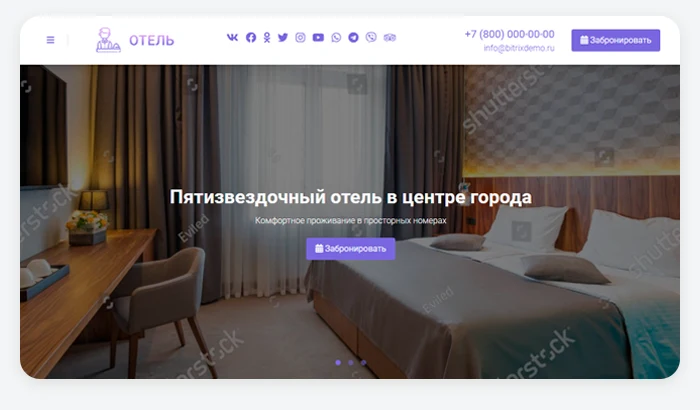
Site header and slider
Configure the header menu by including main sections for easy navigation. If you have multiple site versions, enable the version switcher. Remember that you have only 5–7 seconds to capture a visitor's interest. Upload a suitable image and write a catchy headline for the slides to reflect the most important information on the first screen.
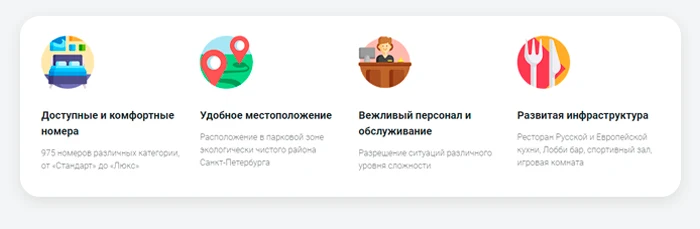
Advantages
Describe the key strengths of your property. Select 4 to 8 points that highlight why your establishment is an ideal choice for potential guests. For each point, draft a brief description of 1–2 sentences that clearly communicates the benefit to the client. Choose thematic icons to support the visual presentation.
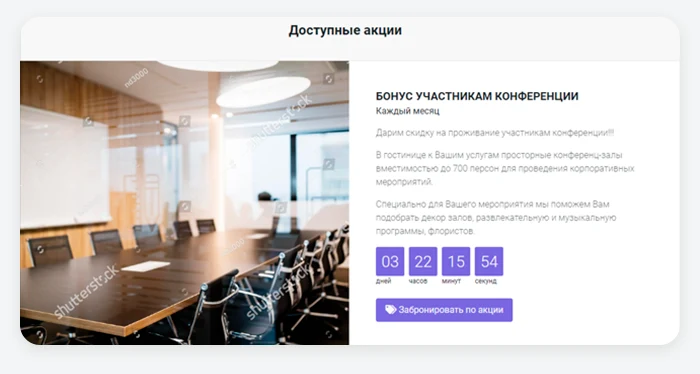
Promotions block
Dedicate a separate section to display information about discounts and special offers. Use a background image and include the promotion terms, duration, and end date in the text.
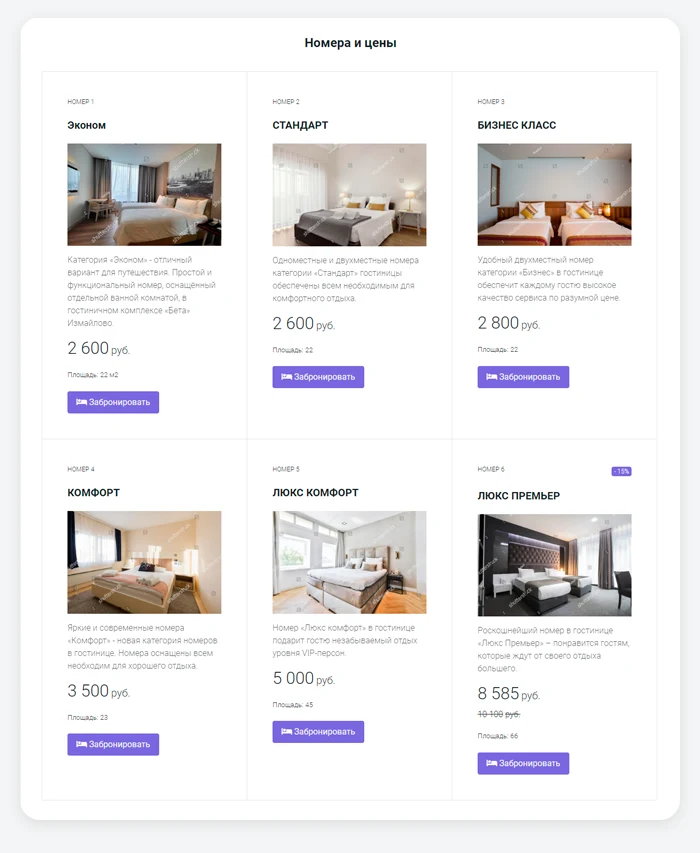
The 'Rooms' section provides detailed information on accommodation rates and booking conditions, enabling guests to select the most suitable option in advance.
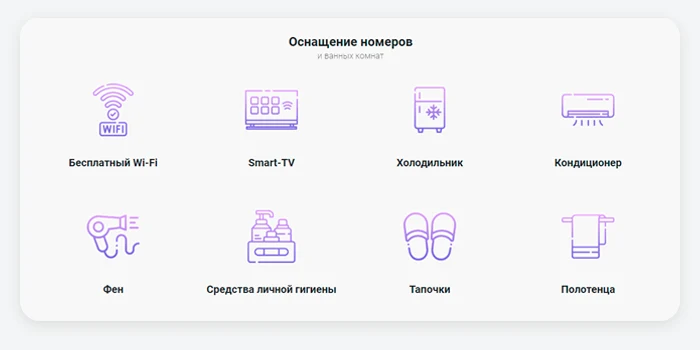
Additional benefits
You can define a standard equipment set for all rooms.
Brands
List your key partners here. This will help build trust in your business.
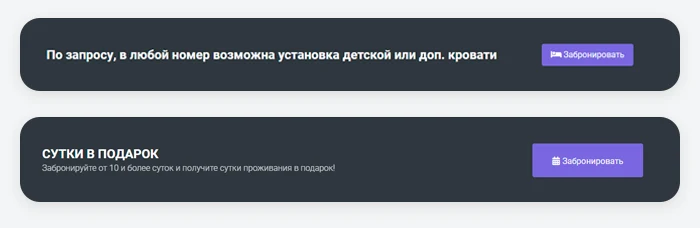
Banners
Place eye-catching banners with memorable slogans on the page. This will help attract visitor attention and encourage them to take targeted action.
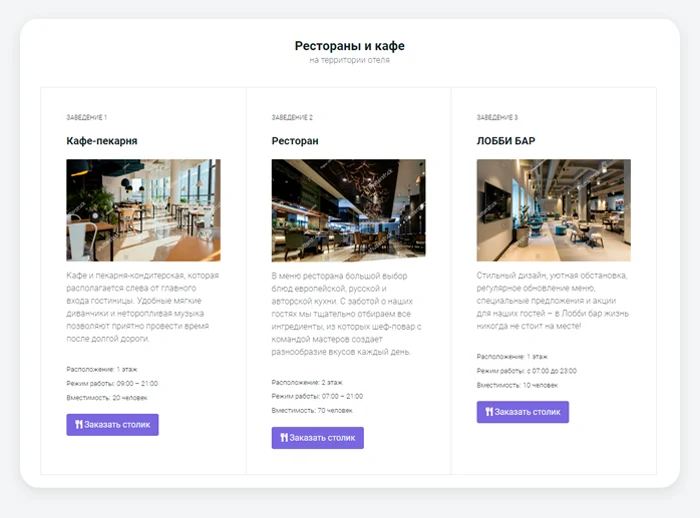
Restaurants and cafes
Provide information about restaurants, cafes, or bars located on the hotel premises. This allows guests to choose a dining spot in advance for breakfast or dinner.
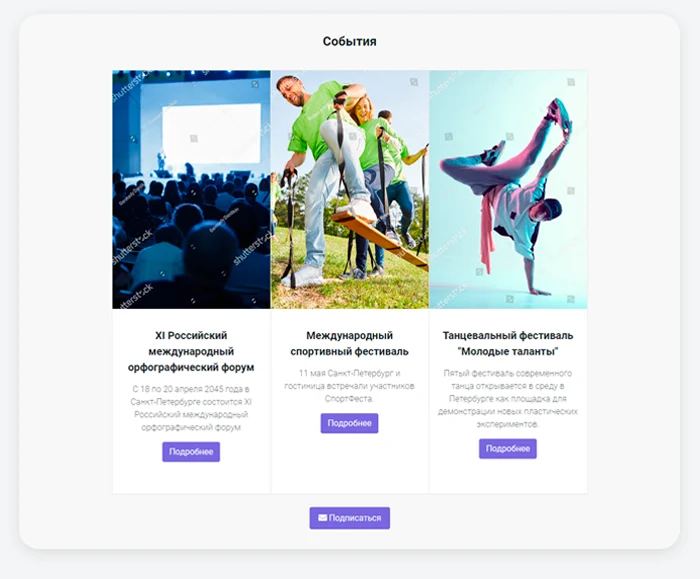
Events
Publish detailed information about events held at your venue. Visitors can subscribe to news updates via the contact form.
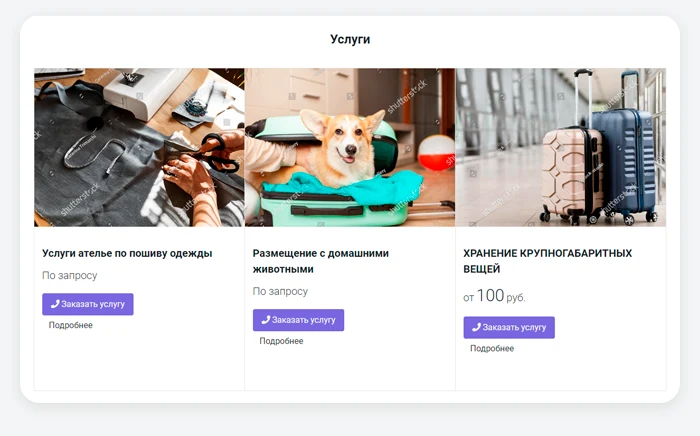
Services
Place detailed information about the offered services here. Present the data comprehensively while maintaining brevity and clarity.
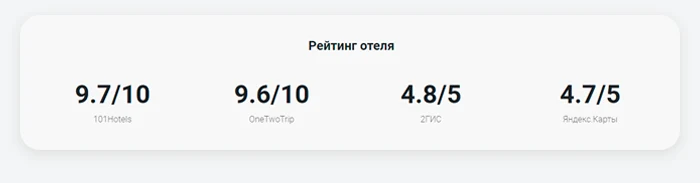
Achievements section
Describe key results of your activity: number of events held, staff size, work experience, or rating on industry platforms.
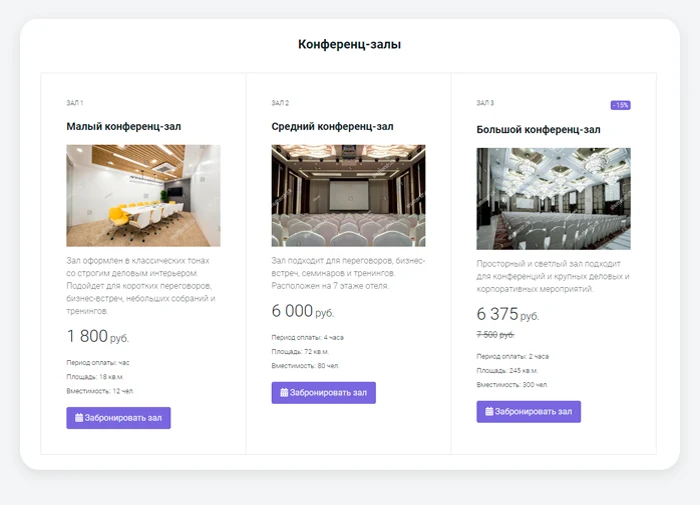
Conference Halls
Provide information about event halls located on your hotel premises that are available for booking. This allows corporate clients to review venue capabilities in advance and select the most suitable location for meetings.
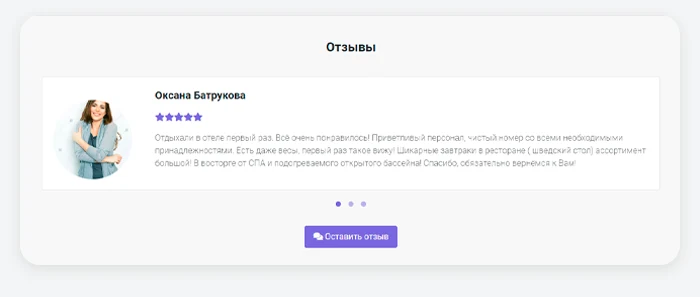
Reviews
The reviews section enhances visitor trust. It is recommended to ask real guests to share brief impressions of their stay. Avoid posting fake reviews, as inauthentic content is easily detected.
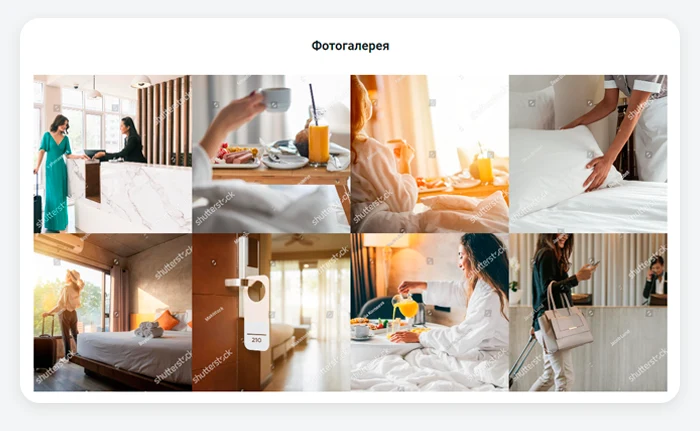
Photo Gallery
Place real photos of interiors and staff at work. Guests need to see clean, well-maintained rooms with a full set of amenities.
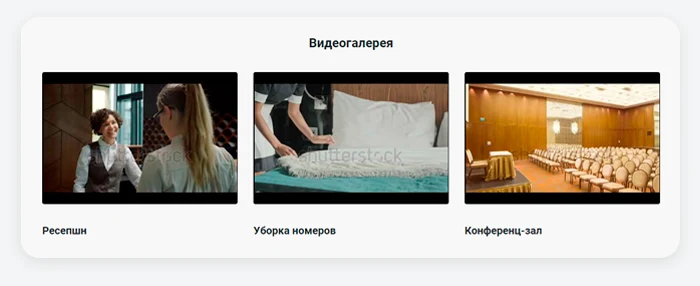
Video Gallery
Enables placement of video content showcasing room interiors, allowing potential guests to virtually tour the property before visiting. The feature also supports uploading videos of staff at work.
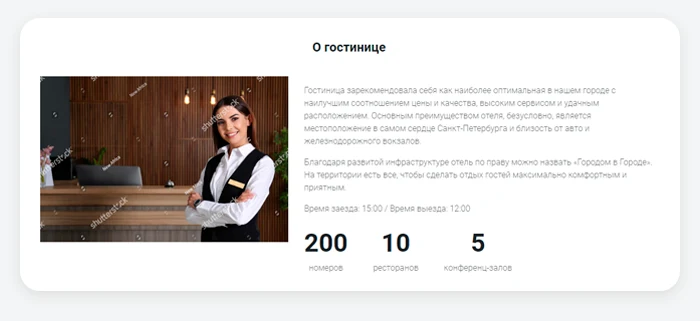
The 'About the Hotel' section is designed to share the hotel's history, describe core operating principles, and list key performance indicators. It supports publishing a photo or video message from the manager, as well as a group photo of the team.
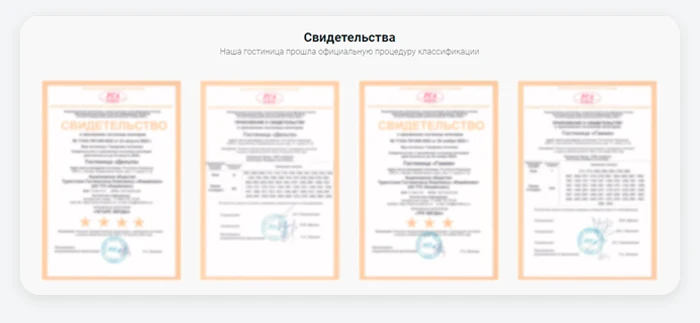
Certificates section
Allows uploading all legal documents verifying the legitimacy of operations. This helps clients confirm official status and compliance with certification requirements. The section also supports displaying employee diplomas, awards, or professional certifications.
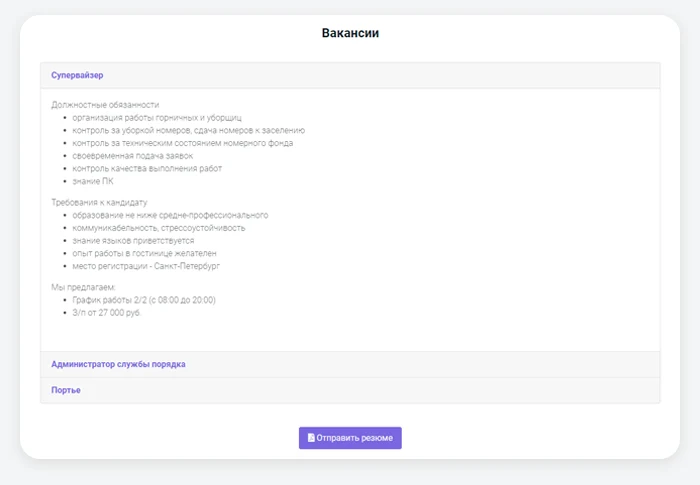
The vacancies section is designed for publishing information about open positions in hotels, guest houses, holiday bases, hostels, or sanatoriums. It allows you to provide detailed job descriptions, candidate requirements, and working conditions. Interested applicants can submit their resumes using the built-in contact form.
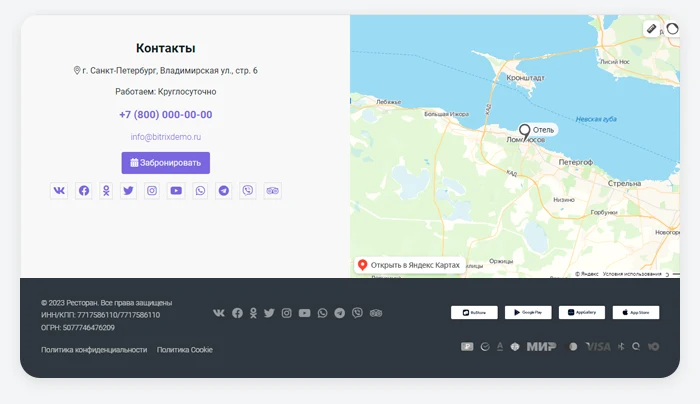
Contact section with map and site footer
In the contact section, provide a phone number or other contact methods. Add the physical address and an interactive map with geolocation. Optionally, you can integrate a contact form.
In the footer, display available payment methods. If the hotel has its own mobile applications, include links to them in the App Store, Google Play, or Huawei AppGallery. Also list the organization's details and links to the Privacy Policy and Cookie Usage policy.
Ensure your hotel, guest house, resort, hostel, or sanatorium website makes it easy and fast for clients to get in touch.
General iT can prepare “Ready-made one-page website: Hotel, guesthouse, guest house, resort base, hostel, sanatorium” for production, configure its main settings and adapt it to the website requirements.
UPDATE HISTORY
What’s new
7 releases
1.0.7 (26.06.2026)Latest update
Scheduled update
1.0.6 (03.03.2026)
Scheduled update
1.0.5 (10.10.2025)
Minor changes
1.0.4 (21.02.2025)
Demo data update
1.0.3 (12.04.2024)
Minor changes
Quality monitoring improvements
The solution installation wizard now includes a check for installed additional modules
1.0.2 (21.08.2023)
Fixed privacy and cookie files in the installation wizard; added the 'Organization Name' attribute
The module enables placing an online booking widget from the YCLIENTS service on a website. YCLIENTS is a platform for booking automation and business management in the service industry. Clients can book services directly via the widget on the website. The platform also supports employee payroll calculation, automated notification dispatch, as well as inventory and financial accounting.
This module enables the deployment of a placeholder page when public access to a website is temporarily restricted. All necessary settings are managed through the administrative panel.
The administrator specifies the website launch date. Once this date arrives, the system automatically activates public access. The placeholder page displays a countdown timer until the launch.
Ready-made single-page website template for restaurants, cafes, anti-cafes, coffee shops, hookah lounges, bars, catering services, and clubs. Designed for quick deployment of a business presentation with basic functionality.
The RentRabbit showcase module is designed for managing the rental of audio, video, and sound equipment on the RentRabbit cloud platform. The component integrates directly with your RentRabbit account, enabling the addition of product booking functionality to your website. This allows you to transform your site into a catalog where customer requests are received and processed in real time.
Current versions: 26.0.3 (global update of the main page slider with AI integration) and 26.0.2 (global update of the product card).
The built-in constructor enables unique design. Users have access to 15 ready-made color schemes and the option to create a custom one.
The displayed price covers the solution itself. Platform licensing, installation and customisation are checked separately. If the page offers bundles, select the required option before submitting a request.
How do I check compatibility?
Compare the supported editions and solution version in the technical details with your project. Before installing on a live website, we recommend making a backup and checking the solution in a test environment.
Is there a trial?
The developer lists a trial of 14 days. The trial button opens the installer in your website control panel. Check the required features and compatibility before purchasing.
How much does this solution’s renewal cost?
The current renewal price is 3,745 ₽. Before you order, a manager will confirm the renewal period and whether it applies to your licence.
Can you help with implementation?
We can help launch a website using the selected template, agreeing on its structure, content migration and integrations. The schedule and cost depend on the project and are quoted separately.
Your cookie choices
Necessary cookies support sign-in, your cart and security. Optional analytics helps improve the website and starts only with your permission.
Our metrika.git.ru system: public pages, a random identifier, device and interaction events. Form contents, account and payment pages are excluded. Raw events: up to 90 days. Operator: General IT Rus LLC, INN 2310208877.
Your browser requests no tracking: analytics is off.