Dubovoi: Pixel version 3.0.0
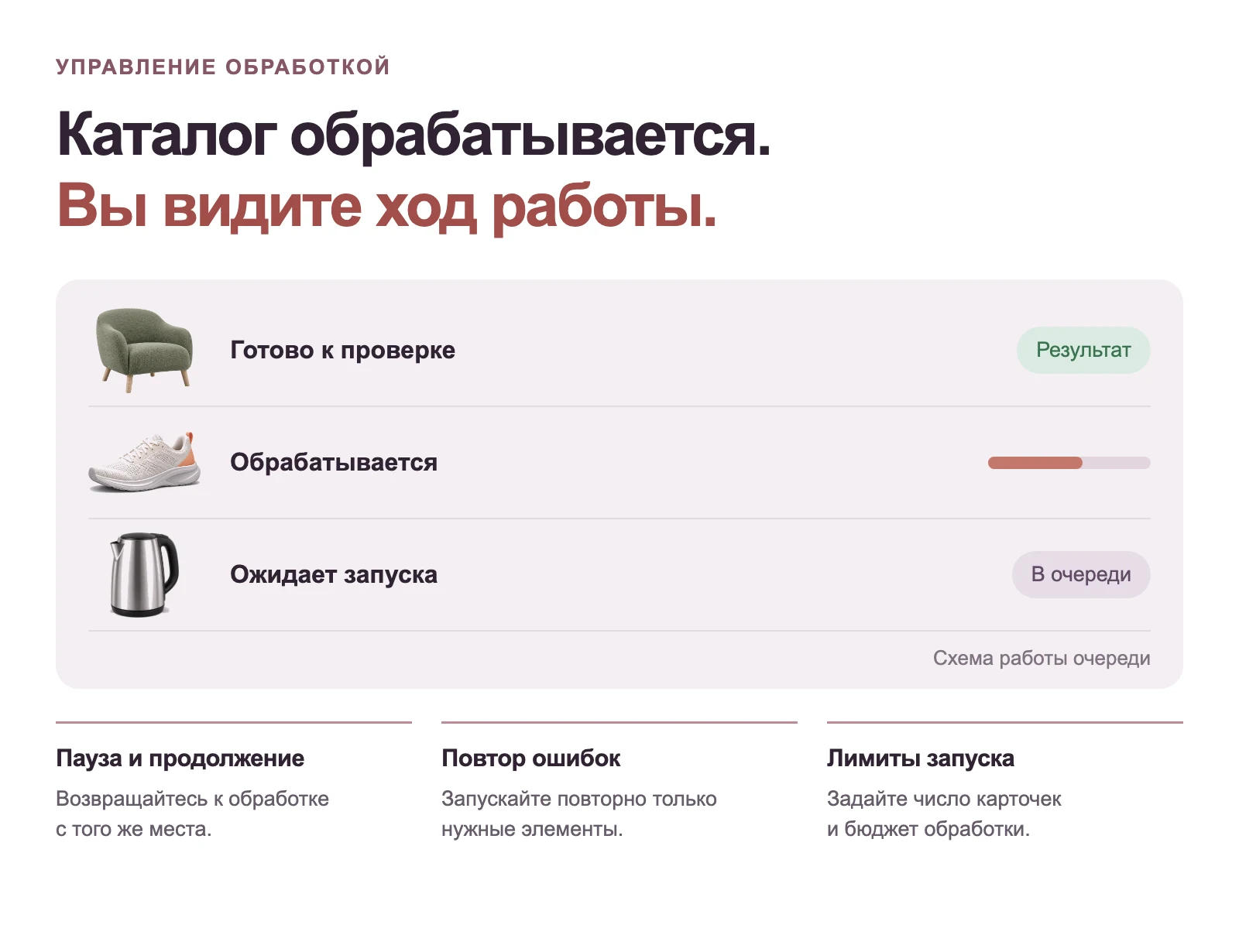
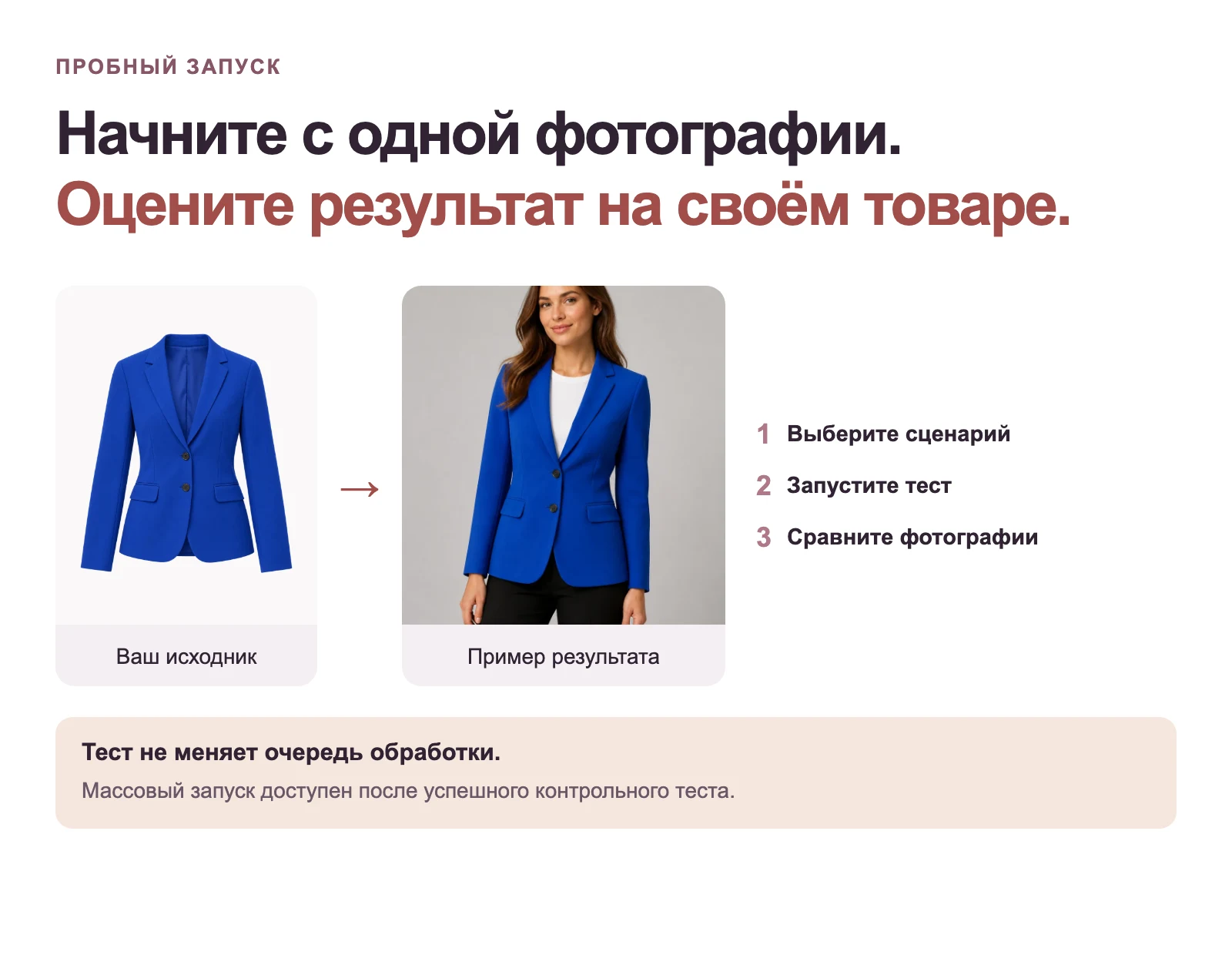
Pixel now features a unified OpenAI-first image processing scenario: the administrator assembles a sequence of actions, immediately sees the number of requests and budget, verifies the result on a single product, and only then starts the queue.
What's new:
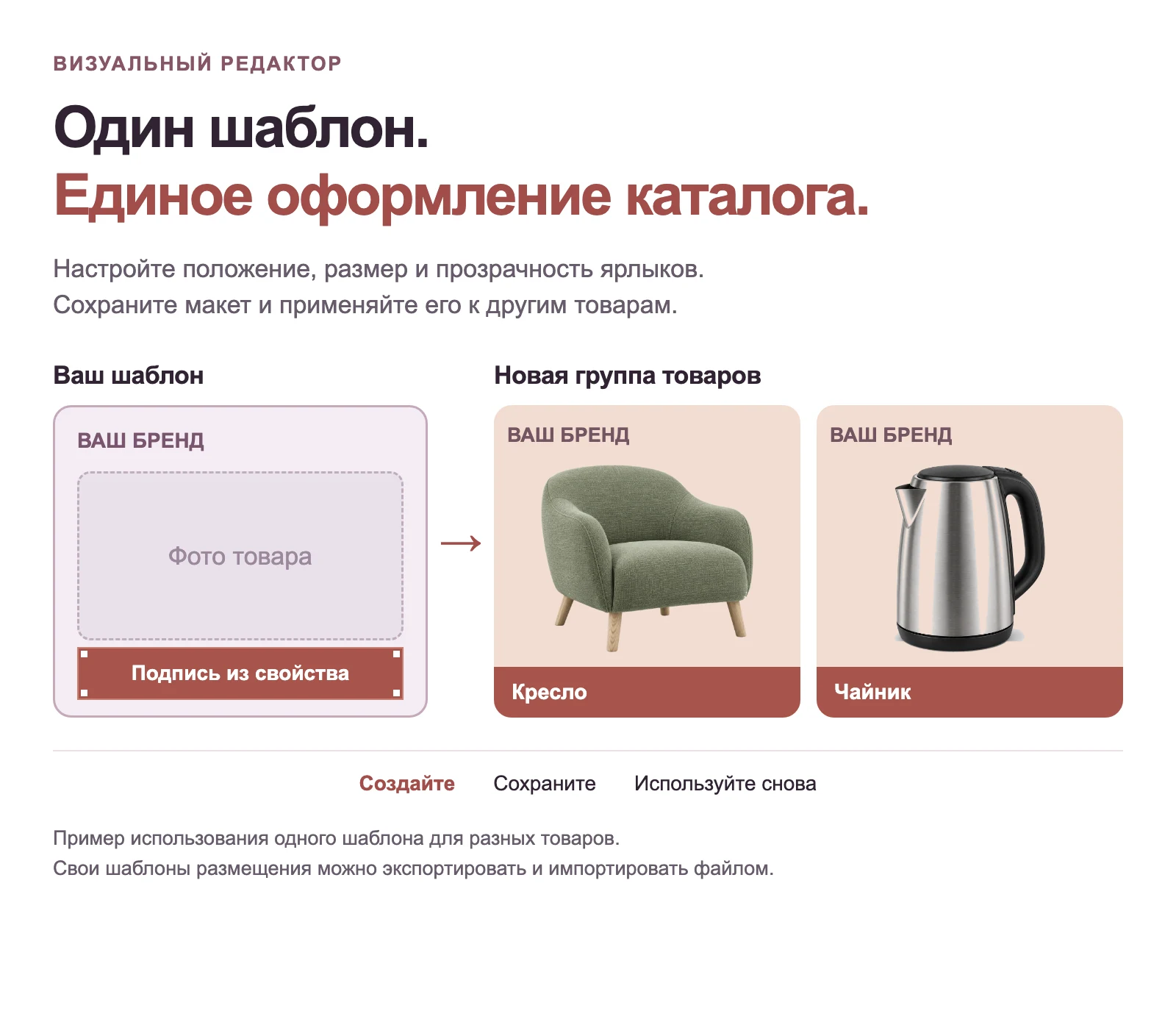
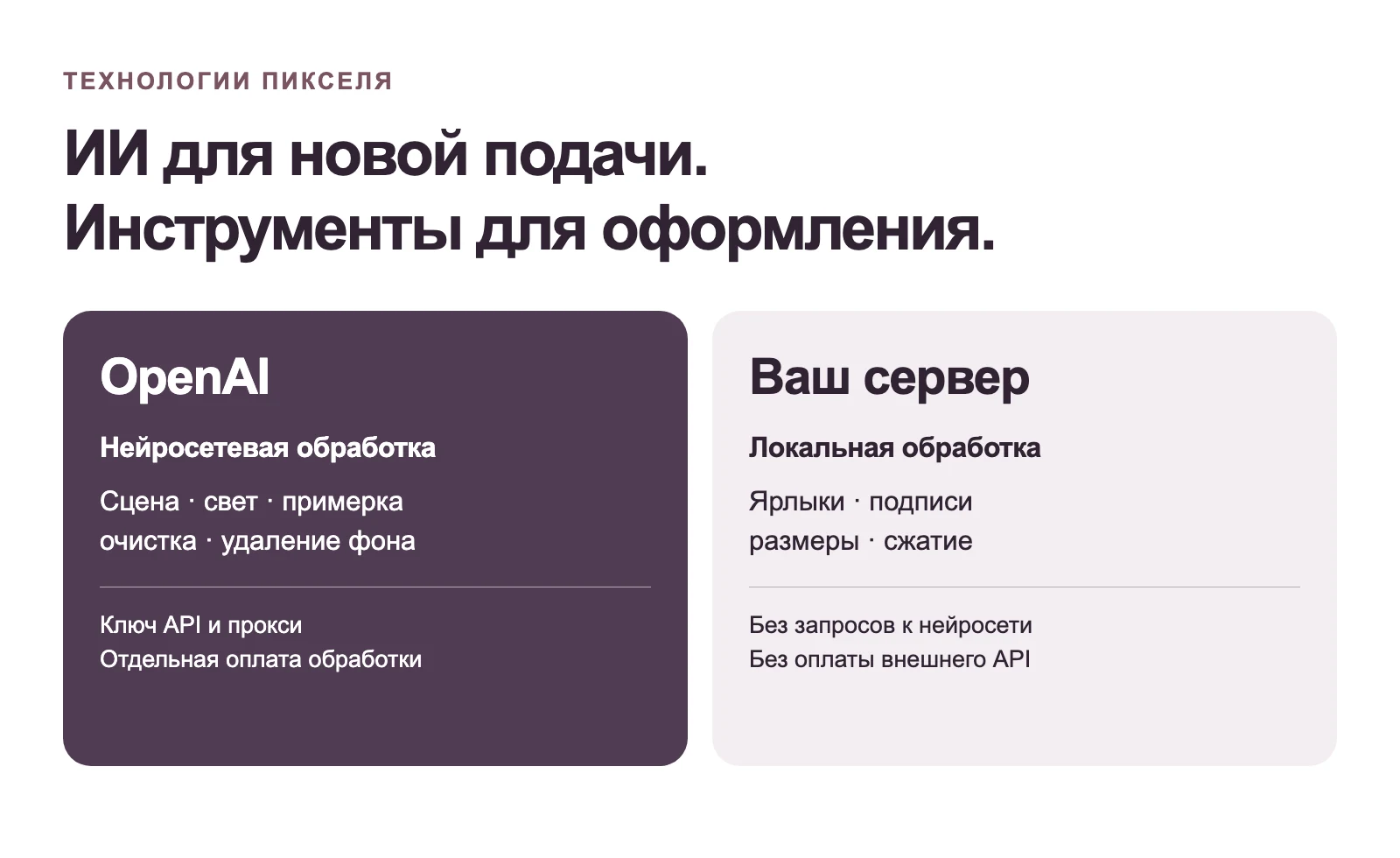
- OpenAI chains have been added for removing extraneous text, improving lighting, creating scenes, displaying products on models, and AI background removal with transparency and adjustable padding.
- Lighting and scene are combined into a single request, and when trying on, requirements for lighting and environment are added to the final product placement request.
- Backgrounds and model images can be regenerated or randomly selected from a pre-verified library.
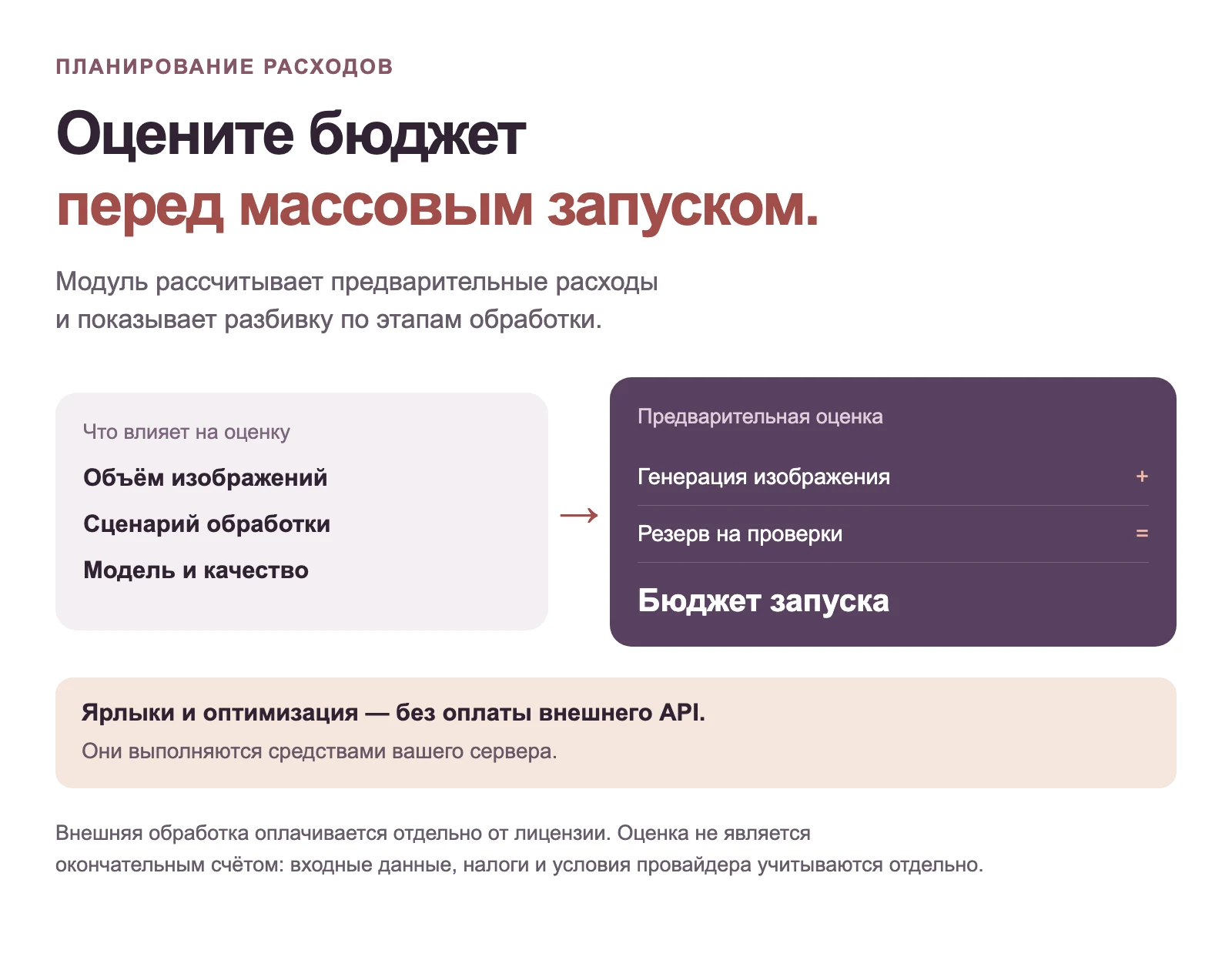
- Settings and the queue now include cost calculation per result and for mass execution based on the official tariffs of the selected model.
What's improved:
- For scenes and backgrounds, the module restores the original product pixels based on the mask to avoid altering geometry, color, labeling, or details of the item being sold.
- Chain parameters are displayed only for selected actions; incompatible combinations are blocked until execution.
- Actual OpenAI costs account for text, input graphics, cached, and output tokens from usage; preliminary budgets use a conservative orientation price.
- Paid requests are not automatically retried on connection loss: indeterminate results are routed for manual verification and separately marked in telemetry.
- The control center, Russian documentation, responsive layout, and tooltips for standard settings mode have been updated.
Why it's important to update:
- One chain replaces several scattered settings and helps reduce the number of paid OpenAI calls.
- The mass processing budget is visible before execution, and actual expenses are recorded after each API response.
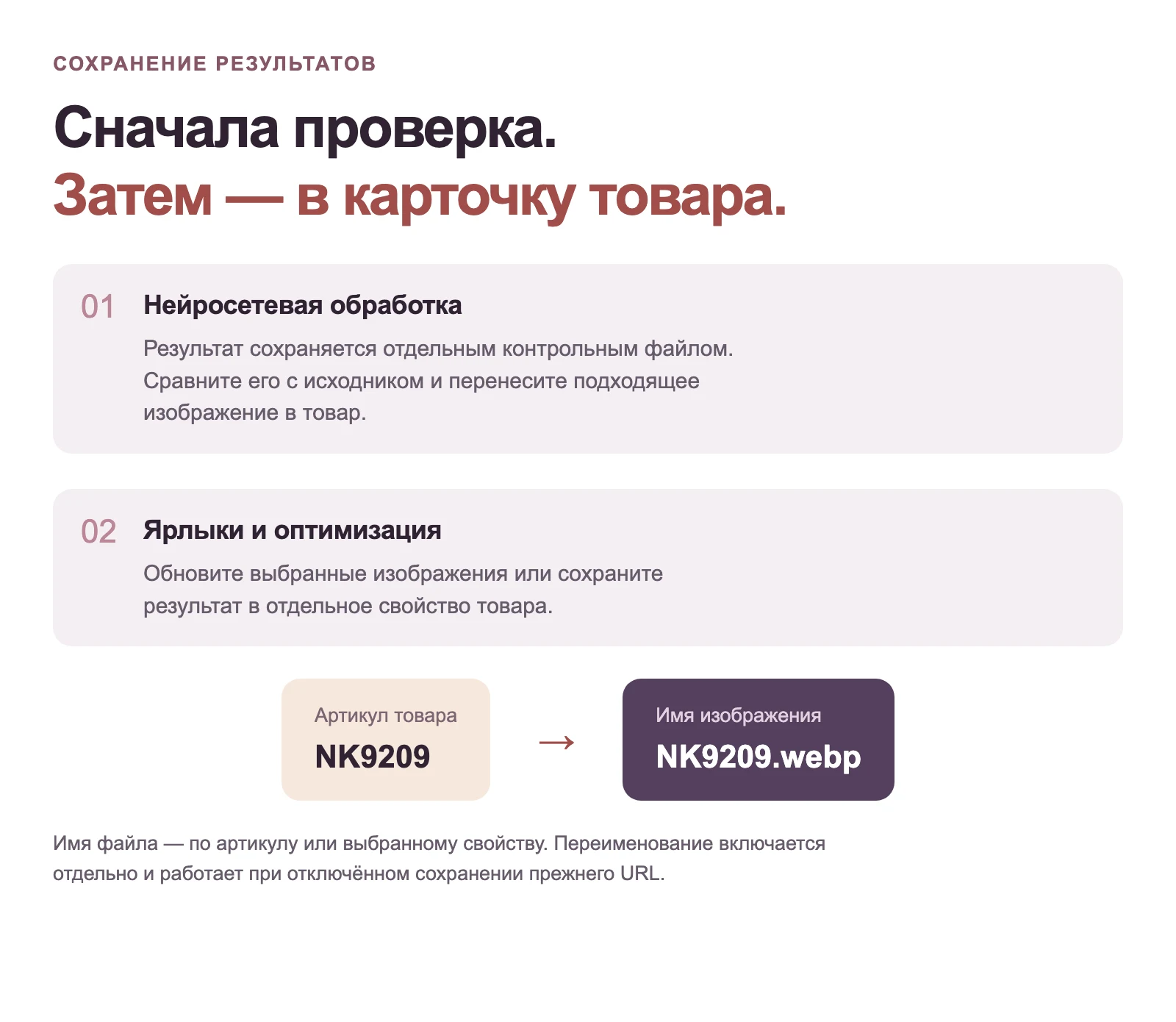
- Dangerous generative results do not overwrite the original image and require confirmed manual product verification.
What to do after updating:
- Open "Settings → Connections" and verify the OpenAI key and the required proxy.
- On the "Processing" tab, select a ready-made scenario or define a chain, then verify the displayed request plan.
- Run a test on a single image, visually compare the product with the original, and only then form the mass queue.