The site is not accessible to everyone: check IPv4 and IPv6 separately via curl
Two comparable requests help reveal differences in network paths, HTTP responses, and HTTPS errors without changing DNS or server settings.

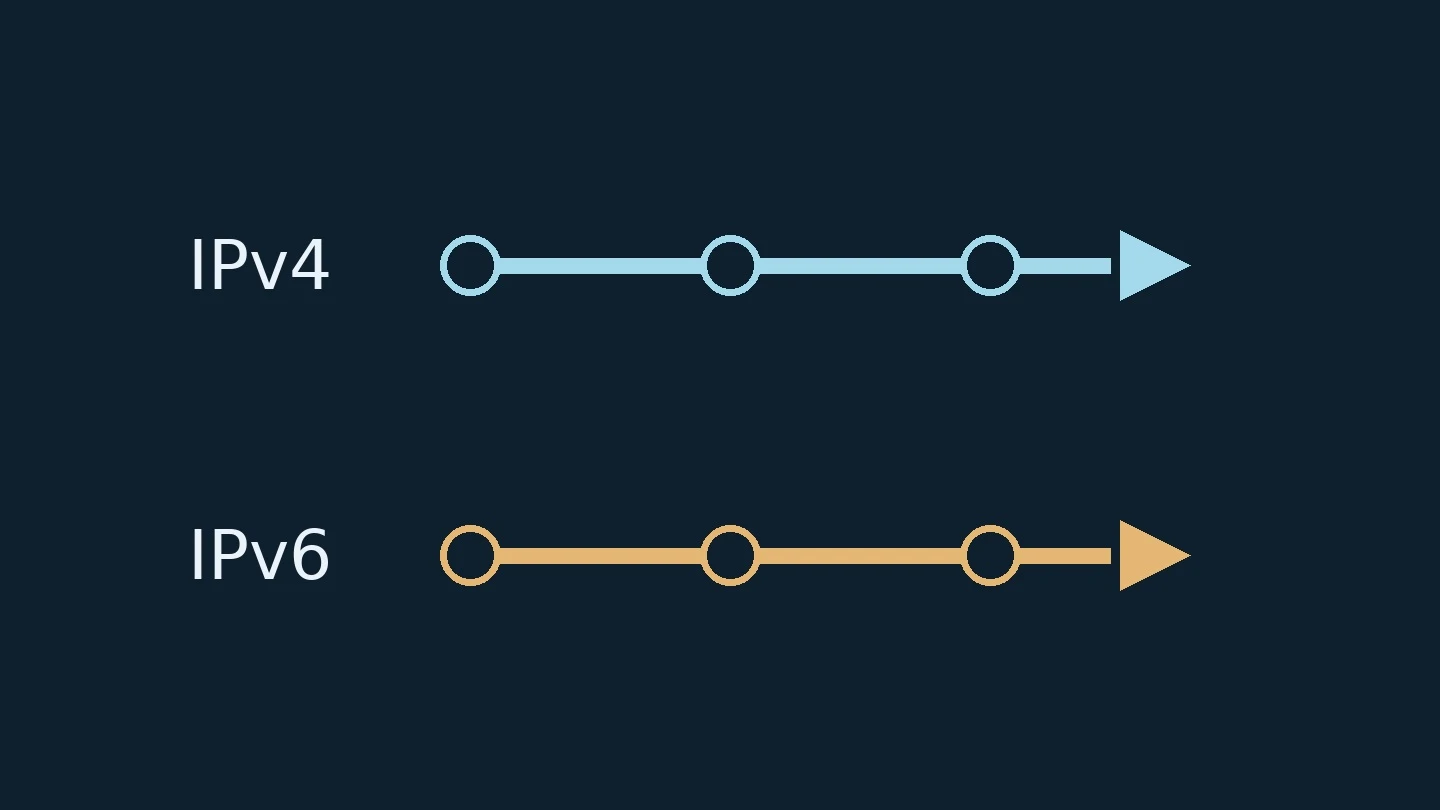
In this article
Одна сеть открывает сайт сразу, другая ждёт и выдаёт ошибку. При этом обычный запрос с сервера мониторинга успешен. Среди возможных причин есть различие путей IPv4 и IPv6. Чтобы проверить эту гипотезу, нужно выполнить два отдельных запроса к одному имени и сохранить результат каждого.
Инструкция рассчитана на Ubuntu 24.04 LTS и curl 8.5.0 с поддержкой IPv6. Документация сверена 27 сентября 2026 года. На локальных временных HTTP-серверах отдельно проверены выбор IPv4 и IPv6, получение кода 200 и вывод адреса соединения. Это проверка синтаксиса и двух локальных соединений; внешний DNS, маршрутизация и HTTPS таким тестом не подтверждены.
Подготовьте сопоставимые условия
Нужна установленная утилита curl, обычная командная строка и разрешённый сетевой доступ. Права администратора не требуются. Выберите небольшую публичную HTTPS-страницу своего сайта, чтение которой не меняет данные. Не используйте адрес оплаты, выхода из аккаунта, подтверждения заказа или административного действия.
В командах TARGET_URL — заглушка для полного адреса выбранной страницы. Замените её до запуска и сохраните кавычки. Используйте один и тот же адрес с доменным именем: подстановка IP вместо имени меняет условия проверки HTTPS. Не добавляйте пароли, персональные данные и секретные параметры.
До сравнения уточните наличие корпоративного прокси. Через посредника соединение утилиты может проверять адрес прокси, а разрешение имени назначения — выполняться иначе. Для проверки двух путей именно до сайта нужна разрешённая среда с понятной схемой подключения. Не отключайте обязательный прокси ради эксперимента; при таком ограничении передайте задачу сетевому администратору.
Выполните запрос по IPv4
curl -q -4 -sS -o /dev/null --connect-timeout 10 --max-time 20 -w 'code=%{http_code} peer=%{remote_ip}\n' "TARGET_URL"
Первый параметр -q исключает неявные настройки из пользовательского файла конфигурации curl. Это не отключает переменные среды прокси. Параметр -4 ограничивает разрешение имени адресами IPv4. Тело ответа отбрасывается в /dev/null, ошибки остаются видны. На установление соединения отведено 10 секунд, на весь запрос — 20.
Команда выполняет обычный запрос чтения страницы и не следует перенаправлениям автоматически. Она создаёт реальное обращение к приложению, поэтому достаточно нескольких ручных проверок. Для объёмной выгрузки или нагрузочного теста этот пример не предназначен.
Повторите по IPv6
curl -q -6 -sS -o /dev/null --connect-timeout 10 --max-time 20 -w 'code=%{http_code} peer=%{remote_ip}\n' "TARGET_URL"
Изменился только выбор семейства адресов: используется -6. Сохраните вывод, сообщение об ошибке, время и точку проверки. Поле peer показывает адрес установленного соединения. Поле code содержит полученный HTTP-код; значение 000 при неудаче не является ответом сервера с кодом HTTP 000.
Если IPv6-запрос не удался, ещё рано обвинять сервер сайта. В выбранной среде может не быть маршрута IPv6, для имени может отсутствовать подходящий адрес, а ошибка может возникнуть при соединении или проверке сертификата. Точное сообщение помогает выбрать следующий уровень исследования.
Сравните ответы, а не только факт открытия
Учебная ситуация: IPv4 возвращает 200, а IPv6 — ошибку сертификата. Это подтверждённое различие двух запросов из одной точки. Оно ещё не устанавливает, какой узел настроен неверно: дальше проверяют адреса, путь к обслуживающему узлу и сертификат для исходного имени. Отключать проверку сертификата ради одинаковых цифр нельзя — такое действие уберёт часть проверяемого условия.
Другой вариант: оба запроса получили HTTP-ответ, но один вернул 301, а другой 200. Сначала выясните ожидаемую конфигурацию перенаправления. Само наличие ответа по обоим семействам не доказывает одинаковое поведение сайта. В то же время перенаправление не является сетевым отказом.
Обычный клиент способен пробовать несколько адресов и выбирать успешно установленное соединение. Механизм Happy Eyeballs, описанный в RFC 8305, уменьшает задержку при различной доступности семейств адресов. Поэтому успешное открытие в браузере не означает, что оба пути исправны. Раздельные запросы нужны именно для проверки этой скрытой разницы.
Что передать для исправления
В отчёте должны остаться одно исходное имя, две команды с одинаковыми ограничениями, адреса соединений, HTTP-коды или точные ошибки, время и сеть проверки. Если доступна другая разрешённая сеть, повтор там поможет отделить локальное ограничение от более широкого отказа, но это отдельное наблюдение.
Результат диагностики — установленное различие: какой путь, из какой точки и на каком этапе не проходит. Удаление IPv6-записи, смена сетевых правил или отключение защиты из него автоматически не следуют. Решение принимают после подтверждения причины, а затем повторяют те же два запроса.
One site loads immediately, while another waits and returns an error. Yet a standard request from the monitoring server succeeds. Among the possible causes are differences between IPv4 and IPv6 routing paths. To test this hypothesis, perform two separate requests to the same hostname and save the result of each.
This guide is designed for Ubuntu 24.04 LTS and curl 8.5.0 with IPv6 support. Documentation verified on September 27, 2026. On local temporary HTTP servers, IPv4 and IPv6 selection, the 200 status code, and connection address output were tested separately. This validates syntax and two local connections; external DNS, routing, and HTTPS are not confirmed by this test.
Prepare comparable conditions
The curl utility must be installed, along with a standard command-line interface and permitted network access. Administrator privileges are not required. Select a small public HTTPS page on your site that does not modify data when read. Do not use payment addresses, logout links, order confirmation pages, or administrative actions.
In the commands, TARGET_URL is a placeholder for the full address of the selected page. Replace it before running and preserve the quotes. Use the same address with the domain name: substituting an IP address for the hostname changes the HTTPS verification conditions. Do not include passwords, personal data, or secret parameters.
Before comparing, verify the presence of a corporate proxy. Through an intermediary, the utility's connection may check the proxy address, while name resolution for the destination may proceed differently. To verify both paths specifically to the site, a permitted environment with a clear connection scheme is required. Do not disable the mandatory proxy for experimentation; under such constraints, delegate the task to a network administrator.
Execute the request via IPv4
curl -q -4 -sS -o /dev/null --connect-timeout 10 --max-time 20 -w 'code=%{http_code} peer=%{remote_ip}\n' "TARGET_URL"
The first parameter -q excludes implicit settings from the user's curl configuration file. This does not disable proxy environment variables. The parameter -4 restricts name resolution to IPv4 addresses. The response body is discarded in /dev/null, while errors remain visible. The connection timeout is set to 10 seconds, and the total request timeout is 20 seconds.
The command performs a standard page read request and does not follow redirects automatically. It creates a real application call, so only a few manual checks are needed. This example is not intended for bulk data export or load testing.
Repeat via IPv6
curl -q -6 -sS -o /dev/null --connect-timeout 10 --max-time 20 -w 'code=%{http_code} peer=%{remote_ip}\n' "TARGET_URL"
Only the address family selection has changed: -6 is used. Save the output, error message, timestamp, and check point. The peer field shows the address of the established connection. The code field contains the received HTTP status code; a value of 000 on failure is not a server response with HTTP status code 000.
If an IPv6 request fails, it is too early to blame the website server. The selected environment may lack an IPv6 route, the name may have no suitable address, or the error may occur during connection or certificate verification. The exact message helps determine the next level of investigation.
Compare responses, not just whether the site opens
Training scenario: IPv4 returns 200, while IPv6 returns a certificate error. This confirms a verified difference between two requests from the same point. It does not yet establish which node is misconfigured: further checks involve addresses, the path to the serving node, and the certificate for the source name. Disabling certificate verification to achieve matching numbers is not allowed; such an action removes part of the condition being tested.
Another scenario: both requests received an HTTP response, but one returned 301 and the other 200. First, determine the expected redirect configuration. The mere presence of a response for both address families does not prove identical website behavior. At the same time, a redirect is not a network failure.
A typical client can try multiple addresses and select the successfully established connection. The Happy Eyeballs mechanism, described in RFC 8305, reduces latency when address families have varying availability. Therefore, a successful browser connection does not mean both paths are functional. Separate requests are needed specifically to verify this hidden difference.
What to send for a fix
The report must retain one original hostname, two commands with identical constraints, connection addresses, HTTP codes or exact errors, timing, and the test network. If another permitted network is available, repeating the test there helps distinguish a local constraint from a broader failure, but that is a separate observation.
The diagnostic result is an established difference: which path, from which point, and at which stage failed. Removing an IPv6 record, changing network rules, or disabling protection does not automatically follow. A decision is made after confirming the cause, followed by repeating the same two requests.


Discussion 0
Share your experience and ask questions. Comments without links appear after editorial review.
No comments yet. Start the discussion.